A CRM report for marketing should answer one question: which campaigns brought in real deals. In most small companies nobody can answer it quickly, because the clicks live in the ad platform and the signed contracts live in the CRM. Between the two sits a person with a spreadsheet and a Friday afternoon.
The work nobody wants
It goes the same way every time. Someone downloads an export from Sklik, then from Google Ads, then from Meta ads. Each has different columns, different campaign names and different date formats. Then they open the CRM, export leads and deals, and start matching them by email, by phone number, or by the link parameter, if anyone remembered to set it.
The result is a spreadsheet that stays correct until a salesperson moves a deal to the next stage. Next month it gets built again from scratch. Meanwhile the budget is decided on whatever is easiest to see: cost per click and number of leads. The money in the bank never makes it into the calculation.
The campaign with the cheapest leads produced not one signed contract in a whole quarter. We only found out at the quarterly review.
— A quarterly review, illustrative scene
What connected actually means
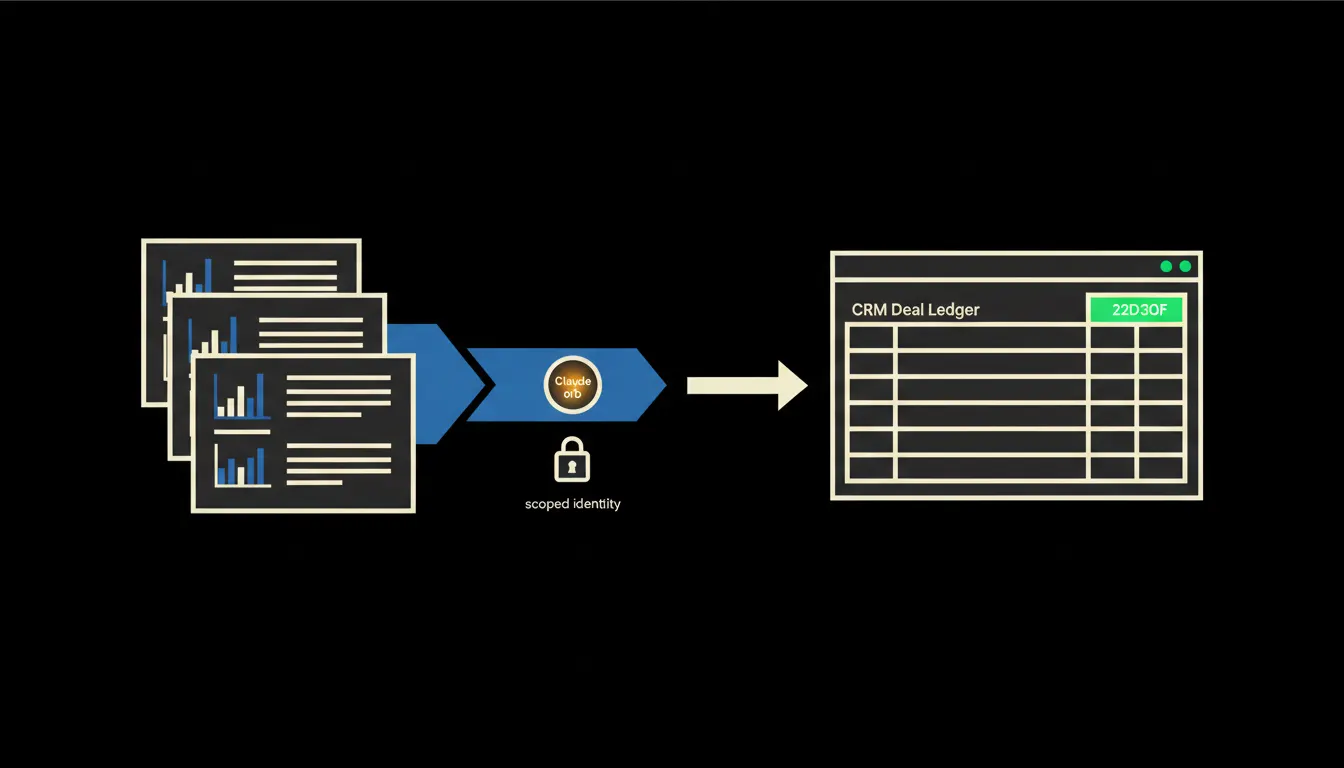
Claude knows nothing about your campaigns on its own. It needs a bridge. That bridge is a small MCP server, a narrowly focused program that reads only what the report needs from the ad platform and the CRM: campaigns, spend, leads, deal stages and deal values.
What matters is whose eyes the bridge reads with. The MCP server carries the identity of the person asking. A marketer sees the campaigns and deals the CRM already shows them, and sees deal margins only if they can see them today. Nothing is copied anywhere and no new exports appear. It all runs on your own infrastructure, and every question lands in a single audit trail.
Concretely: Sklik, Google Ads and Raynet
Nothing the company already uses changes. Ads keep running in Sklik and Google Ads, and sales keeps working in Raynet or whichever CRM you have. The only addition is the bridge. For a company with three to five campaigns a month and a few dozen leads, this is a small project, roughly a handful of MCP tools (an illustrative estimate).
- Pulls spend and clicks per campaign from the ad platforms for the chosen period.
- Matches each lead in the CRM to the campaign it came from, using UTM parameters, lead source and creation date.
- Finds which leads turned into signed deals and what they were worth.
- Works out the cost per real deal for each campaign and flags leads with no source.
- Saves the report as a skill, so anyone on the team can run it next Monday with one sentence.
Picture a small company in Brno that sells and installs window shading. Marketing is one colleague on a half-time contract. Instead of half a day of exports, she types: show me last quarter's spend and signed deals by campaign. A moment later she has the table, with a short note underneath on where leads are getting stuck. The example is illustrative, but small companies do exactly this kind of work by hand every month.
What AI reporting will not do, and why that is good
The bridge will not decide where to move the budget. It will show that one campaign brings few enquiries but expensive deals, and another brings plenty of enquiries that sales never closes. What to do about it is a judgement for the marketer and the owner. Brand, seasonality and the relationship with a key customer are not in the data.
Nor will it fix bad data. When a salesperson leaves the lead source empty, the report says so plainly and counts how many such leads there are. For the first time you can see where information goes missing along the way. And because Claude reads only with your permissions and writes nothing without approval, you never have to trust it blindly. You can check it.
What it would take
Not a year-long project. It starts with a short call about which ad platforms and which CRM you use, and which question you want answered. Then we build an MCP server that reads both sources with each user's identity, deploy it on your own cloud, and save the first report as a shared skill for the whole team.
What is left
The model is not the bottleneck. Claude adds up spend and matches leads faster and more carefully than anyone on a Friday afternoon. The bottleneck is the gap between Claude and the data your company already has, split between the ad platform and the CRM. We close that gap.
If you want to know which campaigns you are only paying for and which ones actually earn you money, write to us. A short call is enough, and we will tell you what connecting them would take in your company.