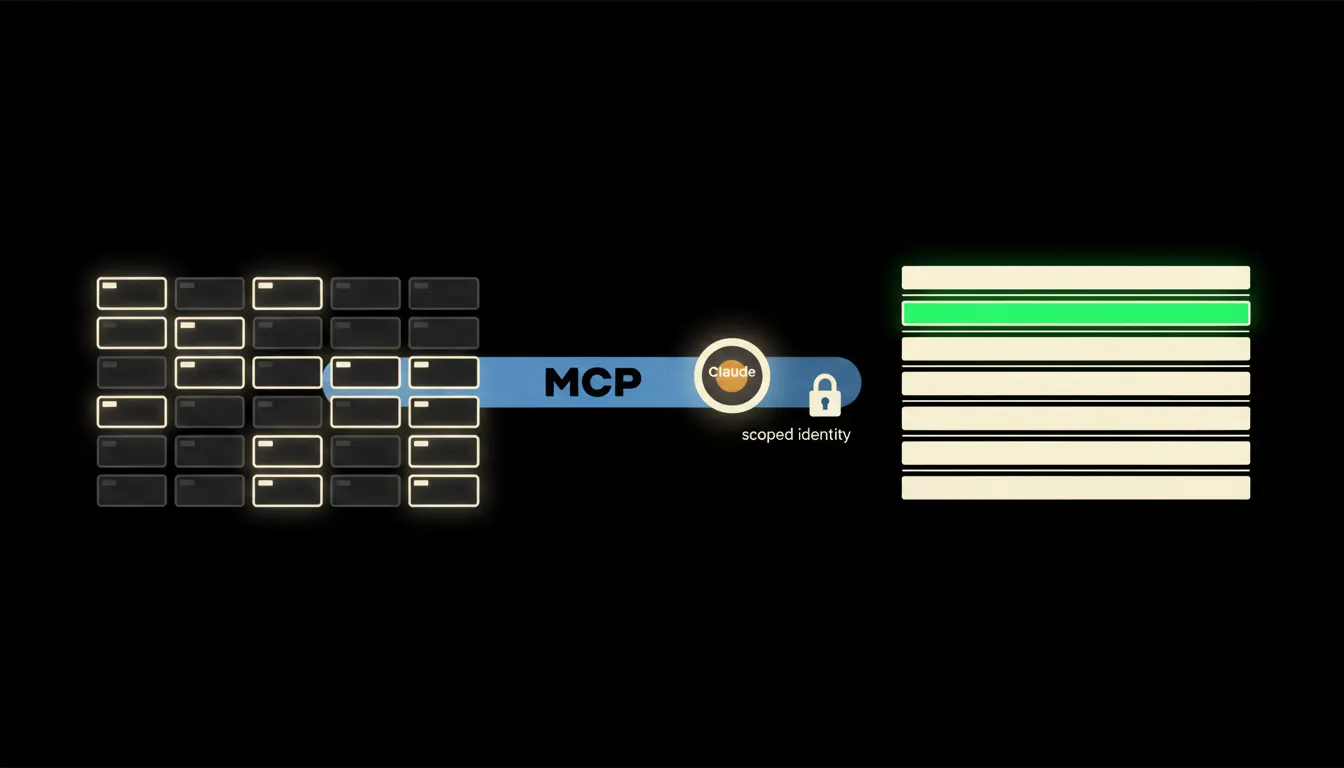
Search for "mcp server list" and you get a catalogue that grows every week. Weather servers, game servers, chart servers. Inside a company, three to five of them matter: the ones that lead to the data your people touch every day. This is about how to tell them apart.
The work nobody wants
The question is rarely complicated. How much did that client pay us last year. What exactly did we promise in the March proposal. Did the last campaign work. The answer exists. It sits in four different systems and nobody has access to all of them.
So it gets pieced together by hand. Someone opens the accounting system, someone searches mail, someone asks the colleague who was there at the time. Twenty minutes later there is an answer, and next week the same question comes back. That is not a model problem. Claude would answer in seconds if it had somewhere to look.
We have the answer. We just click our way back to it every week.
— An operations meeting, abridged
What an MCP server actually is
MCP is the open protocol Anthropic published in November 2024 to describe one thing: how an assistant reaches into the system where the data actually lives. An MCP server is a small translator. On one side it speaks the language of your accounting system or your CRM. On the other it offers Claude a short list of named operations: find this invoice, return this contact, list the orders from last month.
What it does not do matters more. Your data is not copied into a vendor cache. The server has no universal login of its own. It carries the identity of the person asking. An accountant sees every invoice through it, a sales rep sees their own deals, a summer intern sees nothing extra. One server, one system, one clearly bounded scope.
Concretely: where companies start
The order is not random. The first system to connect is the one people open most often and enjoy least. For most Czech companies the shortlist looks like this:
- Drive and documents. Google Drive or SharePoint, where proposals, contracts and decks live. The first question is usually what exactly did we send this client.
- Mail and calendar. Mostly for tracing who confirmed what, and when.
- Accounting and invoicing. Pohoda, Fakturoid, ABRA. Revenue, due dates and payment history come from here.
- CRM and the sales pipeline. Raynet, HubSpot, in smaller firms a spreadsheet. Deal status and account ownership come from here.
- Internal databases. Stock, an e-shop running on Shoptet, production records. The most numbers, and the least appetite for manual exports.
Illustratively, in a small team: a three-person agency connects drive and mail first. The question of what was promised to a client in March and what was invoiced for it stops being a twenty-minute hunt and becomes one answer with a link to the actual document. Accounting follows a month later, once people have got used to it.
What is still only a nice demo
Catalogues are full of servers that demo beautifully and solve nothing at work. Weather. Browser control. A test server that does everything and nothing. Access to local files on one laptop. They are fine for learning. As company infrastructure they are not, because they have no identity, no audit trail, and they stop working the week their author goes on holiday.
The test is short. Does the server read data only some people should see? Does it know who is asking? Is there a record afterwards? Does it run on your infrastructure, or on someone else's? If any answer is vague, it does not belong in the company yet. That limit is also why the pattern works: a server that carries the name of the person asking can safely be pointed at sensitive data.
What it would take
No year-long project. Pick the system people search most, build a read-only server for it, and use it for real for a few weeks. Once it is clear what people actually ask, add writing and the next system. All of it runs in your cloud, under your logins, with one audit trail. The routines a team works out along the way can be saved as shared skills, so a colleague has them the next morning.
What is left
The model is not the bottleneck. The gap between Claude and the data you already have is the bottleneck. A list of MCP servers only becomes useful the moment you pick the four that lead to your own numbers.
Decisions, approvals and signatures stay with a person. The server only shortens the path to the evidence. If you want to know which system would be connected first at your company, write to us. A short call is enough to tell you whether it makes sense.