Monday morning. The HR manager has four emails in her inbox, all asking the same question: what happens to the net salary if we reduce this person's contract to eighty percent? The answer exists in the payroll system. But only the payroll accountant has access — and she works for three other companies today.
The work nobody volunteers for
A payroll recalculation is not a complicated computation. It does require access to specific data: current gross salary, contract type, insurance rates, any deductions. That data is in the system. But the system is locked behind roles, passwords, and — in many companies — a single person who knows how to operate it.
The result is an asymmetry: the HR manager has the authority to make changes but not the tool to quickly verify their impact. Every question goes by email, gets an answer a day or two later, and in the meantime a decision gets delayed or estimated by feel. In a small company no one tallies this as a loss — but it is a real one.
I called the accountant on Wednesday. She replied on Friday. The contract went for signature the following Tuesday. Four days for a single number.
— HR director, manufacturing company, 120 employees — illustrative example
What this pattern actually means
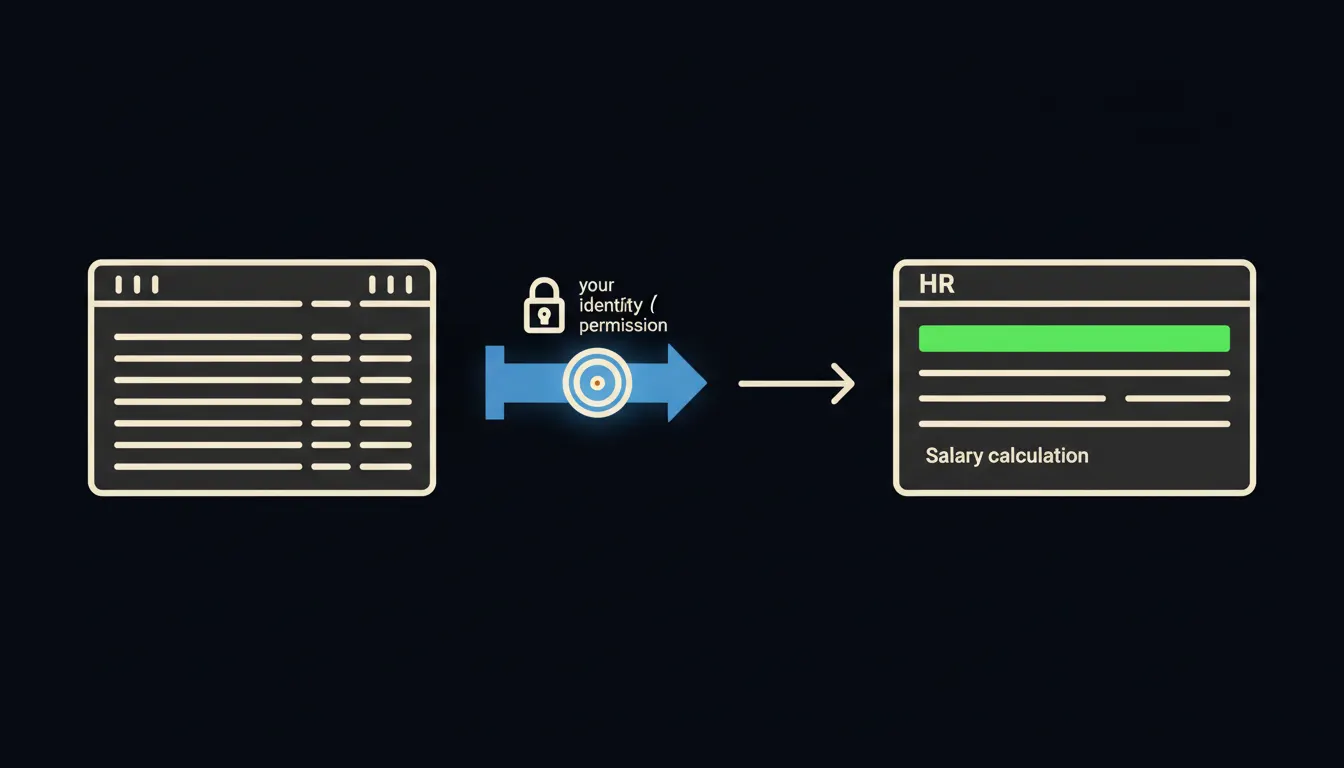
AI stack builds one small MCP server between your payroll system and Claude. That server reads the data — salary rates, contract types, bonus history — and passes it to Claude in the context of a specific question. It carries your identity: Claude sees exactly what you would see if you had direct access to the system. Nothing more, nothing less.
The data from Pohoda or Pamica never leaves your environment. It does not get duplicated into a third-party cloud account. The MCP server runs on your infrastructure — your cloud or your server — and communication is direct. No copy, no vendor cache.
Specifically: Pohoda or Pamica
Pohoda by Stormware is the most widely used accounting software in Czech SMBs. Its payroll module holds exactly the data an HR manager needs: gross salaries, contract types, contribution rates, bonus and deduction history. Pamica — also by Stormware — is popular with external payroll accountants. Companies using it typically have no direct access at all. An MCP server can act as a read-only bridge to both systems — the data stays in the Pohoda or Pamica database, and Claude reads it on demand.
- The HR manager types: "What would Novak's net salary be at 0.8 FTE with the current rate?" — Claude replies with a figure and breakdown in under thirty seconds.
- A line manager asks: "What is the total payroll cost for the support team if we raise rates by five percent?" — Claude produces the overview without anyone exporting a spreadsheet.
- HR prepares a job posting: "What is the median salary for an Account Manager in our company?" — the answer comes directly from your data, not from memory.
- The CEO asks before a board meeting: "How does payroll cost break down by cost centre?" — Claude assembles last quarter's picture on the spot.
In practice, an HR team in a similar company today sends roughly eight to ten internal payroll queries a week. Each query takes around half an hour end-to-end — drafting, sending, waiting, processing the reply, possible follow-up. Once Claude is connected to the payroll system, most of these queries get answered immediately. That time returns to the people currently spending it waiting.
What a payroll-connected Claude will not do — and why that is good
Claude does not approve payroll changes, record them, or sign anything. Read-only access is intentional, not a limitation. The HR manager gets the number and the context — the decision stays with them. That is exactly the right boundary: the automated layer handles information retrieval, the human layer handles accountability.
Claude also does not access data the person asking is not authorised to see. If an HR manager does not have permission to view a specific employee's payroll file in Pohoda, the MCP server simply does not pass that data to Claude. The permission structure from the source application continues to apply — it is just accessed through a natural-language question instead of a screen full of clicks.
What it would take
There is no need to change your payroll system, rewrite processes, or wait for a large IT project. The MCP server is added as a thin layer between Claude and your existing database — Pohoda, Pamica, or an internal HR system. It runs on your infrastructure. The audit trail is yours. Access is governed by your existing roles.
What remains
The model is not the bottleneck. Claude can calculate payroll scenarios, compile overviews, and answer questions in plain language. What holds it back is the gap between its capabilities and the data your company already holds. Pohoda is full of numbers. Pamica is full of history. The MCP server closes that gap.
Write to us — a short call is enough to find out which payroll system you run and how quickly a bridge can be built. The HR manager with an inbox full of payroll questions should not have to wait three days for a number that already exists.