An internal audit arrives. Or a data-protection inquiry. Or simply a new managing director who wants to know how the company uses AI. That is when you find out whether you know, or merely hope.
The work nobody wants to do
Logging AI interactions is usually the last thing anyone thinks about when deploying. First it has to work. Then it has to be fast. And then (typically after the first uncomfortable question) someone discovers there is no record of what Claude actually did.
Reconstruction happens manually. A colleague sifts through emails, browser history, chat exports. Hours pass assembling a rough picture from fragments. The result is approximate, and it does not satisfy an auditor.
Reconstructing three months of AI communication from emails and browser tabs takes longer than writing the report from scratch. And I am never confident I have not missed something material.
— CFO, manufacturing company, 80 employees (illustrative scenario)
What an audit trail actually means
An AI audit trail does not simply mean Claude exists and runs. It means that for every interaction a record exists: who asked, with what permissions, which data was touched, what was answered, and when. Structured, searchable, on your own infrastructure, not in a vendor's log file.
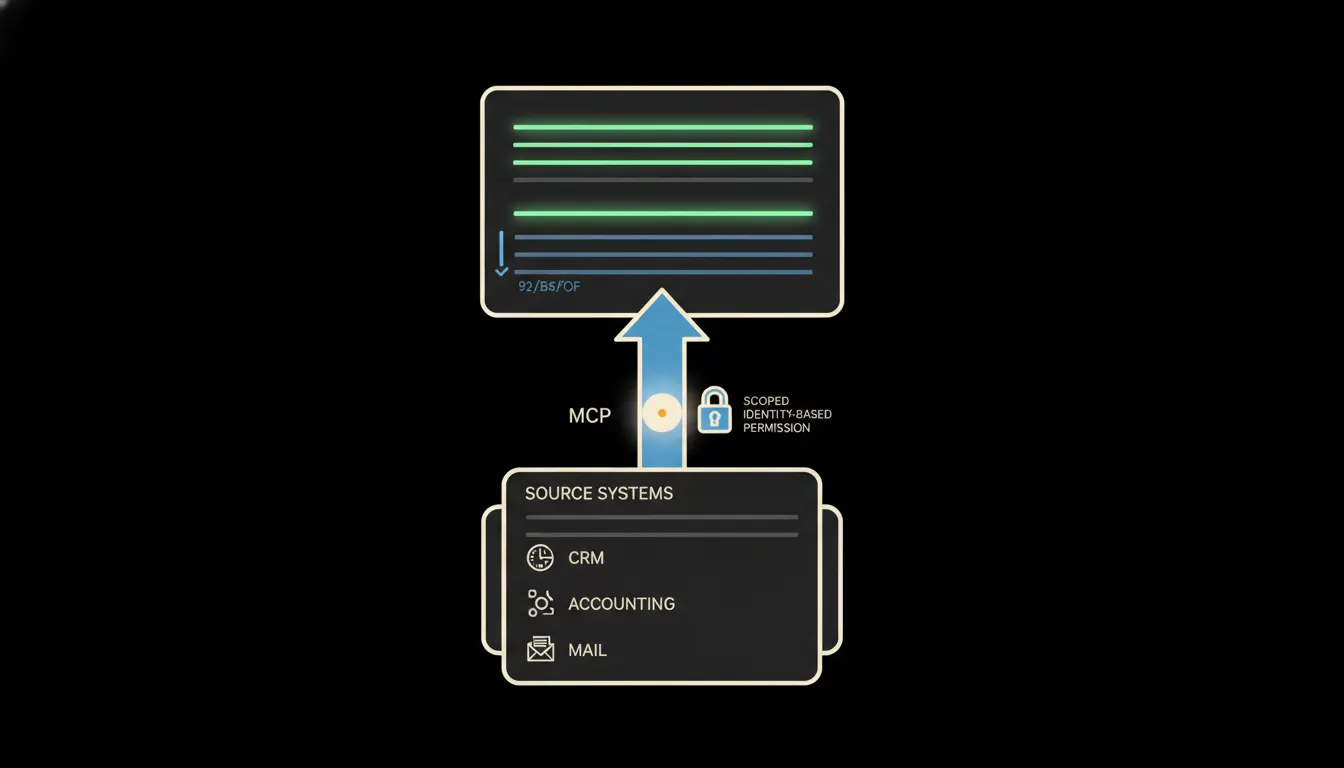
This arises naturally as a by-product of how MCP servers work. Every request passes through a server that carries the user's identity. That server knows who asked, what they were entitled to see, and what they received. It simply writes that down, and the record exists without anyone having to arrange it manually.
In practice: Pohoda, Fakturoid, Google Workspace
Consider a company using Pohoda for accounting, Fakturoid for invoicing, and Google Workspace for documents and email. Claude accesses all three via MCP. Without audit infrastructure every such interaction is invisible: output without trace. With MCP logging, every query about an invoice, every customer record lookup, every internal document read leaves a time-stamped entry with the user ID, the permission scope, and the result.
- Who asked and at what time: an exact user ID, not just "someone from accounting"
- Which records the MCP server accessed: specific entries, not a vague "touched Pohoda"
- What Claude answered: the full output or its hash for integrity checking
- What permissions the user carried at the moment of the query: a snapshot of scope, not a retroactive guess
- Whether the output was used as the basis for a human decision: optionally linkable to a workflow
A team of five people working eight hours a day in this way can generate hundreds of interactions. None of them are written by hand. All of them are available the next morning when a question arrives from management or an external auditor.
What an AI audit log will not do, and why that is good
The log records what happened. It does not decide whether it was correct. Approving an invoice, closing a deal, sending a customer proposal: those are output acts that still require a human signature. The log is a trail to that decision, not a substitute for it.
This is not a limitation. It is the design. GDPR and cybersecurity law do not require AI to decide autonomously. They require you to demonstrate that a decision was informed, that authorised people accessed the data, and that you know what happened. The log makes exactly that possible. Autonomy stays where it belongs: with people.
What it would take
Audit logging is not a separate project. It is a property of the infrastructure that comes into being when MCP servers are deployed. Nothing extra to install. No separate system to configure. The log is written to your infrastructure: your server, your cloud, your tenant. No vendor sees your records.
What remains
The model is not the bottleneck. The gap between what Claude can do and what your company knows about it: that is the bottleneck. The audit trail closes that gap not by adding work, but by turning every interaction into an automatic record. No manual logging, no uncertainty, on your own infrastructure.
Write to us. A short call is enough. We will show you what a log from the first integration looks like and what an auditor needs to see in it.