Automatic invoice generation is something almost every business owner has thought about after an evening of re-keying figures from an email into accounting software. Pohoda can do a lot. Typing for you is not one of them. But connecting it to Claude via an MCP server, so a document creates itself from a sales rep's plain-text request: that part is now straightforward.
The work that keeps repeating
A deal closes. The sales rep writes an email or a Teams message: client name, line items, price, payment terms. An accountant opens the message, re-keys it into Pohoda, checks the company ID and VAT number, picks the right numbering series, checks the VAT rate. Saves the document, exports a PDF, sends it to the customer. Roughly fifteen minutes, maybe thirty, depending on how many line items the job has.
Once a week that is not a problem. But companies that invoice continuously know this rhythm. It is time lost in copies and re-keying, and not just minutes: it is also errors. Wrong VAT number, transposed digit in the total, forgotten payment terms. Estimates suggest roughly a quarter of errors in B2B invoicing come directly from manual data re-entry.
Every invoice goes through three pairs of hands before it ships. The sales rep writes it, the accountant enters it, the director checks it.
— A scene from the daily routine at companies that invoice on a rolling basis
What connecting Pohoda to Claude actually means
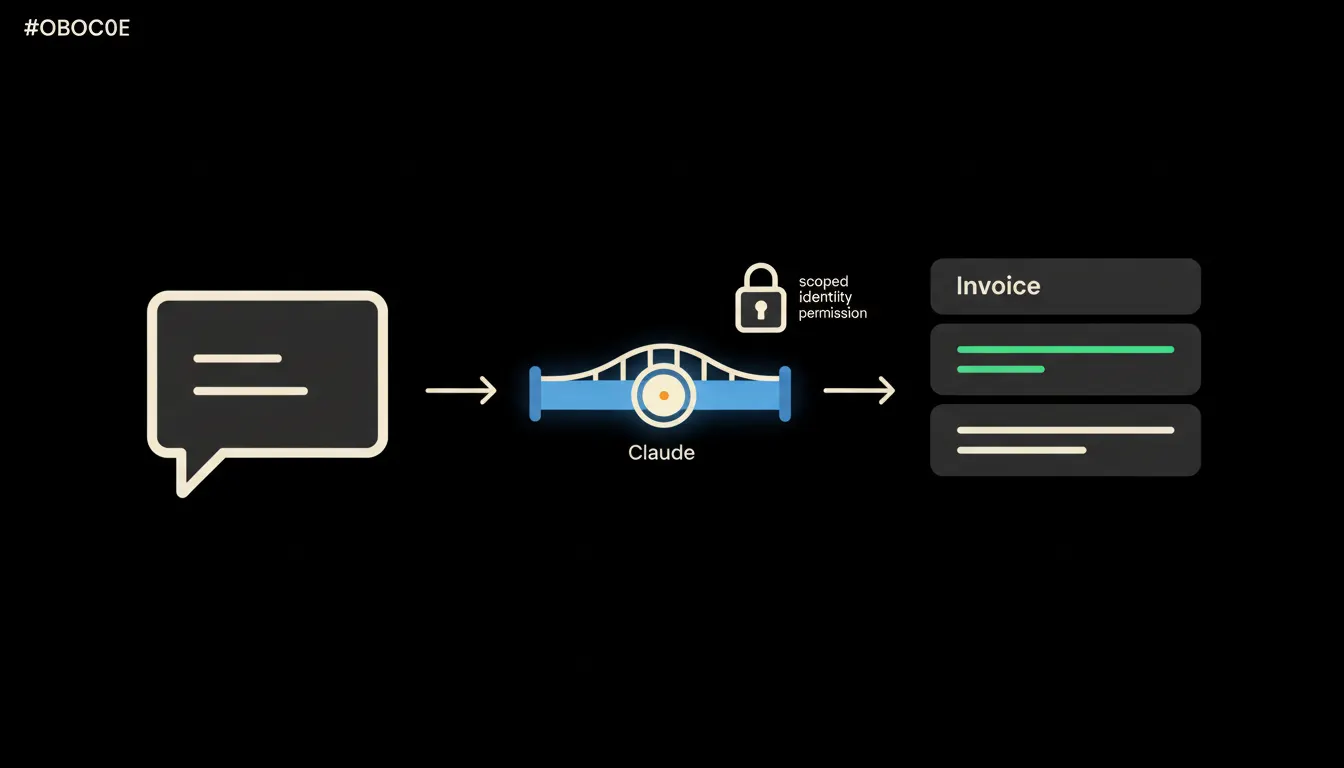
An MCP server is a small program that sits between Claude and Pohoda. Pohoda exposes an interface (the mServer REST API and XML layer) for programmatic access to documents, partners, and numbering series. The MCP server makes that interface available to Claude, but only within the permissions of the signed-in user. Claude never sees invoices it has no business seeing.
The sales rep writes Claude a request the way they would write a colleague: client name, what is being billed, the amount, the due date. Claude looks up the partner in Pohoda via the MCP server, fills in the correct company and VAT numbers, picks the right numbering series, and creates the document. The accountant then sees the invoice waiting in Pohoda for review. The re-keying step is gone.
In practice: Pohoda and a real request
Pohoda, made by STORMWARE, is the most widely used accounting software for small and mid-sized companies in the Czech Republic. STORMWARE reports over 160,000 businesses using it. Pohoda exposes an mServer REST API that lets you programmatically create documents, read numbering series, and look up partners. An MCP server for Pohoda wraps that access so Claude can use it safely, with the correct permissions in place.
- Claude receives a request in plain language (chat, email, voice transcript).
- The MCP server looks up the partner in Pohoda by name or company ID and fills in the correct VAT number.
- Claude assembles the invoice line items, checks the VAT rate from the numbering series, and creates the document.
- The invoice waits in Pohoda for the accountant or director to approve.
- Sending to the customer is confirmed by a person, not by Claude.
Picture a ten-person agency where each sales rep closes three to five jobs a week. Previously the accountant blocked out every Monday morning to re-key requests into Pohoda. After connecting Claude to Pohoda via an MCP server, that block disappeared. Invoices are ready in Pohoda the moment a sales rep submits a request.
What automatic invoicing will not do, and why that is good
Claude will not delete an invoice. It will not change a price without being told to. It will not send a document to the customer without confirmation. Those steps require an explicit instruction from a person with the right permission. The bridge is designed so Claude does exactly what it was told, nothing more.
That is intentional, not a technical limitation. An invoice is a legal document. An error in one can mean a rejected VAT deduction, a dispute with a client, or a problem during a tax audit. Fifteen minutes of saved re-keying is not worth an invoice sent without review. That is why approval stays with a person.
What it would take
Pohoda has an API. Claude understands natural language. The MCP server is the small piece that joins them. This is not a year-long integration project. It is one well-scoped MCP server running on your own infrastructure, with your identity, with your audit log. No data leaves for a third-party cloud.
What remains
The model is not the bottleneck. Claude can read a request and structure an invoice. The bottleneck is always the gap between Claude and the data your company already holds in Pohoda: partners, numbering series, rates, history. An MCP server closes that gap.
If this pattern sounds relevant to your setup, write to us. A short call is enough to work out whether and how quickly it could run for your system.