The data exists. It sits in the ERP, in the accounting system, in the warehouse module. Everyone knows it is there. The problem is not that the data does not exist — the problem is reaching it. The route runs through a ticket, a colleague in IT, a report that arrives tomorrow morning.
The work nobody wants
The sales director wants to know which open jobs are currently running over budget. The warehouse manager needs to check how many units of part 4471 are still sitting at the Brno branch. The company owner wants a look at cash flow for the past four weeks. Each of them knows exactly what they need. But none of them has direct access to the data — or if they do, they cannot write a SQL query or navigate thirteen menu levels inside the ERP.
So they send an email. Or open a ticket. IT or the accounting team replies — in an hour, a day, three days, depending on how busy they are. Meanwhile the decision either waits, or gets made without the data.
Tickets came in, but answers dragged. By month end I had forty open queries about job status. Half of them were urgent.
— Sales director, manufacturing company, 80 employees — illustrative scene
What "connecting the ERP" actually means
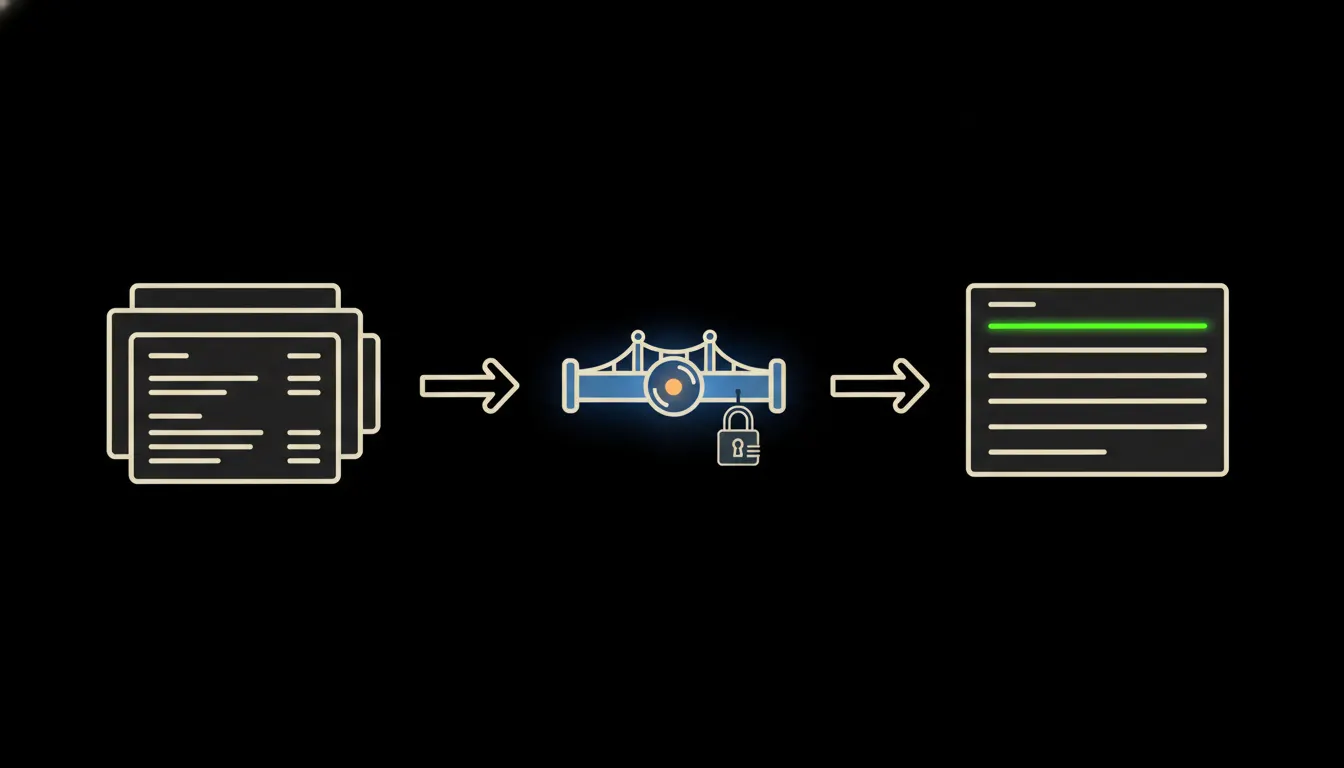
An MCP server is a small, focused piece of software that sits between Claude and your ERP. When you ask a question — in plain language — Claude processes it and passes it to the MCP server. The server translates it into whatever format the ERP understands: an API call, an XML query, a SQL statement. The response travels back, Claude formats it into something readable. The whole cycle takes seconds.
The key detail: the MCP server uses your identity, not some shared service account. If you do not have access to payroll data inside the ERP, Claude will not see payroll data. The permissions your system administrator assigned you apply unchanged. Nothing is bypassed.
Concretely: Pohoda and Czech ERP systems
Pohoda (Stormware) exposes both an XML interface and a REST API — exactly the kind of entry point an MCP server speaks to. The same logic applies to ABRA Flexi, Money S3, and Helios iNuvio. Each of these systems provides user-level authentication; the MCP server inherits that authentication. The ERP itself is unchanged — you add one MCP server to your own infrastructure, configure credentials and data scope, and the bridge is ready. For a team of ten people who regularly need answers out of the ERP, this can illustratively mean dozens of hours saved per month — on both sides: those who ask, and those who used to answer.
- Status of a specific order or job — number, stage, outstanding items
- Open invoices overview: overdue, above a threshold, for a specific customer
- Inventory status: part number, branch, quantity, movements over the last N days
- Cash flow summary for a chosen period — income, expenses, balance
- Jobs or cost centres running over planned budget
Consider an operations director at a small distribution company. Every Monday morning he sent an email to the accountant asking for a list of overdue invoices above 50,000 CZK. She had it ready by lunch — but Monday mornings were already full for her. After the MCP server was set up, the director pulls the same overview himself, in a conversation with Claude, before his coffee is done. The accountant does accounting.
What ERP bridging will not do — and why that is good
The MCP server reads. It does not write, correct, or approve. Claude will tell you which job is over budget — but it will not update the project plan, send a corrected invoice, or place a new order in the warehouse. This boundary is not a technical limitation; it is by design. Data is available for decisions; the decision stays with the person.
A second boundary: the MCP server does not replace the ERP or copy data out of it. Data stays where it is — in Pohoda, in Helios, in the database on your server. No copy in a third-party cloud, no synchronisation, no extra data warehouse. Claude asks, gets an answer, the conversation ends. The data does not migrate anywhere.
What it would take
The MCP server runs on your own infrastructure — not on our servers, not in a shared cloud. ERP credentials stay with you. The setup is a one-time piece of work: configure authentication, define the data scope, set permissions. This is not a year-long project. It is not a new IT system. It is a bridge between the system you already have and a model that knows how to ask questions.
What remains
The model is not the bottleneck. Claude can ask precise questions, understand context, and compose a clear answer. The bottleneck is the gap — between the model and the data your company already has. An MCP server closes that gap: small, focused, running on your infrastructure, respecting the permissions you already have in place.
If you want to know how a bridge like this would work with your specific ERP, write to us. A short call is enough to find out what is available via the API and what the setup would actually involve.