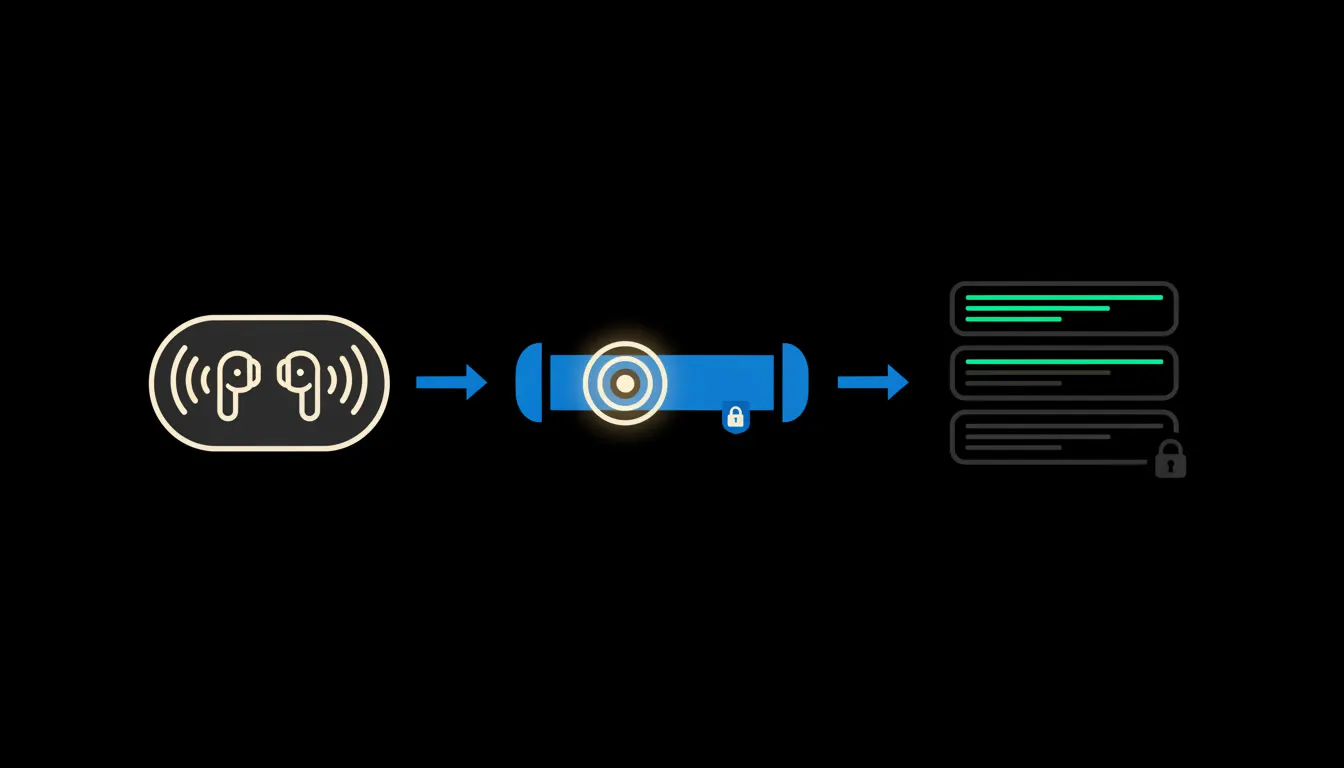
Company data and AirPods work well together, just not in the way the ads suggest. The earbuds know nothing and guard nothing. What decides the outcome is which company systems Claude can reach, and with whose permissions, when you ask it on the way to a meeting how things stand with a client.
Ten minutes in a taxi, spent searching
An owner is on the way to meet a customer. He needs three things: how much the client owes, what we last offered them, and whether anyone has been in touch since last week. The answers exist. They sit in Pohoda, in the CRM and in the sales team's shared inbox.
In practice that means calling the assistant, or flipping between three apps on the phone, logging in, searching and pinching a spreadsheet to read it. By the time the taxi arrives, half of it is done. He walks into the meeting with an impression instead of a number.
“By the time I found the last offer, the taxi was already outside the building.”
— On the way to a meeting, abridged
What voice actually does
Voice mode in the Claude mobile app turns your speech into text and the answer back into speech. AirPods are just the microphone and speaker here, like any other pair of earbuds. On their own they add nothing to your company data and take nothing from it.
What matters is what sits behind Claude. If it is connected to nothing, it answers in general terms. If it is linked through small MCP servers to your accounting, CRM and calendar, it can give you an actual figure. Each of those servers signs in to its system with your identity, not with a master key. So Claude sees exactly what you would see after logging in. Nothing is copied anywhere: the question goes to the source and only the answer comes back.
Concretely: Pohoda, the CRM and the calendar on the way to a meeting
Take a trading company with forty people (an illustrative example). Accounting runs in Pohoda, sales in Raynet, meetings in the Microsoft 365 calendar. None of that changes. What gets added is three small MCP servers, one per system, and one shared skill that knows what a pre-meeting brief should look like.
- It checks the calendar for who the next meeting is with and who is coming from the client side.
- It looks up open invoices and days overdue in Pohoda, if you have the rights to see them.
- It finds the last offer in the CRM, its status and the salesperson's note.
- It condenses all of that into three sentences meant for listening, not reading.
- On request, it sends sensitive amounts only as text to the screen, never into your ears.
Another example, also illustrative: the owner of a small studio in Brno dictates a meeting note while walking between two clients. Claude saves it to the job in the CRM as a draft, not as a finished record. In the evening she confirms or corrects it at a glance.
What voice access will not do, and why that is good
It will not send or write anything based on a sentence spoken on a tram. An invoice, an email to a client or a change in the CRM is created as a draft and waits for confirmation on the screen. Voice is good for questions. Not for signatures.
Nor will it decide what may be said out loud. That is your call, because people are sitting around you. So it makes sense to set figures such as margins or salaries to arrive only as text. And if you lose your phone, you switch off one identity in one place and access to every connected system ends at once. No hunting for all the places you were logged in.
What it would take
Not a year-long project. You start with one scenario, usually the pre-meeting brief, and two or three systems you already use. The MCP servers run on your infrastructure, in your tenant, with a single audit trail of who asked what and when. Once the first scenario works, the next one gets added.
What is left
The earbuds are solved, and so is the model. The bottleneck is the gap between Claude and the data your company already has, together with the rules about who may see what. That gap is what we close: we connect your data, build MCP servers that carry your identity, run them on your cloud, and give the team a shared library of skills.
If you want to know what in your company could be handled by voice and what should stay on the screen, write to us. A short call is enough to go through your systems and pick the first scenario.