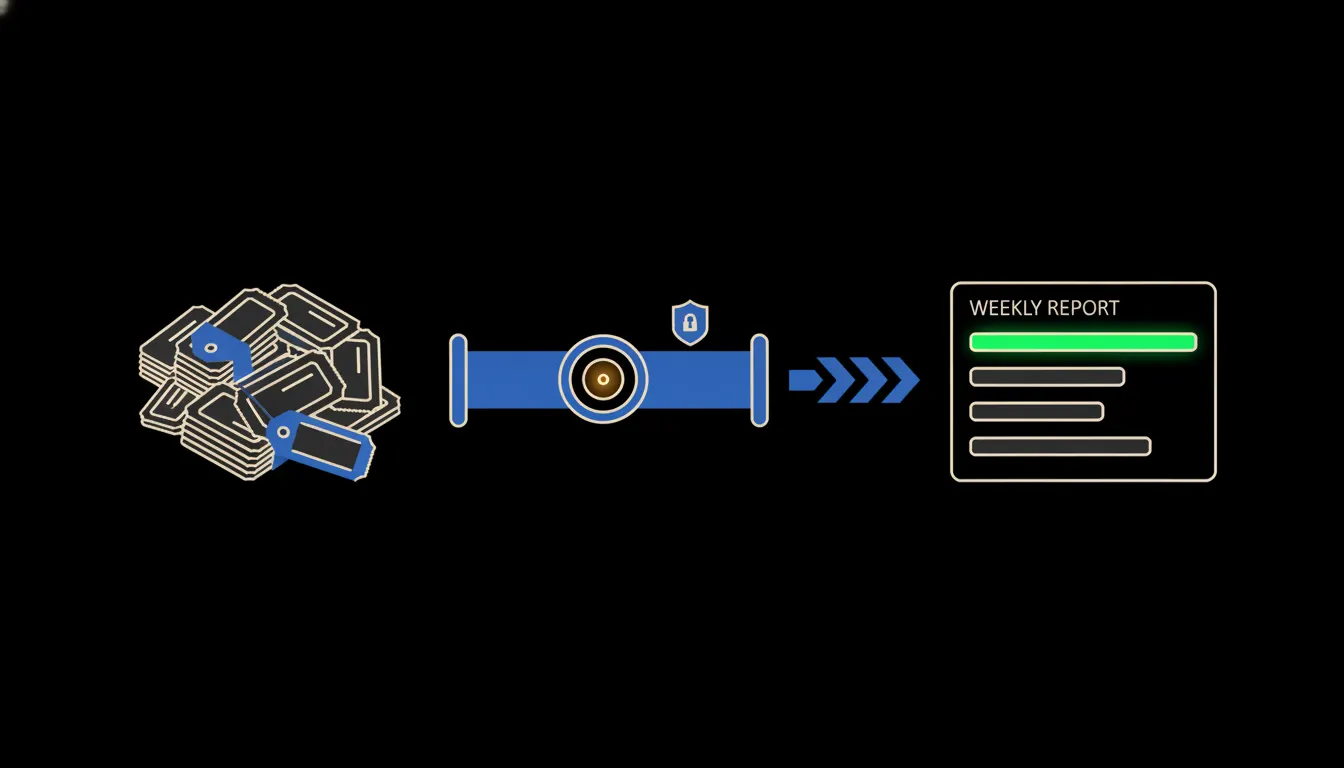
A CRM complaint report has one job: to show which problems keep coming back. Most small companies do not have one, because nobody has the time to put it together. Each complaint is handled on its own and closed, and the pattern worth fixing stays scattered across a hundred tickets.
The work nobody wants
In practice it looks something like this. A month brings anywhere from a few dozen to a few hundred new records into the CRM. Each one was written by a different person, in different words. One says “never arrived”, another “parcel lost”, a third “courier missed me”. The category field gets filled in when there is time, and there usually isn't.
When management asks what hurts most, someone in support exports a spreadsheet, reads it row by row and counts by hand. It takes an afternoon, the result is partly impression, and a month later it starts over. Or it doesn't happen at all, and the company learns about the problem from its reviews.
We resolved every single complaint. Why there were always just as many, nobody knew.
— A support meeting, abridged
What it actually means
At AI stack we handle this as a skill. A skill is a written procedure in the skills library: where the complaints live, how to group them, what counts as a repeat, and what the report should look like. The head of support writes it once, versions it, and from the next morning anyone on the team can run it.
To give Claude something to read, we put a small MCP server between it and your CRM. It is a bridge with a single job: letting Claude read complaint records under the identity of the person running the report. Nothing is copied anywhere and no second database appears. Claude reads what it needs, groups it and hands back an overview.
Concretely: complaints in Raynet CRM and warranty claims from Shoptet
Your CRM stays as it is. Whether it is Raynet, HubSpot or a spreadsheet the team keeps on a shared drive, the bridge is added alongside it. For a sense of scale: an online shop with a few thousand orders a month might log around two hundred complaints and warranty claims in the same period. That is exactly the volume a person will not read in full, and Claude will. (The figures are illustrative.)
- Every Monday at 7:00 it pulls the complaints and warranty claims from the past week.
- It groups them by actual cause, not by whatever someone typed into the category field. “Never arrived” and “courier missed me” end up in the same group.
- It compares the week with the four before it and flags what is growing.
- For each group it links two or three specific records, so anyone can check the finding.
- It watches the statutory 30-day limit on consumer warranty claims and flags the ones running out of time.
Picture a small Prague cosmetics shop with a support team of three. The first Monday report might show that a third of the month's complaints concern one pump on one product, cracking in transit. One at a time it looked like bad luck. Taken together it is a question for the packaging supplier. This is an illustrative example, not a real customer.
What AI complaint reports will not do, and why that's good
Claude will not reply to customers for you, and it will not decide whether a claim is justified. That judgement carries the company's name and the law behind it, and it belongs to a person. Nor does the report fix anything by itself. It shows that delivery problems have grown for the third week running, but whether to change carriers is up to someone who knows the contracts and the numbers.
That limit is not a weakness. A report that only points and links back to its sources can be checked. When the head of support clicks through three examples and sees they hold up, she starts to trust it. If Claude were changing processes on its own, there would be nothing left to check.
What it would take
Less than it sounds. The CRM bridge runs on your infrastructure, under your identity, with an audit trail of who ran the report and when. We write the skill together with your support team over a few sessions, test it on past months, then put it into the weekly rhythm. No year-long project, no new app for the team.
What's left
The model is not the bottleneck. Claude can read two hundred complaints and find what they have in common. The bottleneck is the path to the data: complaints sit in the CRM, warranty claims in the shop, notes in email, and nobody brings them together. We close that gap.
If you want to know what a report like this would show in your company, write to us. A short call is enough to find out where your complaints live and what the first skill should do.