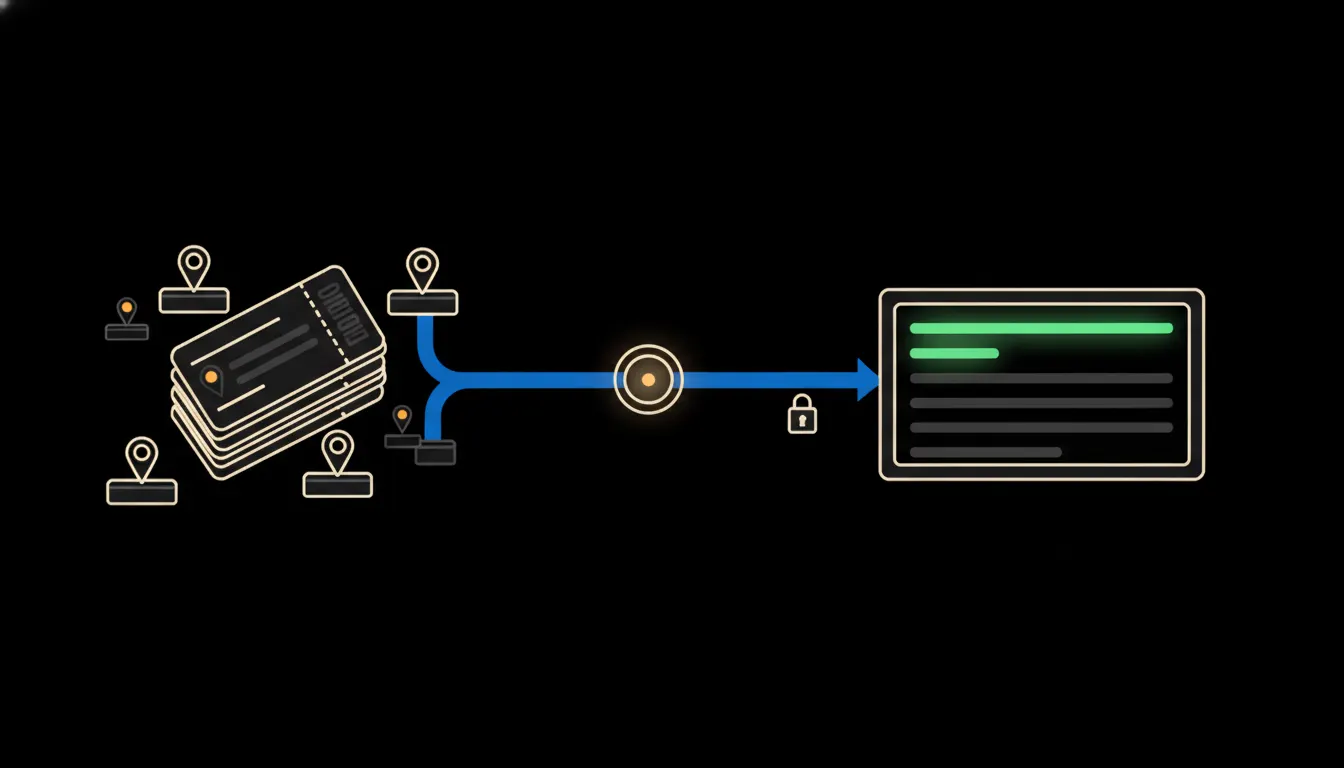
Field service visit reports from your CRM should answer one plain question: where do your technicians actually spend their time? You almost certainly have the data, because every visit is already logged. What is missing is someone with a free Friday afternoon to put it together.
The work nobody wants
An operations lead wants to know why the crew in one region keeps going back to the same customer three times a month. The answer is sitting in the CRM, chopped into records: a date, an address, a technician, a note saying 'part on order', another visit four days later. Turning that into an overview means an export, cleaning up columns, merging the same customer spelled three different ways, and a long stare at a pivot table.
So it happens once a quarter, if at all. Meanwhile repeat visits and wasted trips (the technician arrives, nobody is home, the part is missing) quietly add up in fuel and in hours nobody invoices.
The data is in the CRM. The answer is in an export nobody has time to make.
— Monday operations meeting, abridged
What connected actually means
Instead of an export, we put a small MCP server between your CRM and Claude. MCP is an open protocol from Anthropic that lets a model work with one specific system in a controlled way. Think of a narrow service window: Claude can ask about visits, jobs and technicians, and about nothing else.
The server runs under the identity of whoever is asking. The regional lead for Moravia sees Moravia, and the owner sees the whole company. Nothing gets copied anywhere. Claude reads straight from the CRM for each question and answers in plain language: 'Over the last three months, customer X had seven visits, five of them for the same heat pump.'
Concretely: service records in Raynet CRM
Picture a company that services heat pumps and logs its visits in Raynet CRM (eWay-CRM or an in-house database would work just as well). The CRM stays exactly as it is, and technicians keep logging visits in the same app. The only new piece is the bridge. For a team of ten technicians running roughly two hundred visits a month, that means one modest server, not a new system (an illustrative estimate).
- Finds repeat visits to the same customer or the same piece of equipment over any period, ranked by count.
- Flags wasted trips from the technicians' notes: nobody home, missing part, wrong address.
- Works out the first-time fix share, broken down by technician and by equipment type.
- If the CRM records travel and on-site time, shows where people drive a long way for very little work.
- Saves the weekly summary as a skill that anyone with access can run the next morning, each with their own data.
An illustrative example: the operations lead at a small service company in Brno asks on Monday morning, 'Which of last month's visits were unnecessary, and why?' The answer is a list of twelve trips, and on nine of them a part was missing that could have been ordered in advance. That is a concrete task for the stockroom, not a hunch.
What CRM reports will not do, and why that is good
Claude does not plan routes and does not rate anyone. If it shows that one technician has more repeat visits, it cannot tell whether he gets the hardest jobs or needs more training. That call belongs to the manager who knows the people.
A report is also only as good as the records behind it. If notes are written in shorthand, Claude says so and lists the records it could not classify. It does not guess or fill gaps. That is exactly why you can trust it: every number traces back to a specific visit in the CRM.
What it would take
We connect to your CRM through its API, build one MCP server for service data and deploy it on your own infrastructure. Logins and permissions stay the ones you already have, and every query lands in an audit trail. No year-long project: more like a few weeks from the first meeting to the first report (an illustrative estimate).
What is left
The model is not the bottleneck. Claude can read service records and find patterns in them. The bottleneck is the gap between Claude and the CRM where your company has been recording technician visits for years. We close that gap.
If you want to know how many of your visits are repeats, write to us. A short call: we look at where you log visits and tell you what the bridge would look like for you.