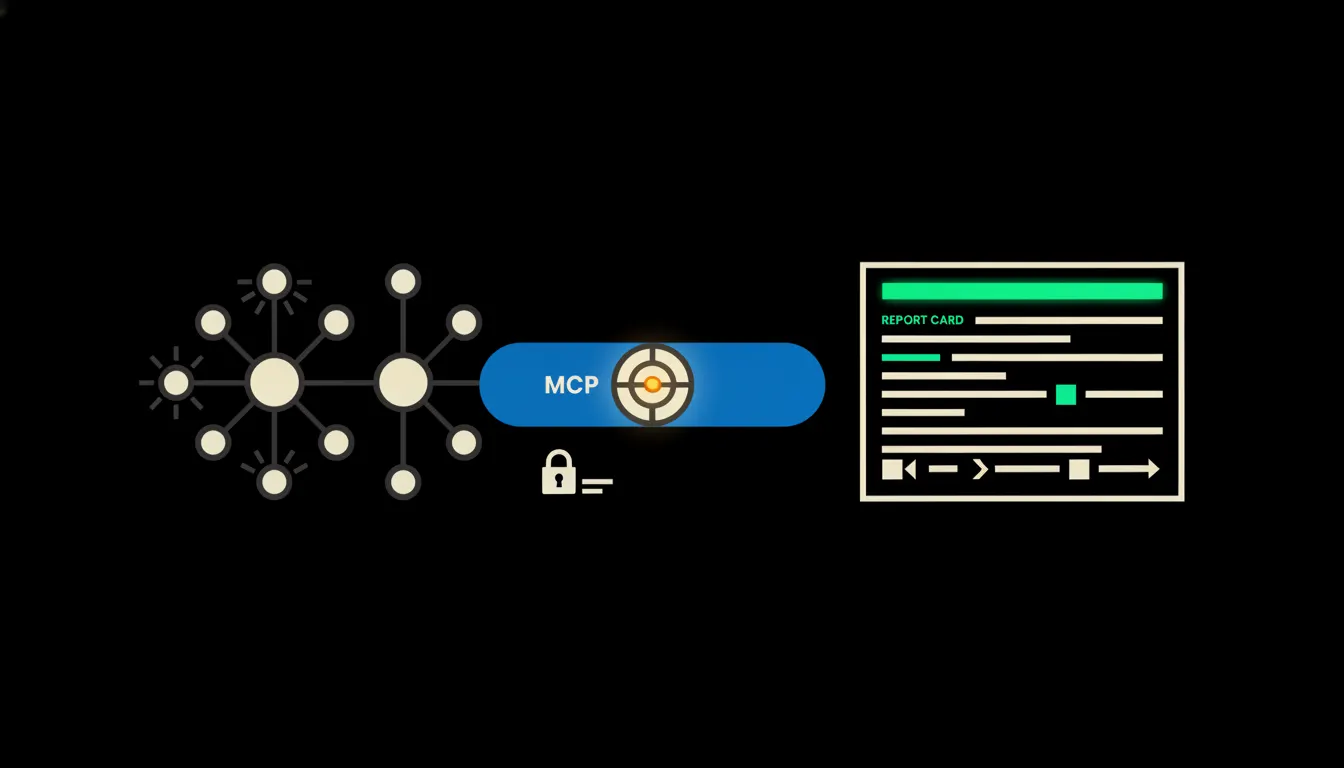
A CRM referral report answers one plain question: which of your existing customers are bringing you new ones. Most small companies have a hunch. Few have it in writing. With one shared skill, Claude pulls the answer out of your CRM every month, with names, amounts and a short list of people worth thanking.
The work nobody gets to
A new customer calls and says Mr Novák sent them. The salesperson types it into a note, sometimes into the Source field, sometimes nowhere. Three months later nobody remembers that Novák has brought in two customers and a third is in negotiation.
Building the referral report by hand means opening a CRM export and reading hundreds of notes. You look for names, match them to existing customers, then go through invoicing to see what the new people actually spent. It is an afternoon nobody wants, so it never happens. Referrals, often the cheapest business a company has, stay invisible.
Source field: empty. Note: "called, says Jana from Brno sent them." Which Jana?
— A typical CRM record, abridged
What it means: a skill instead of a spreadsheet
A skill is a written procedure Claude can repeat. Think of it as a recipe: where to look, what to count, how to rank the result and who receives it. Someone in marketing writes it once and saves it to the skills library. From then on anyone on the team can run it, the same way, every month.
To have something to count, Claude needs to reach the data. That is the job of a small MCP server, a bridge between Claude and your CRM. The bridge carries the identity of the person asking, so Claude reads only the deals and contacts that person could see in the CRM themselves. Nothing gets copied anywhere. The data stays in your CRM, and the bridge runs on your own infrastructure.
Concretely: Raynet CRM and invoicing in Pohoda
Take a company that runs its sales in Raynet CRM and invoices in Pohoda. Both systems stay exactly as they are. What gets added is two small bridges and one skill in the library. For a company with a few dozen new customers a month, the report can be ready in a minute or two instead of an afternoon (an illustrative estimate).
- Goes through last month’s new deals and reads the Source field along with the sales team’s free-text notes.
- Finds mentions like "so-and-so sent us" and matches the name to an existing customer in the CRM.
- Looks up in Pohoda what the new customers have paid so far, so you can see what the referrals actually brought in.
- Ranks referrers by the number and value of customers they brought, and flags records it is unsure about.
- Drafts a thank-you list with short context: who, for whom, and when.
To picture it: a small studio building websites for companies in Moravia might find that three long-standing clients brought in a third of the quarter’s new contracts. Nobody would have guessed, because each salesperson only saw their own slice. The owner now has it on one page and knows who to call. This is an illustrative example, not a specific customer.
What the report will not do, and why that is good
Claude does not send thank-you messages and does not decide on rewards. It prepares the groundwork and leaves the decision to you. Whether a referrer gets a bottle of wine, a discount on the next order or simply a phone call is a question of relationship, not arithmetic.
When a note does not make clear who referred a customer, Claude does not invent an answer. It marks the record as unclear and leaves it to the salesperson who closed the deal. So the report may carry a few question marks. That is fine: a report that admits uncertainty is a report you can trust.
What it would take
No year-long project. We connect your CRM, and your invoicing if you like, through a small MCP server on your own infrastructure. Together with your marketing team we write the first skill: what counts as a referral, what the report should look like and who gets it. You run it for the first time, and we adjust whatever you find missing.
What is left
Claude has been able to read notes and do the sums for a long time. The referral report was missing for a different reason: the model could not reach your data, and the procedure was never written down. That gap between Claude and the data you already have is the real bottleneck. The bridge closes it, and the skill makes sure the report comes out the same way every month, whoever runs it.
If you want to know which customers are bringing you new ones, write to us. A short call is enough to find out where your data lives and what your first report would look like.