In most small companies, the CRM report on sales target progress arrives at the end of the month, when all it can do is confirm what already happened. If you want to save the target, you need to know where the team stands on the 15th, not on the 1st of next month. And you need to know without someone losing an afternoon to exports.
The work nobody wants
It looks the same every time. The sales manager exports opportunities from the CRM into a spreadsheet. Opens a second sheet with the monthly plan, split by salesperson. Then checks the accounting system for what has actually been invoiced, because a signed deal in the CRM isn't money yet. Matches names by hand, recalculates percentages, colours the cells.
The finished overview is out of date the moment it goes out by email. And because it's a chore, it happens once a month. So the middle of the month runs on instinct, and “I think it looks fine” stands in for a number.
I'll have it together by Friday, I just need to chase the invoice numbers.
— Mid-month in a sales team, abridged
What it actually means: one procedure, many managers
At AI stack we turn this into a shared skill in Claude. A skill is a written procedure: where the plan comes from, where closed and open deals come from, where invoicing comes from, how to compare them and how to present the result. Someone who knows what a good progress report looks like writes it once. It goes into the skills library, and from the next morning every manager can run it.
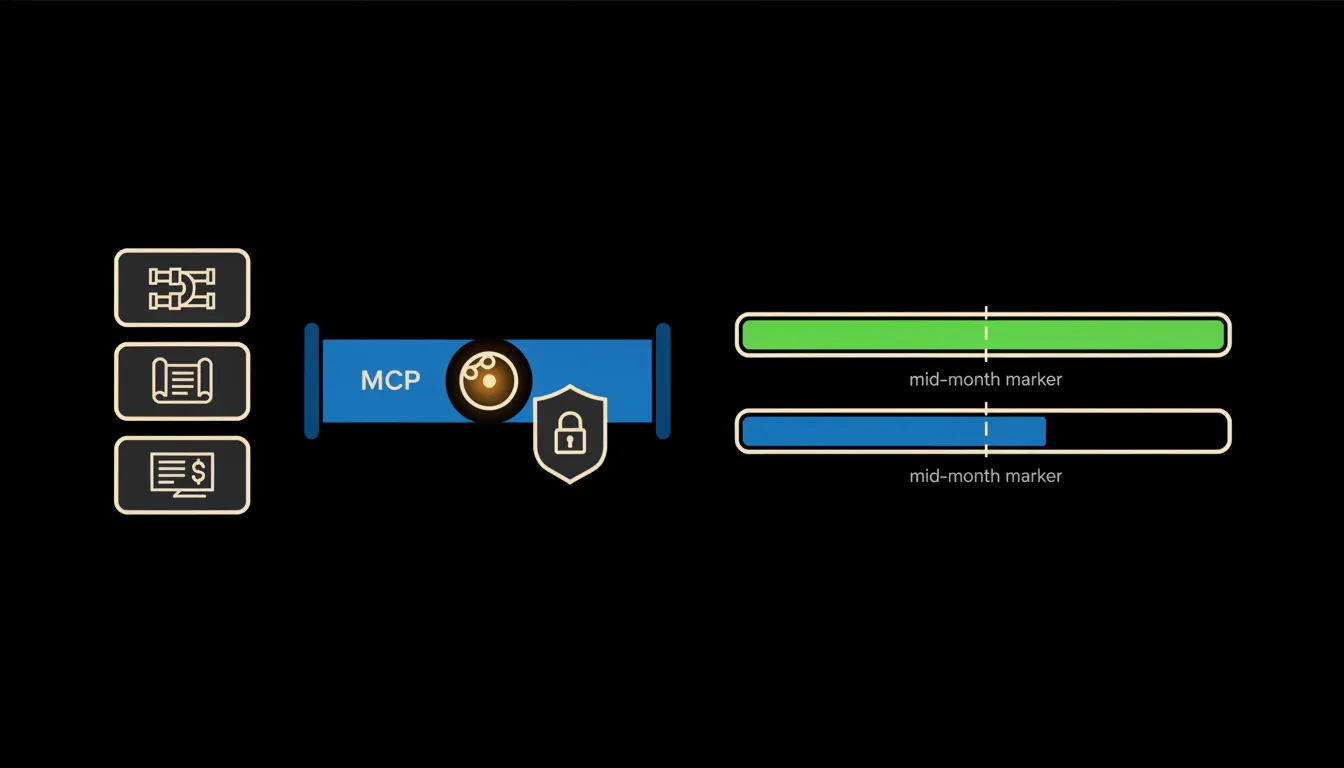
The skill doesn't read from a copy. Claude reaches the CRM, the plan sheet and accounting through small MCP servers that carry the identity of whoever is asking. The head of the Moravia team runs the same skill as the sales director but gets only their own team, because that is all they see in the CRM. There are no special rules written for the AI. The permissions the company already has are the ones that apply.
Concretely: Raynet, a plan sheet and Pohoda
Take a company that runs sales in Raynet CRM, keeps its monthly plan in Google Sheets and invoices from Pohoda. None of that changes. Three bridges and one skill are added. For a company with five to twenty salespeople, a rough estimate is weeks of work rather than months. Most of it depends on how clean the CRM data is.
- Reads the monthly plan by salesperson and team from the sheet management already uses.
- Pulls closed deals and open opportunities from the CRM, with probability and expected close date.
- Adds what has actually been invoiced from Pohoda, so a signed contract is never counted as cash.
- Calculates progress to date and compares it with where the team should be, given the working days already gone.
- Lists the three to five deals the rest of the month depends on most, with the last contact logged in the CRM.
An illustrative example: a Brno company with six salespeople in two teams. Each team lead could ask Claude “where are we against plan” on the morning of the 15th and have the answer in a minute instead of an afternoon. The owner, running the same skill, would see both teams side by side. This is not a specific customer's story, only the shape it usually takes.
What the mid-month report won't do for you, and why that's good
The report tells you where the team stands and which deals will decide the month. It doesn't tell you what to do about it. Whether to call a client, move a salesperson to another segment or adjust the plan stays with the manager. Claude also writes nothing back. It doesn't change deal stages, move close dates or edit the plan.
That limit is exactly why the report can be trusted. The numbers aren't the model's estimate. They come from the systems the company already treats as the source of truth. Every query sits in the audit trail under the name of the person who asked. If a number looks wrong, you can trace where it came from.
What it would take
The bridges run on your infrastructure, under your people's identities, with one audit trail. You start with one skill and three sources, not a company-wide project that takes a year. Once the first report is right, the next skill (a weekly pipeline review, say, or a quarterly outlook) reuses the same bridges.
What's left
Claude can already calculate target progress and write a clear summary of it. A smarter model won't change that. What's missing is the path to the data in your CRM, your plan sheet and your accounting, plus clear rules on who may see what. That is the gap we close.
If you want to know where your sales team stands in the middle of the month, write to us. A short call is enough to work out which systems your first report would draw from.