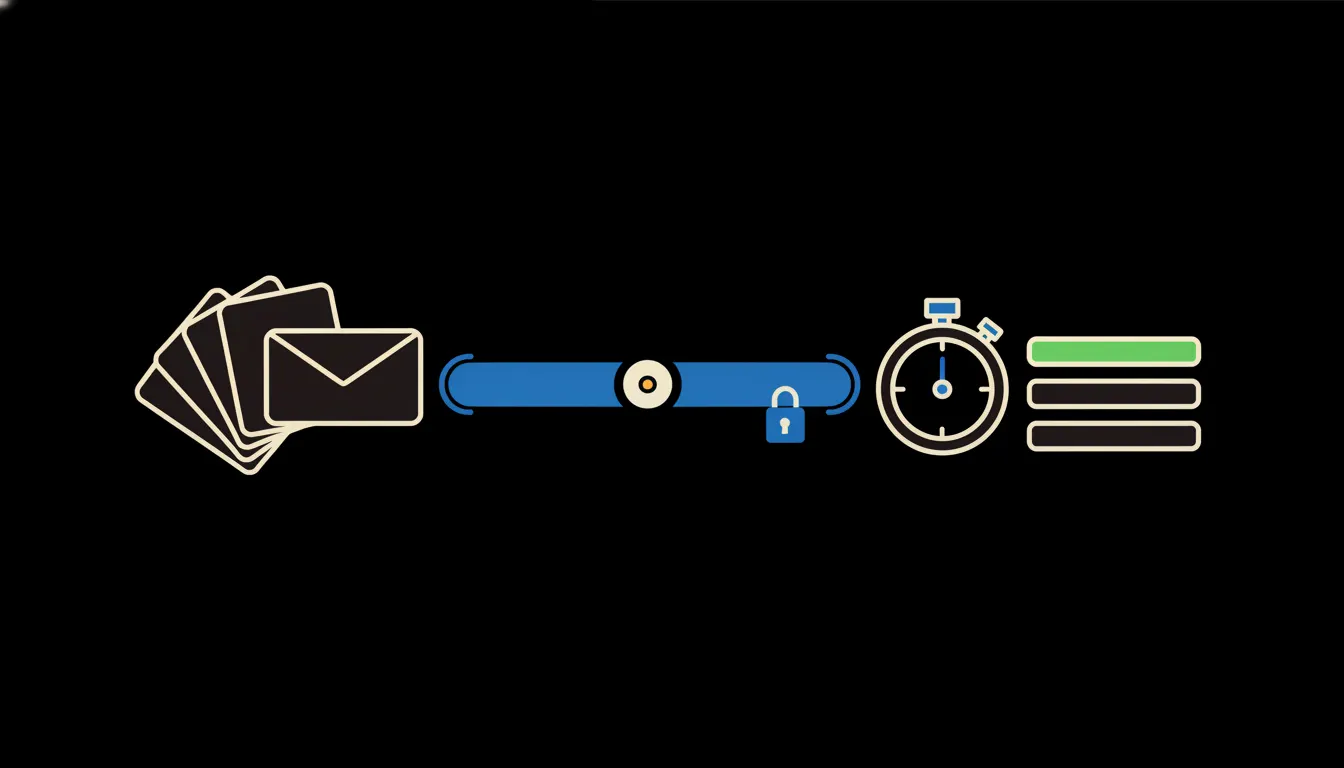
How fast do you answer customers? Most owners say “within a few hours” and mean it. A CRM response time report would confirm it or prove it wrong, but almost nobody has one, because the data sits in two or three systems at once.
The work nobody wants
One question arrives by email to info@, another through the web form, a third as a chat message. Some of it ends up in the CRM as an activity. Some of it lives only in the inbox of a salesperson who replied from their phone on the way to a meeting. Anyone who wants to know how fast the company responds has to piece those traces together by hand.
In practice that means one export from the CRM, another from the mailbox, matching rows by sender address, subtracting timestamps, and weeding out auto-replies and internal forwards by eye. At month end it eats an afternoon. The result is a single average nobody quite believes. And the average hides the part that matters: most questions get answered quickly, while a few wait three days.
“Average reply in four hours. And then one customer who waited until Monday. That one remembers.”
— A monthly support report, abridged
What a connected report means
Instead of exports, Claude gets access to where questions and replies actually live: the CRM and the mailbox. Access runs through a small MCP server, a narrow bridge that does one job. It finds when a question arrived, who picked it up and when the first human reply went out. It copies nothing into another database. It reads from the source.
The bridge carries your identity. When the CEO asks, they see the whole company. When a team lead asks, they see their team. Claude then answers in plain language, something like: “Last week your median first reply took 2 hours 10 minutes. Sales was faster than support, and complaints filed through the web form waited longest.”
Concretely: Raynet, a shared mailbox and chat
Picture an online shop on Shoptet with a four-person support team and two salespeople. Contacts and deals live in Raynet, questions land in a shared Google Workspace mailbox, and some come in through the website chat. None of that changes. What gets added is one bridge that reads all three sources the same way. A company this size handles hundreds of questions a month, so a manual report is exactly the kind of task that keeps getting postponed.
- Matches each incoming message with the first real reply from a person. The automatic “we have received your question” does not count.
- Splits response time by team, channel (email, form, chat) and type of request.
- Respects your business hours, so a weekend does not have to count as sixty hours of waiting unless you want it to.
- Shows the median and the longest cases, not just the average, and lists questions that still have no reply.
- Flags consumer complaints approaching the 30-day legal limit for resolving them in Czechia.
As an illustration: the owner of that shop asks on Monday morning how last week went. The answer arrives within a minute, not after an afternoon in a spreadsheet. And if form questions turn out to wait longer than emails, the owner learns it before a customer writes it in a review.
What an AI report will not do, and why that is good
Here, Claude does not reply to customers for the team, and it does not decide who gets a talking-to. The report is a thermometer, not a judge. It tells you where people wait. Why they wait is something your team knows: a holiday, a tricky case, paperwork still missing from a supplier.
It will not read more than it is allowed to either. A support lead does not see the sales mailbox unless they can open it today. That is exactly why the report can be trusted. The numbers come from the same data, under the same permissions, as the rest of your work, not from a copy nobody can locate.
What it would take
No year-long project. First we sit down with where your questions come from and what “first reply” means for you. Then we build the bridge to your CRM and mail, deploy it on your own cloud and connect it to your existing sign-in. We check the first weeks of numbers against a manual count, so they are right before anyone makes decisions on them. The finished report goes into the shared skills library as a skill, so every team lead can run it themselves, with their own permissions.
What is left
Working out response time from timestamps and channels is easy for Claude. That was never the problem. The problem is that the evidence of how fast you reply is scattered across systems the model cannot reach on its own. The bridge between them is the missing piece.
If you want to know how fast you really answer, write to us. A short call is enough to see where your questions live and what the bridge would need.