CRM team workload reports answer a simple question: who has too much work and who could take on more. You already have the data. Tasks, open jobs and clients waiting for a reply are all in your CRM, assigned to people. What's missing is someone who pulls it into one overview every Monday without losing a whole morning to it.
The work nobody wants
In most small companies the Monday workload check looks about the same. A manager opens the CRM, filters by one person at a time, copies the number of open tasks into a spreadsheet, then hunts for what's overdue and which client has been waiting since last week. After that it still has to be checked in conversation, because numbers without context say very little.
The result is out of date before anyone reads it. And because it takes time, it happens irregularly. Overload usually shows up only through its symptoms: a missed deadline, an irritated email from a client, a colleague asking for time off or simply handing in their notice. The World Health Organization describes burnout as the result of chronic workplace stress that has not been successfully managed. How work is distributed is one of the few things a manager can change straight away.
Petra has fourteen open tasks and three clients past due. Tomáš has four. Nobody noticed, because nobody was adding it up.
— A Monday stand-up, abridged
What it actually means
A skill, as we use the word, is a written-down way of doing a specific piece of work. Here it means how to build a workload overview from the CRM: which task types count, what overdue means, how long a client may wait before it gets flagged, and what order to show it in. The team writes it once, versions it, and from the next morning any manager can run it.
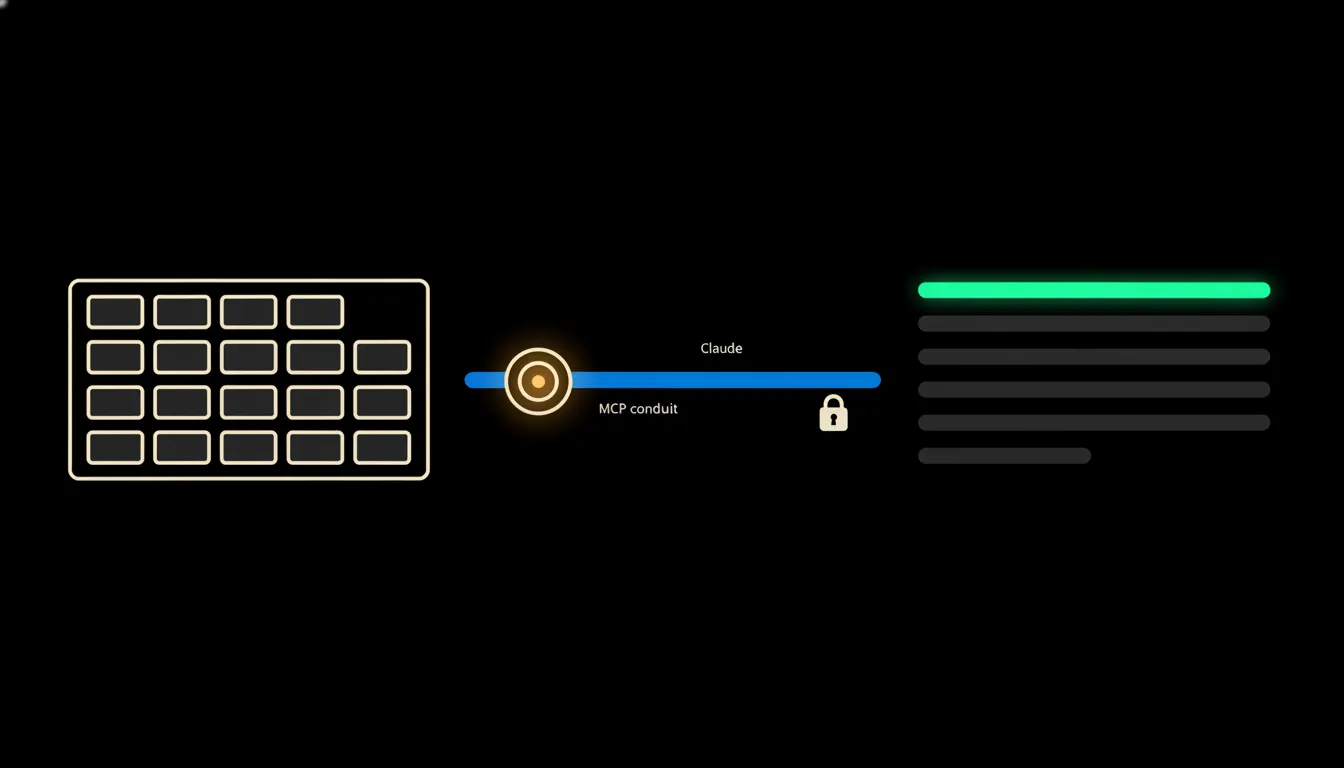
Claude reaches the CRM through a small MCP server, a bridge between the model and a system you already run. That bridge carries the identity of the person asking. Nothing is copied out or indexed into someone else's cache. The skill reads the data at the moment you run it and answers with an overview. The sales lead gets their team, the support lead gets theirs, and HR sees what HR can already see in the CRM.
Concretely: Raynet CRM
Take a company that runs sales and jobs in Raynet, a Czech CRM used by plenty of smaller firms. Raynet stays where it is. Nothing is migrated and nobody learns a new tool. What gets added is the bridge and a shared skill. For a team of ten to fifteen people that typically means hundreds of open items someone would otherwise go through by hand (an illustrative estimate).
- Counts each person's open tasks and active deals, and marks the overdue ones separately.
- Finds clients who have been waiting for a reply longer than the team considers reasonable.
- Compares the picture with last week, so you see a trend rather than a single snapshot.
- Ranks the team from busiest down and, for people with spare capacity, shows what kind of work they usually handle.
- Sends the manager a short summary by email or in Slack before the Monday meeting.
Picture a seven-person marketing agency in Brno (an illustrative example). The owner used to put a workload overview together once a month, when she remembered. With the skill in place she has it every Monday at eight. She asks Claude how the team is doing this week and within seconds sees that the designer is carrying three campaigns at once, while a colleague on accounts has wrapped up her projects and has room. The conversation with the two of them then takes ten minutes instead of an hour of guesswork.
What a workload report won't do, and why that's good
The overview doesn't rate anyone. It doesn't say who works well or badly, and it doesn't build a leaderboard. The number of open tasks isn't the same as how demanding the work is: one complicated job can drain more than ten small ones. So the skill shows where work is piling up and leaves the decision to the person who knows the team.
Nor does it redistribute anything on its own. It doesn't change tasks in the CRM, doesn't reassign them and doesn't send anything on the manager's behalf. It can suggest who might take over part of the load, but the confirmation stays with the manager. That limit is exactly why people on the team can trust it: the overview exists to share work more fairly, not to watch people.
What it would take
A bridge to your CRM and the first version of the skill take weeks, not a year-long project. It runs on your infrastructure, under your login, in one tenant with one audit trail. You start with one team and one definition of workload that the managers agree on themselves. Once it fits, more teams and more sources follow, such as the calendar or the helpdesk.
What's left
Claude can assemble an overview from data in seconds. The model isn't the bottleneck. The gap between it and the data your company already keeps in the CRM is. Once that gap is closed, the Monday question of who has too much and who could take more stops being a guess.
If you'd like to see how this would look on top of your CRM, write to us. A short call is enough to work out what data you have, who should have access to it, and what your first skill should look like.