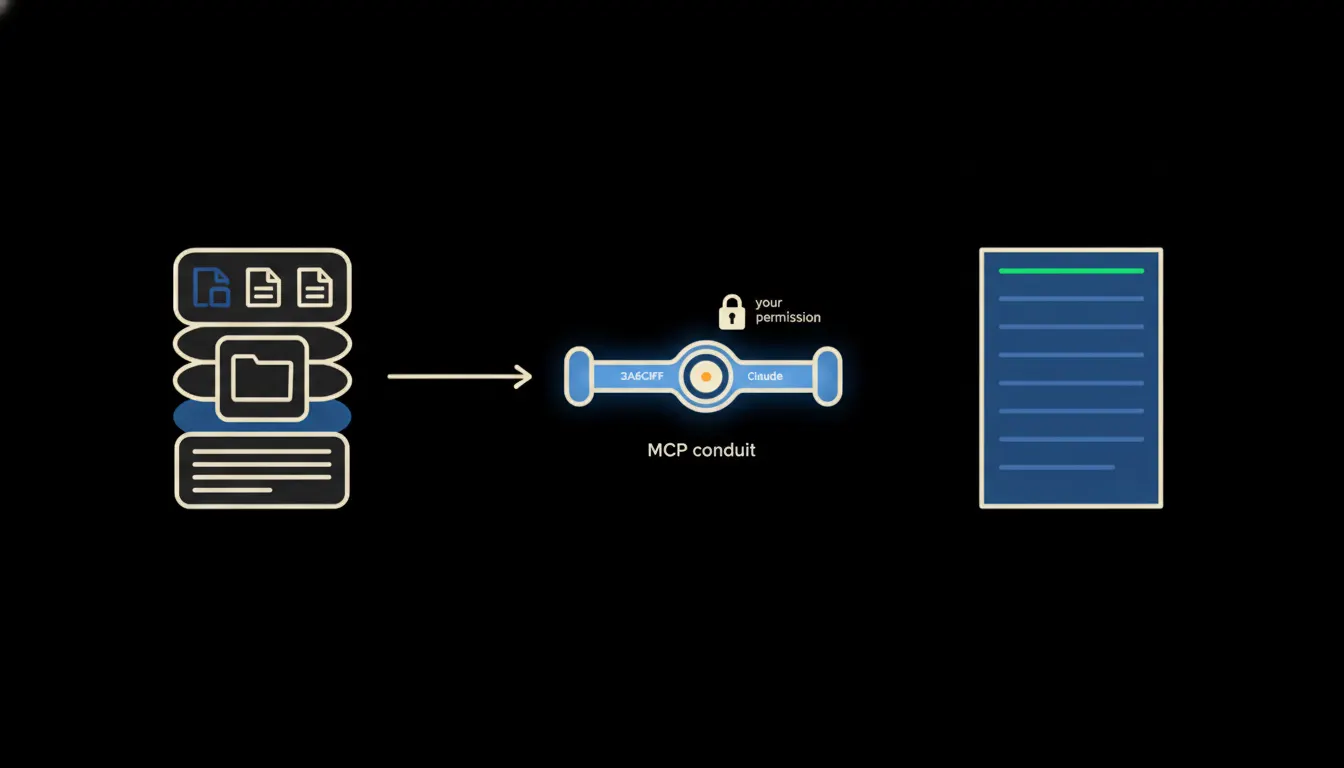
Anyone who has tried using AI for real company work hits the same wall sooner or later. Claude is capable — but it has no idea what's in your accounting system, what you've written to customers, or what's in your internal database. You have to tell it manually. And that's where AI stops being a tool and becomes one more window you copy data into.
The work nobody wants to own
Picture preparing for a sales meeting. You open the CRM, pull the contact history, copy it into a text editor. Switch to accounting, find the last six months of invoices, copy the totals. Open email, scan the thread. Then paste all of it into an AI chat and type: "Give me a quick summary."
That ritual takes twenty minutes. The data was sitting in your systems the whole time. Claude wasn't the problem — the missing connector was.
Four systems, twenty minutes of copying, one paragraph of output. That's not work — that's preparation for work.
— Scene from a small company's sales team, condensed
What an MCP server actually is
MCP stands for Model Context Protocol. Anthropic released it as an open standard in late 2024. It defines how Claude communicates with external systems — reading data, calling functions, writing results. Each MCP server is a small, focused connector for one specific system: one for your accounting software, one for your invoicing tool, one for Google Workspace.
The key property: an MCP server does not run with global admin rights. It runs with the identity of the specific user asking the question. When Jan from sales asks Claude about a deal's status, the MCP server authenticates to the CRM as Jan — and reads only what Jan is allowed to read. Exactly as if Jan had opened the CRM himself.
Concretely: accounting software and invoicing tools
Tools like Pohoda or Fakturoid — widely used in Czech small and mid-size companies — stay exactly where they are. The MCP server is added alongside them as a thin intermediary. Illustratively: a twenty-person firm processing a hundred to two hundred invoices a month could save one to two working days per month just on document preparation and invoice review.
- Claude pulls open invoices from accounting software and prepares an overdue summary — without the accountant exporting a CSV.
- When a customer email arrives, Claude checks their history in the CRM and drafts a reply with the correct order numbers.
- Every Monday morning, the sales director gets a pipeline summary from three sources — CRM, calendar, email — assembled automatically.
- A new employee asks Claude about company policy and gets an answer from the internal wiki — only from the sections they have access to.
A small start makes sense too: sometimes one system and one bridge are enough. For a simple accounting tool and company email, we stand up the first working MCP server in a matter of days — Claude then knows which invoices are awaiting payment and drafts a reminder email that just needs a review and a send. A company-wide rollout takes longer and we handle it bridge by bridge, but we deliver it for you — you never write a line of code.
What an MCP server will not do — and why that's the point
An MCP server is not an autopilot. It doesn't sign contracts, send invoices, or approve payments. Those steps deliberately require human input. The protocol is designed so that Claude can propose, prepare, and summarise — but the final act always requires a person with the right authority.
This boundary is not a weakness. It's the reason you can trust the system with access to your company's data. A system that acted autonomously without consent would be a problem — regardless of how capable the underlying model is. MCP holds this boundary structurally, not just as a note in the documentation.
What it actually takes
An MCP server is a small piece of software — hundreds of lines of code, not thousands. It runs on your infrastructure, not on an AI provider's servers. Data does not leave your environment. No year-long implementation project required, no rewriting existing systems.
The model is not the bottleneck
Claude is a capable model. But capability isn't enough when context is missing. A company that gives Claude access to its data through a properly configured MCP server gets a fundamentally different result than one that pastes text into a chat window each day. The difference isn't in the AI's intelligence — it's in what the AI can see.
If you're curious what an MCP server for your specific system would look like, write to us. A short call is enough to figure out where the biggest gap between Claude and your company's data actually is.