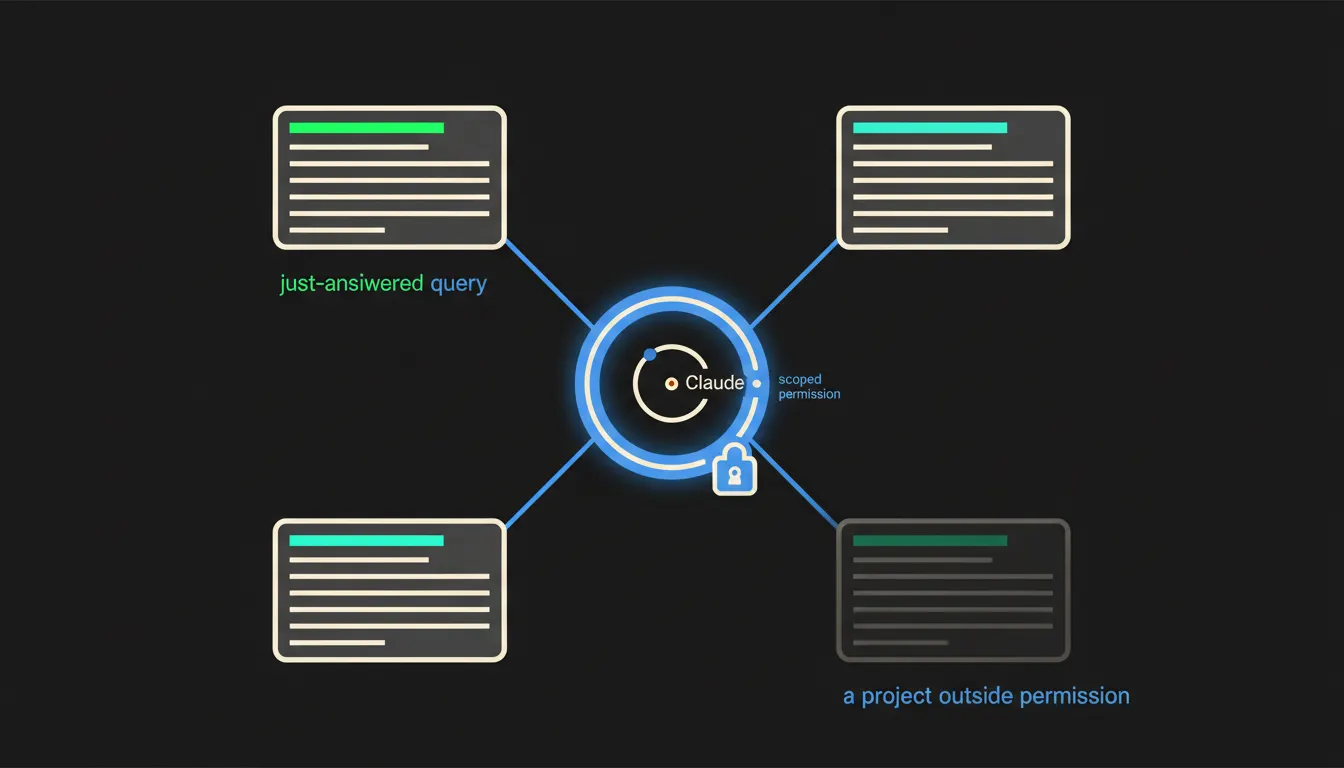
An MCP server for Jira is a small bridge between Jira and Claude. It copies your projects nowhere. It asks Jira the same questions you would ask, with your permissions. So 'what moved this week and who is blocked' has an answer in seconds, without opening Jira.
The work nobody wants
In a company under fifty people, project status lives in two places: in Jira, and in one person's head. On Friday that person opens a board, runs a saved filter, switches to the second project, copies a few numbers into a spreadsheet and writes the client a three paragraph mail. It takes an hour, sometimes two. Next Friday it starts again.
The delay is worse than the hour. Sales needs to ask on Wednesday, the client asks on Monday morning. Anyone who does not know the projects asks a colleague, and the colleague stops working to look up a single date. Meanwhile the questions never change: what shipped, what slipped, what is waiting on whom.
The sprint ended Friday at five. The sprint report was written Saturday at nine.
— A delivery manager's week, abridged
What a connected Jira actually means
Connected does not mean replacing Jira with a chat window. It means a small service stands next to Jira, an MCP server, that can turn a plain question into a query Jira understands. Jira Cloud has a documented REST API and JQL, the language for finding issues by project, status, label or date. The MCP server uses that API the way a person with a browser would, only faster and without switching tabs.
The login is the part that matters. The server does not act as one service account with rights to everything. It signs in over OAuth with your identity and a limited set of scopes, so the project permissions you already maintain in Jira apply. No second copy of the projects is created anywhere. There is nothing to sync and nothing to forget to delete.
Concretely: Jira Cloud, JQL and hours from worklogs
Take a delivery team that runs development in Jira Cloud, talks on Slack and invoices in Pohoda. Jira stays exactly where it is, boards and saved filters included. Only the bridge is added. Asked 'what moved on the ESHOP project since last Monday and what was waiting on the client', Claude assembles the answer from status change history and comments, and attaches links to the actual issues so a person can open them and check.
- Turns the question into JQL and fetches only the fields needed, instead of exporting the whole project.
- Reads change history, so it can tell 'done today' from 'done three weeks ago'.
- Adds up worklogs for a period and splits them by project as billing prep.
- Finds issues nobody has responded to in a while and marks whose side the wait is on.
- Drafts the client update in the tone the team saved once as a skill, so everyone reuses it.
Illustratively: a five person team running two client projects at once could replace the Friday report with a single question, asked at the moment somebody actually needs it. The same bridge then serves sales ('when can we realistically promise the release') and bookkeeping ('how many hours went to project Alfa in May'), each time with the permissions of whoever asked.
What an MCP server for Jira will not do, and why that is good
It will not close a ticket for you, change a priority or move a date. Writing to Jira is a separate permission, and in the first weeks it usually stays off entirely. The bridge reads. Once reading proves itself, a few narrow write operations can be added, adding a comment or assigning an issue, and a person confirms each one.
That restraint is why the bridge can be trusted. Jira is the record of work that invoicing and planning depend on. A tool allowed to write anything into it would need supervision. A tool that only answers questions inside your rights does not. Deciding what slips and what the client is told stays with a person, because it rests on information that was never in Jira.
What it would take
The bridge runs on your infrastructure, in your tenant, not in somebody else"s service. It needs an OAuth app in your Atlassian account, the list of projects it may ask about, and three to five questions somebody handles by hand today. It starts with reading one project. Not a year of preparation, and not a Jira migration.
What is left
The model is not the bottleneck. Claude can read status history and write a clear summary of it. The bottleneck is the distance between Claude and the Jira your company actually works in. That is the distance we close: one small server, your permissions, your infrastructure.
If the Friday report has annoyed you long enough, write to us. A short call is enough to walk through the three questions people most often chase in your Jira, and to say what a first version of the bridge would cover.