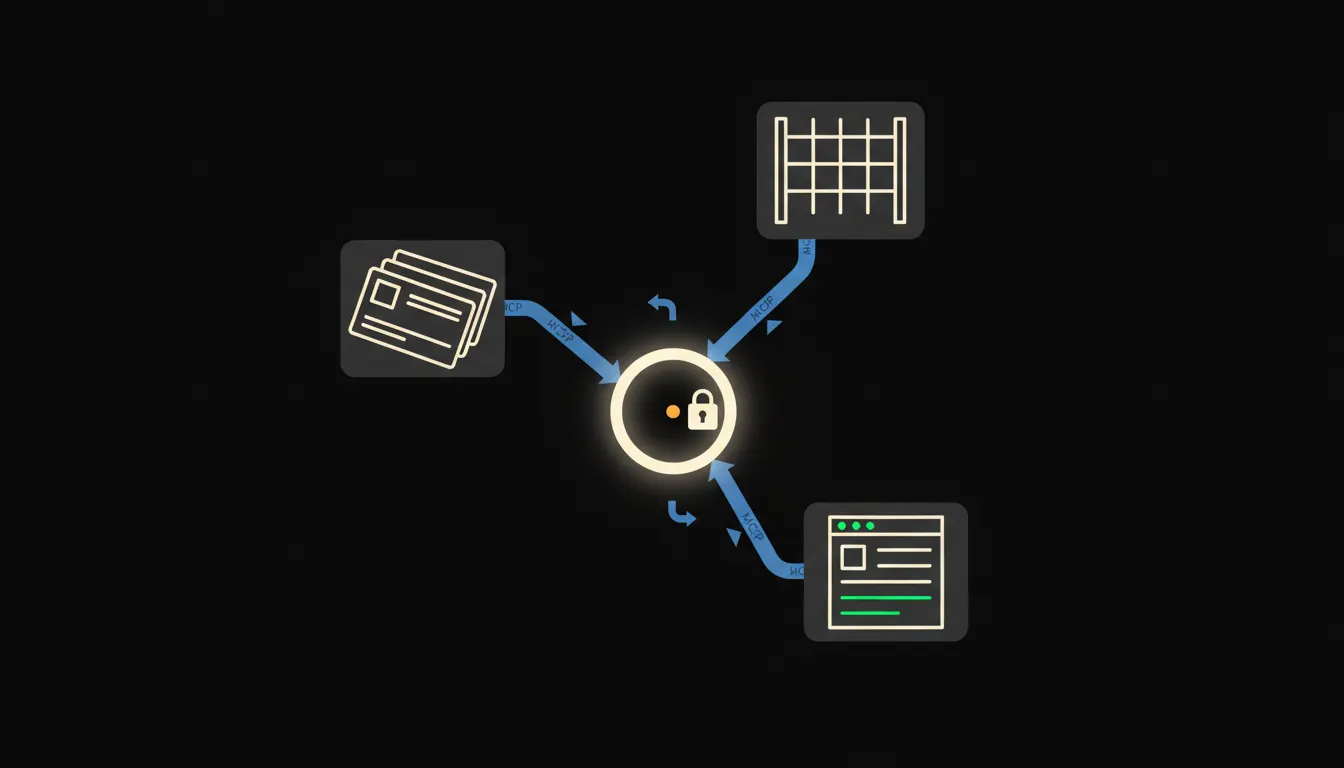
Every day someone at a company opens Claude, copies an order number from one window, pastes it into another, then manually transfers the answer back into the system. An MCP server removes that switching. Claude connects directly to your system, reads data with your permissions, and responds without the intermediate step.
What an MCP server actually is
MCP stands for Model Context Protocol, an open standard released by Anthropic in November 2024. The technical definition is dry: a protocol that lets a language model communicate with external tools in a structured way. In practice it means one thing: Claude gets access to a system the company already runs, using the identity of the specific logged-in user.
An MCP server is a small program that sits between Claude and your system. It receives a request from Claude, checks what the logged-in user is permitted to see, calls your system, and returns the data. Nothing is copied to a third-party cloud. Nothing is stored outside your infrastructure. Claude sees only as much as the person at the keyboard is allowed to see.
We had the system. We had the data. We just had to move it back and forth by hand every time.
— A common situation before an MCP server is added
Example one: the warehouse
An e-shop with fifty thousand SKUs handles dozens of stock queries every day. A customer writes in, a sales rep switches windows, finds the item, copies the number. An MCP server for the warehouse removes that. Claude receives the query, the MCP server calls the warehouse API using the sales rep's identity, returns the current stock level, and Claude composes the reply.
Illustrative example: a sales team at an e-shop could save an hour a day this way, just on recurring availability queries. The warehouse staff retain exactly the access they had before. Claude sees the warehouse through the eyes of the sales rep, not the administrator.
Example two: the CRM
A sales rep returns from a meeting and wants to know where the pipeline stands for their accounts, what was agreed on the last call, and the status of three open proposals. Normally: log into the CRM, click through three screens, copy notes. With an MCP server, they type one sentence to Claude and the answer comes back in seconds, assembled from CRM data with their permissions.
The same principle works for HubSpot, Pipedrive, or an internal CRM built on a SQL database. The MCP server is written once for a specific system. The whole sales team then uses it, each person seeing only their own data.
- Pipeline overview: Claude summarises all active deals for the logged-in sales rep.
- Call prep: Claude reads contact history and drafts talking points.
- Note drafting: Claude proposes a meeting note; the rep confirms before it is saved.
- Stale deal alerts: Claude flags contacts where the pipeline has not moved in 14 days.
For a freelancer or a small sales team, this is an example where an MCP server pays back the investment quickly. Queries about deal status stop interrupting focused work. Preparing for a sales call stops taking twenty minutes.
Example three: accounting and Pohoda
Pohoda is the most widely used accounting software for small and medium companies in the Czech Republic. Every month someone in the accounts team searches for invoices, checks receivables, and builds a summary for management. An MCP server for Pohoda would let Claude read invoices and receivables status directly from the database, with the accountant's permissions.
Illustrative scenario: an accountant asks Claude for all overdue invoices from the last quarter. Claude calls the MCP server, the server queries Pohoda with the accountant's credentials, returns the list, Claude composes the summary. The accountant still sends the invoice. The decision on a reminder letter still belongs to the manager. Claude prepares the material for the decision.
- Overdue receivables: Claude produces a summary with days overdue and contact details.
- Management report prep: Claude pulls data from the accounting system and structures it into a report.
- Document check: Claude flags invoices that lack a matched payment.
- Fakturoid alternative: the same principle applies to cloud invoicing systems with a REST API.
What an MCP server will not do, and why that is a good thing
An MCP server will not send an invoice to a customer. It will not approve an order. It will not change a price in the price list. This is not a technical limitation to be worked around. It is a deliberate boundary in how the servers are designed. Operations that modify data or carry financial consequences require explicit confirmation from a person.
For a company, this is the reason to trust the system. Claude connects to your data and works with it, but critical steps remain under human control. An audit trail exists. Nothing happens without the knowledge of the logged-in user.
What it takes in practice
An MCP server for a single system (CRM, warehouse, or Pohoda) is a project measured in days, not months. The server runs on your infrastructure. It connects to your system through an existing API or database. You do not need to replace the system you already have. You are adding a bridge, not a replacement.
Once deployed, the server is available to the whole team. The sales rep sees their deals. The accountant sees their invoices. The warehouse manager sees their stock. Each person sees only what they are permitted to see. The administrator configures permissions once, and those rules apply to every conversation with Claude.
The model is not the bottleneck. The bridge is missing.
Claude is capable of working with complex data, producing precise outputs, and navigating the context you give it. Without a bridge to your data, though, it works only with what you manually copy into the window. The MCP server is that bridge.
If you want to know which MCP server would make the most sense for your operation first, write to us. A short call is enough to understand where the biggest friction is and to propose a concrete bridge.