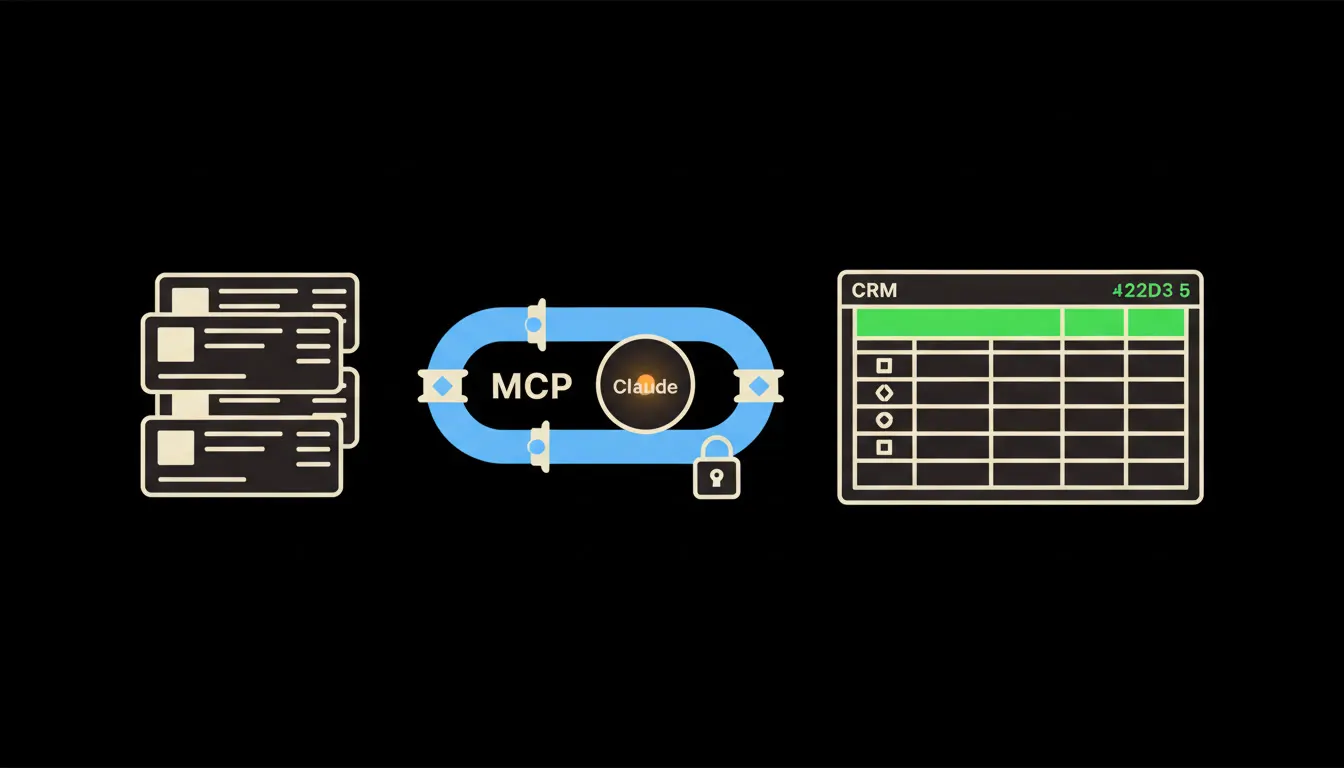
Customer reports from the CRM are usually a sales job: once a month, in a spreadsheet. Support needs the same picture the moment a customer writes in. How many times have they contacted us, what did they buy, is their contract ending? With Claude connected to the CRM, support simply asks and has the answer in seconds, under their own permissions.
The work nobody wants
A customer writes for the third time this month. The support agent opens the helpdesk, then the CRM, then invoicing. Is this a major account or a one-off purchase? When does the contract end, and who in sales owns the account? Meanwhile the customer waits, and another message lands in the ticket: "Hello?"
When the head of support wants a view across the whole team, it gets slower. They ask sales for an export. It arrives two days later as a spreadsheet with thirty columns, four of which matter to support. By the time someone reads it, the customer who complained most may already have quietly left.
The signal that a customer is leaving rarely reaches sales. It reaches support, three times, in tickets nobody connects to the contract.
— An ordinary Monday on the support desk, abridged
What "asking the CRM" actually means
On its own, Claude knows nothing about your customers. The model is not the problem, though. The problem is the gap between the model and the data you already have. A small, focused MCP server closes that gap. MCP (Model Context Protocol) is an open standard from Anthropic that lets Claude talk to other systems. Think of it as a socket with one standard shape: the CRM, the helpdesk and invoicing all plug into it.
What matters is whose name the question travels under. The server carries your identity all the way into the CRM. When an agent asks "Which of my customers wrote in more than twice this month and have a contract ending within 60 days?", the query reaches the CRM with her permissions. Nothing is copied into another database and nothing is indexed in advance. The answer is assembled at the moment of the question.
Concretely: Raynet, HubSpot and the helpdesk you already run
Nothing gets replaced. The CRM stays, whether it is the Czech Raynet, HubSpot or Pipedrive. So does the helpdesk: Freshdesk, a shared Microsoft 365 mailbox, or Daktela for the phones. The only addition is the bridge between them and Claude. For a five-person support team that typically means two or three MCP servers: the CRM, the helpdesk and, if useful, invoicing in Pohoda or Fakturoid.
- Before an agent replies to a ticket, it summarises the customer: what they own, when they last wrote in, who handles them in sales.
- On request, it builds the weekly report: customers with a rising ticket count and a contract nearing its end.
- It ties tickets from email, chat and phone to one contact, even when the customer signs off differently each time.
- It drafts a short note for the account manager. A person checks it and sends it, or throws it away.
Take an online shop selling kitchen appliances, with a support team of four (an illustrative example). On Monday morning the team lead asks Claude which B2B buyers opened more than two tickets last week. Six names come back, and two of them have a framework contract ending within a month. She passes those two to sales before lunch. Previously, sales would have found out when the termination notice arrived.
What reports through Claude will not do, and why that is good
Claude will not reply to the customer by itself, will not promise a discount, and will not change a CRM record unless you explicitly allow it. It prepares an overview and a suggestion. Whether to call, offer compensation or let it go is decided by the person who knows the customer.
That limit is exactly what makes the output dependable. A report where you know which records it came from, and under whose name, is one you can forward to management without a second thought. And if the CRM holds a mistake, you see it right there in the answer, not in some copy nobody keeps in sync anymore.
What it would take
Not a year-long project. First, a short conversation about which systems support uses and what it asks most often. Then we build MCP servers for the CRM and the helpdesk, deploy them on your own cloud infrastructure and connect them to your existing sign-in. Frequent questions, such as the Monday at-risk customer report, go into the skills library. Anyone on the team can run them, always with their own permissions.
What is left
You already have the customer data. It sits in the CRM, the helpdesk and invoicing. The systems just do not talk to each other, and support has no quick way in. The model is not the bottleneck. The bottleneck is the gap between Claude and what your company already knows.
Curious how this would look on top of your CRM? Write to us. A short call is enough: we walk through two or three questions your support team handles every day and tell you what connecting it would take.