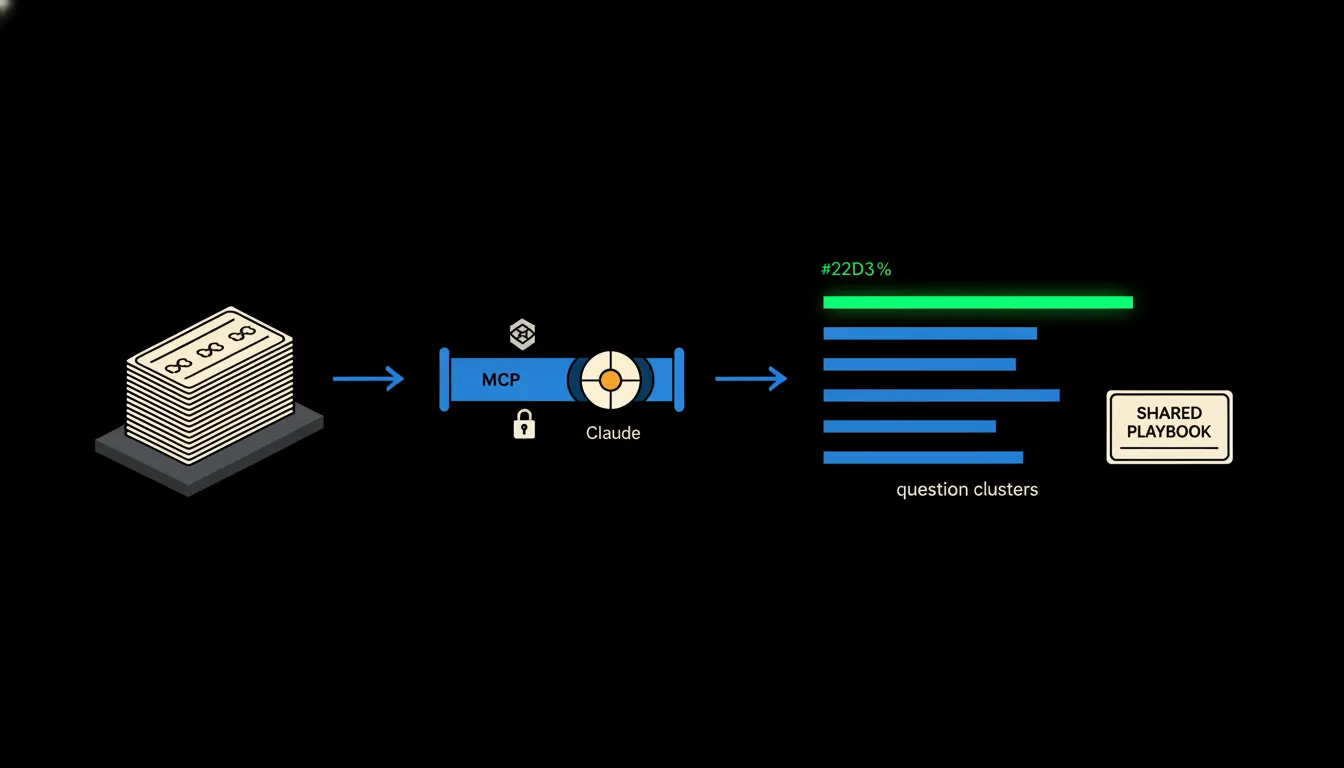
A CRM report on repeat questions answers one plain thing: what your customers keep asking, over and over. Most small companies have a hunch. Few have it in writing. Claude can pull it out of the records already sitting in your CRM, then turn the best answers into a playbook the whole team uses.
The work nobody wants
Monday morning, the shared support inbox. Where is my order. How do I change my billing address. Why didn't my discount code arrive. How do returns work. Each one is small. Together they eat the morning, and the answers come out slightly different every time, depending on who happens to be at the keyboard.
If you want to know which questions repeat most, you have two options. Read hundreds of CRM records by hand and tag them, or go on gut feeling. Gut feeling tends to remember whatever was annoying last week and miss what quietly comes back every day. Your most experienced colleague knows the best way to answer a return request. That knowledge lives in her head and in her sent folder.
Third time today we've written the same answer. Worded a little differently each time.
— A Tuesday in support, abridged
What it actually means
Claude connects to your CRM through a small MCP server. Think of it as an employee badge: it opens only the doors the badge of the person asking would open. The head of support sees every ticket on her team. A salesperson sees only his own accounts. Nothing is copied anywhere, and no second database appears.
Then you ask in a normal sentence: “Go through the last three months of questions and show me what keeps repeating.” Claude reads the records, groups similar questions by meaning (not by exact wording), counts them and adds a few typical examples to each group. What you get is a short report you can read over coffee.
Concretely: Raynet CRM and a shared inbox
Say you run Raynet CRM, where customer communication is logged, with a shared support mailbox in Microsoft 365 next to it. Both stay exactly as they are. Only the bridge is added. For an e-shop with a few thousand orders a month, that could mean, purely as an illustration, several hundred questions a quarter. That's a volume nobody sorts by hand, and one Claude handles easily.
- Reads records and emails for the period you choose, within your permissions only.
- Groups questions by topic, even when customers phrased them in completely different words.
- Shows how often each topic comes back and whether it is growing.
- Finds the best answers your team has already written and lays them side by side.
- Drafts a playbook from them: what to say, what to check, when to hand it on.
That last step is the heart of it. Once approved, the playbook goes into the skills library as “Return request reply” or “Billing details change”. The next morning, everyone on the team has it. A new hire answers as well as your most experienced colleague, because they work from her playbook. Picture a three-person support team at a Brno e-shop selling bike accessories: instead of three versions of the warranty-claim answer they have one, versioned, and when the claims policy changes they update it in one place.
What AI in support won't do, and why that's good
Claude does not reply to customers on its own. The report and the playbook are working material for people. Every answer that goes out is written or confirmed by a person. A playbook enters the skills library only after the head of support approves it, and every version carries its author and date.
That boundary is the reason to trust it. A repeat question is often a signal. If twenty people ask about delivery, the order confirmation email may be broken. Someone who knows the business should judge that. Claude just shows them where to look.
What it would take
No year-long project. You start with one source, usually the CRM or the support inbox, and one MCP server running on your cloud under your identity. A first report can be ready within days. Then you decide which three or four playbooks deserve to become skills, and the library grows at the pace your team needs.
What's left
Claude can read, sort and write. The model is not the bottleneck. The bottleneck is the gap between Claude and the records your support team has been faithfully saving in the CRM for years. Those records already hold the answer to what customers keep asking. Nobody has read them all at once yet.
If you'd like to see what this report would look like on your own data, write to us. A short call is enough: we'll look at where your tickets live and suggest the first bridge and the first skill.