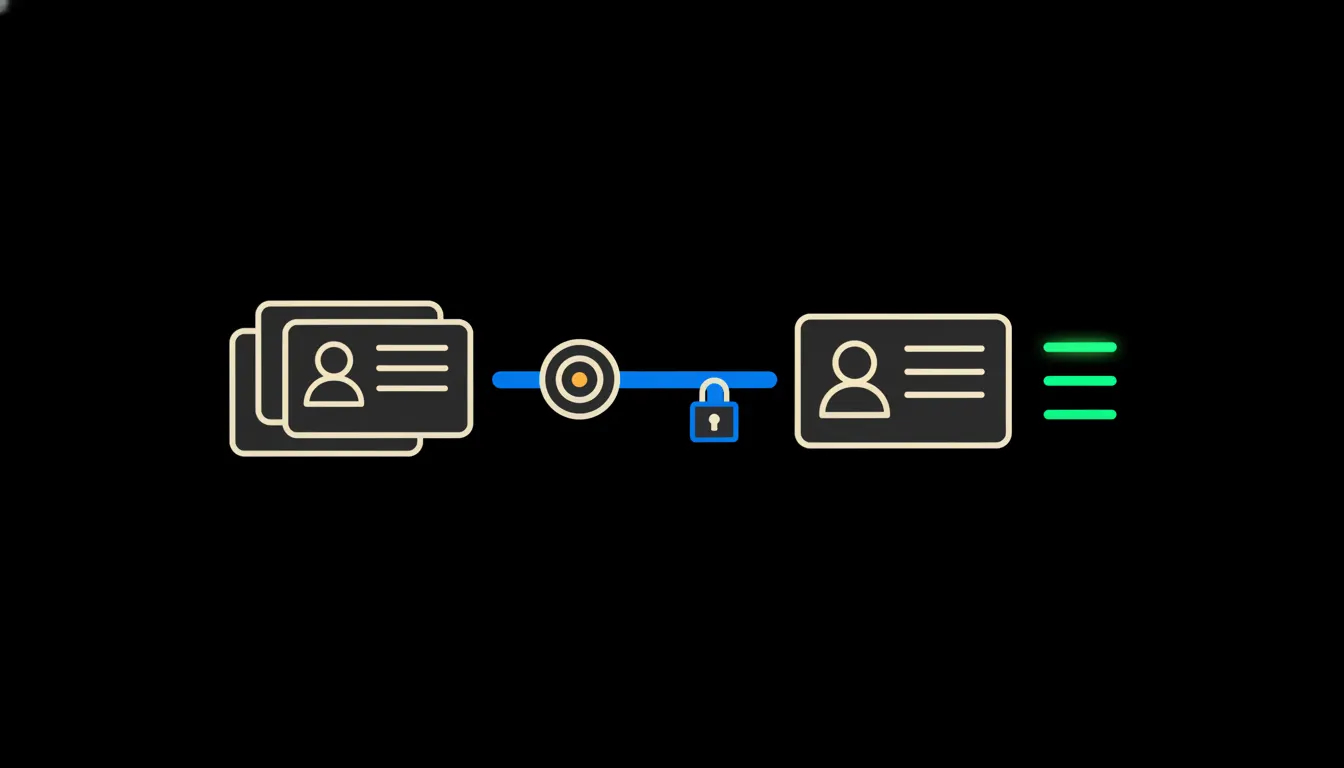
A CRM duplicate contacts report is a list of records that most likely describe the same person or company: the same email, the same company ID, a phone number typed once with the country code and once without. Claude can build one from your CRM in a few minutes. Describe the check once as a shared skill, and anyone on the team can run it with a single instruction, under their own permissions.
The work nobody wants
A customer, Jana Nováková, calls in and sales saves her as “J. Nováková”. A month later support adds her again as “Jana Novakova”, no diacritics, because she rang from a different number. The online store then creates a third record from her order email. The CRM now holds three customers. There is one.
It looks minor. Then the new-customer report is inflated, the newsletter reaches the same woman three times, and a salesperson calls someone a colleague closed a deal with yesterday. Cleanup gets pushed to “when there is time”. Once a year someone loses an afternoon or two to a spreadsheet export, sorting by surname and comparing rows by eye.
Sort by surname, scan, merge. Do it again in six months.
— CRM cleanup, as most teams know it
What a shared check actually means
On its own, Claude cannot see your CRM. It needs a bridge: a small MCP server that exposes contacts and companies under the identity of whoever is asking. A salesperson who sees only their own region in the CRM sees only that region's duplicates in the report.
The second part is the skill. You write down once how the check should run: which matches count as certain (same company ID, same email), which are only suspicious (similar name, same town), what the report looks like and who receives it. The procedure goes into the team library, gets a version number, and is there for everyone the next morning. Someone types “check duplicates for last month” and gets the same report a colleague would, limited to what they are allowed to see.
Concretely: Raynet, Pohoda and a Shoptet store
Picture a small company that sells through a Shoptet store, runs sales in Raynet CRM and invoices in Pohoda. All three systems stay exactly as they are. The only addition is a bridge that can read them. How many duplicates sit in there, nobody knows until the check runs. That is the reason to run it.
- Matches companies by IČO, the Czech company ID, and checks the name against the public ARES register, so “ACME s.r.o.” and “Acme, spol. s r.o.” end up as a pair.
- Normalises phone numbers and emails (the +420 prefix, spaces, capital letters) before comparing anything.
- Splits findings into certain matches and suspicions, with a reason next to each one.
- Notes which record in each pair has the newer activity and which one has open deals or Pohoda invoices attached.
- Sends the result as a readable report to email or the team channel, every Monday morning or whenever someone asks.
An illustration: a sales assistant in a fifteen-person company used to spend an afternoon a quarter on cleanup and still never finished. With the skill in place, she runs the check on Monday, works through a report of twenty proposals and merges the ones she agrees with. It takes her a quarter of an hour. When she refines a rule, she bumps the version and her colleagues have the change straight away.
What the duplicate check will not do, and why that is good
Claude does not merge or delete records by itself. Two Petr Svobodas in Brno could be one person or two different customers. A shared address can mean a shared household rather than the same buyer. That call needs someone who knows the context, and wrongly merged records are hard to pull apart again in a CRM.
There is a legal side as well. Article 5 of the GDPR requires personal data to be accurate and, where necessary, kept up to date. A regular duplicate report is a simple way to meet that duty. And because every merge is made by a named person, the audit trail shows who changed what, and when.
What it would take
No year-long project. We build an MCP server for your CRM (and for Pohoda and the store, if you want them), running on your infrastructure under your accounts. Together with your team we write the first version of the skill: which matches to look for and what the report should show. Then you tune it on real data for a few weeks, until you trust it.
What's left
Spotting similar names in a contact list is easy work for Claude. The model is not the bottleneck. What it lacks is access to your data and a clearly written procedure that can be shared. That is the gap we close: a bridge to the systems you already use, and a skills library where a good procedure is written once and serves everyone.
If duplicates in your CRM are a sore point, write to us. On a short call we will go through where your contacts come from and what a first report could look like.