CRM reporting in a small company usually goes like this: on Thursday afternoon someone exports data into a spreadsheet, rearranges the columns, builds a pivot table, and sends it around for the Friday morning meeting. The data is from Tuesday. The report took two hours. Next week: repeat from the start.
The work nobody wants
The CRM was bought precisely so the company would have visibility. But visibility doesn't fall out of a CRM on its own. It has to be extracted: exported, cleaned, reformatted, visualised. In small companies that job lands on the sales director, the CEO, or whoever has a spare hour.
The problem is not the CRM. The data is there, complete, current, structured. The problem is the gap between data sitting in the system and the picture that needs to be in the head of the person running the business. Right now, that gap is bridged by Export to Excel.
"Everything is in Pipedrive. But to get a meaningful report out of it, I have to build a spreadsheet and walk through it myself."
— Sales director, manufacturing company, 18 reps
What "connecting the CRM" actually means
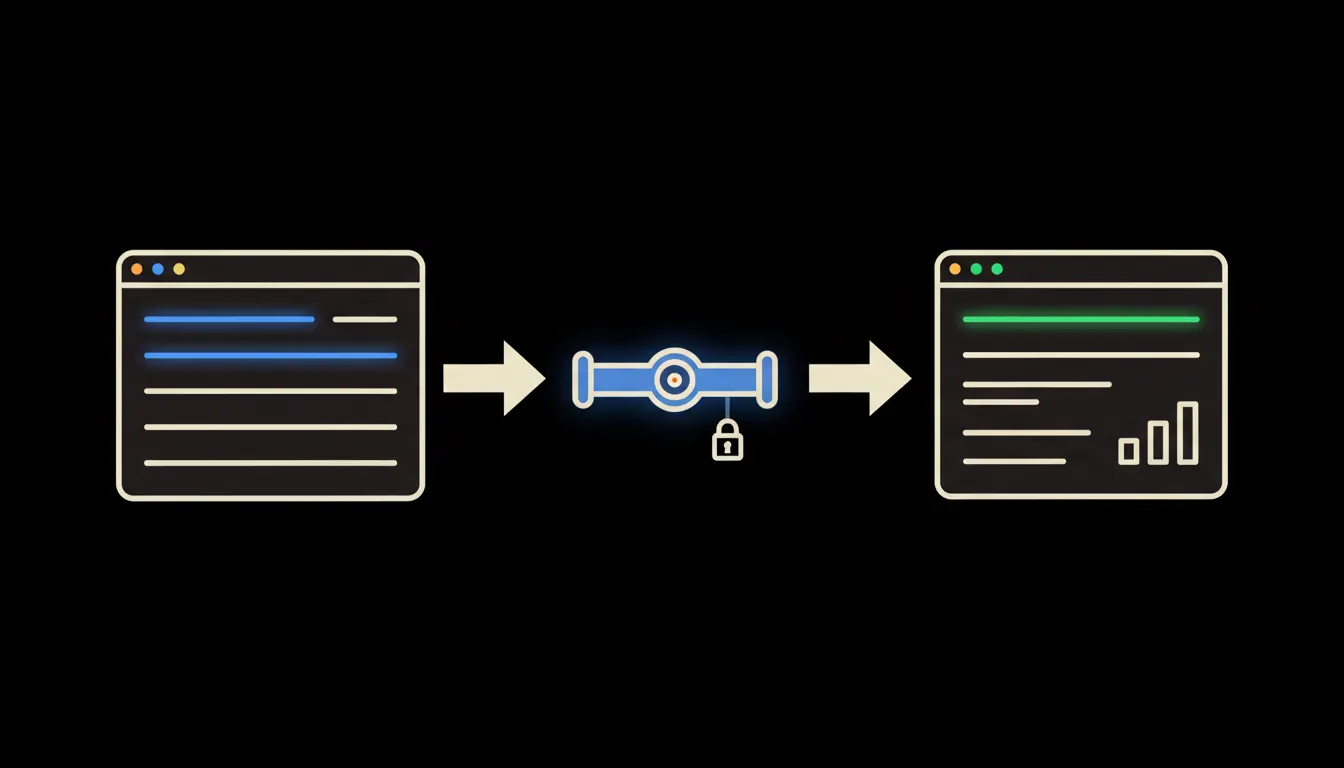
AI stack builds a small MCP server on top of your CRM. This server knows your CRM's API: how to ask for deals in the "proposal sent" stage, how to filter by rep or deal size, how to calculate win rate for the last quarter. Claude sends queries through this server directly to the CRM, in real time, under your identity.
Nothing is copied anywhere. No export, no intermediate storage, no copy sitting in a third-party tool. Claude sees exactly what you would see in the CRM, nothing more. The overview is produced by a query, not by an export.
Concretely: Pipedrive or Raynet
Pipedrive and Raynet CRM are among the most widely used tools in Czech sales teams. Both have REST APIs that an MCP server can read. A company doing manual reporting today adds the bridge between its CRM and Claude once. After that, it just asks.
- Pipeline overview by stage and rep for this week
- Deals above CZK 200k with no activity in the last 14 days
- Win rate for last quarter compared to the previous one
- Calls and emails logged in the past 7 days, broken down by rep
- New deals added this month and their combined value
A sales director at a ten-person software company could receive this overview automatically every Monday morning, or pull it up any time during the day with a single question. Time spent on reporting shrinks from hours to minutes. The data is current at the moment of the query, not from last Thursday's export.
What a CRM bridge will not do, and why that is a good thing
Claude builds the overview. It does not decide who to call, which deals to prioritise, whether to offer a discount. Those tasks require context, relationships, and accountability. They stay with the rep and the director.
This boundary is not a technical limitation. It is intentional. A report is an excellent servant and a poor master. The bridge gives the company an accurate, current picture. What the company does with it is its own decision, and that is how it should stay.
What it would take
Connecting a CRM to Claude is a one-time project, not a year-long programme. The MCP server for Pipedrive or Raynet is deployed on the company's own infrastructure, permissions are set, and it runs. No external storage, no data in a foreign cloud. The company stays the owner of its CRM data, exactly as it is now.
What's left
The model is not the bottleneck. The data in your CRM is complete and current. The bottleneck is the gap between that data and the picture you need from it. Right now, Export to Excel fills that gap. A bridge closes it directly.
Write to us. A short call is enough to understand which CRM you use and what you need to see from it. We can then show what the bridge would look like for your specific setup.