The meeting is at 9:00. It's 8:40 and the sales rep is just opening the CRM to recall what the customer last ordered, what was discussed last time, and where the open opportunity stands. Twenty minutes disappear before the coffee is ready. They walk into the meeting with whatever they managed to skim, not with what the customer actually needs to hear.
The work nobody wants to do
Preparing a proposal isn't complicated. It's slow. The sales rep knows the customer, but that knowledge is scattered across five places: meeting notes live in the CRM, actual order history lives in the accounting system or ERP, the current price list is in an Excel file on a shared drive, email threads are in the inbox, and that promise from a LinkedIn message was saved approximately nowhere.
The result is a ritual repeated before every meeting: open a tab, copy a number, switch, copy a name, open the template, paste, forget the discount agreed in December. Every experienced sales rep knows how it ends: a proposal that doesn't reflect what the customer said last time signals that the company doesn't really know them.
By the time I had a grip on the context, the customer was already sitting in the conference room.
— Sales rep, B2B company with 40 employees, reconstructed from a common scenario
What connecting the CRM to Claude actually means
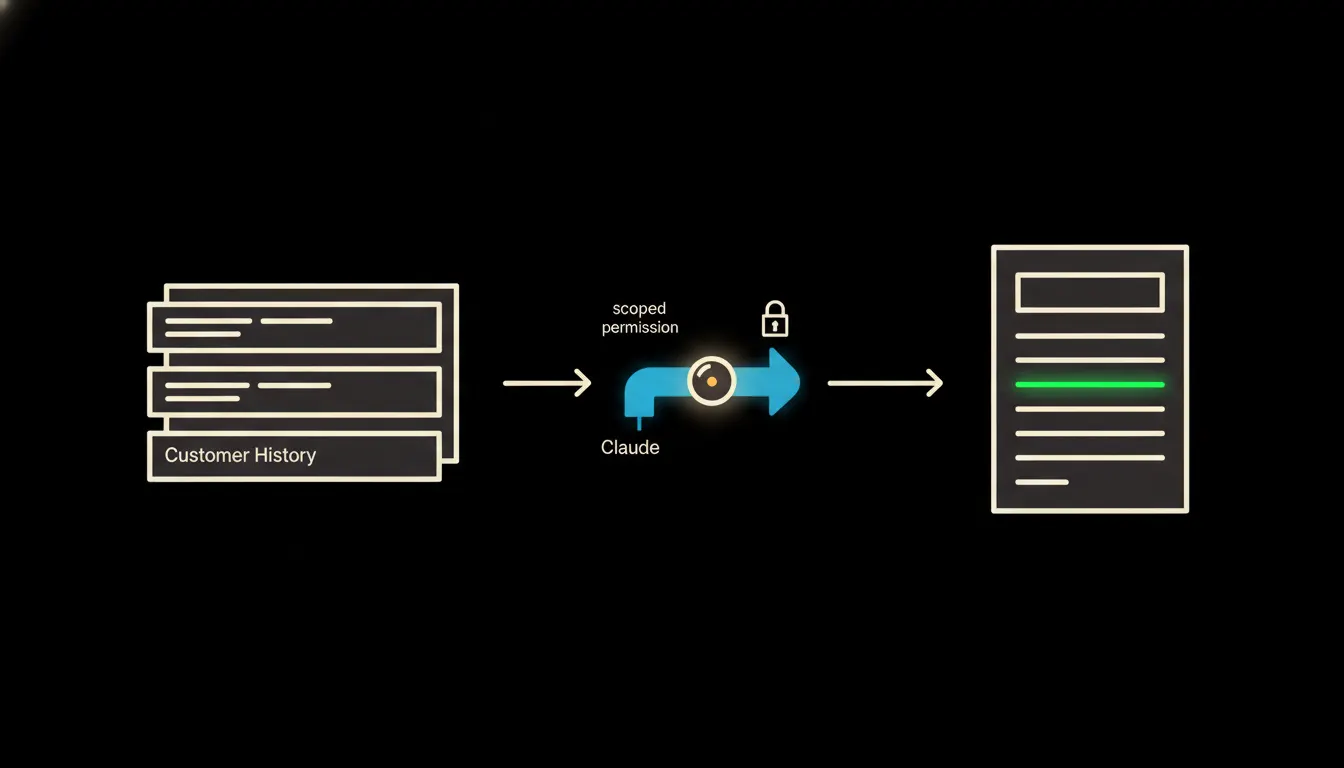
Connecting Claude to a CRM is not about AI "reading your data." It's about who accesses it and what they see. An MCP server (a small, focused connector) carries the identity of a specific sales rep. When Claude assembles a meeting brief, it sees exactly what that rep would see themselves: their customers, their opportunities, their notes. Nothing more.
One MCP server covers the CRM. A second connects to Pohoda or Helios and reads that customer's order history. A third reaches into the shared Sheets price list. Claude merges these inputs and assembles a structured brief: customer context, relevant products, open points from the last meeting. The rep receives a prepared overview, not raw material to copy.
Concretely: Raynet or Pipedrive connected to Pohoda
Take a typical Czech B2B company: CRM is Raynet or Pipedrive, orders live in Pohoda, the price list is a Google Sheets table. In the morning the rep tells Claude: "Prepare a brief for my 9:00 meeting with Novák s.r.o." Claude reads through three MCP servers: contact history, the last three invoices, the open opportunity, and current prices. The whole thing takes seconds. Illustratively: where prep used to take 20–40 minutes, the rep now has the same picture in the time it takes to pour a first coffee.
- From CRM: last three touchpoints, open opportunities, meeting notes
- From Pohoda or Helios: order history for the past 12 months, average order value, agreed discounts
- From the price-list table: current prices for products relevant to this customer
- Output: one structured document (customer context, proposed items, open points to cover)
A solo operator or small team juggling twenty active customers at once will feel this most immediately. Every meeting starts from preparation, not catch-up. And customers notice: a company that arrives with specific context reads differently from one that remembered the name in the template header.
What AI proposal prep will not do and why that's a good thing
Claude assembles the brief. It does not offer a discount. It does not promise a delivery date. It does not sign a contract. The final proposal the rep sends or brings to the meeting remains their decision, with their responsibility for the price, the terms, and the company's commitments.
This boundary is not a weakness in the system. It is the reason to trust it. The rep remains the one who negotiates with the customer, stands behind the proposal, and holds the relationship. Claude handles the preparation: the tedious, time-consuming part. The decision, the promise, and the signature stay where they belong: with a person.
What it would take
Connecting a CRM, ERP, and price list via MCP servers to Claude is not a year-long project. It's a scoped integration: three connectors, each focused on one system, each carrying the user's identity. It runs on your infrastructure, not in a third-party cloud, not in a shared tenant. The audit trail of who queried what and when stays with you.
What remains
The model is not the bottleneck. The sales rep knows the customer. That's their job. The bottleneck is the gap between what the customer said and where that information physically lives. In the CRM, in the ERP, in the spreadsheet, in the inbox. Claude closes that gap. The rep gets their time back for the part of the work that actually drives revenue: the conversation, the relationship, the deal.
If you're curious what this would look like for your specific CRM and sales process, write to us. A short call is enough to show where the gap is largest and what a first MCP server would cover.