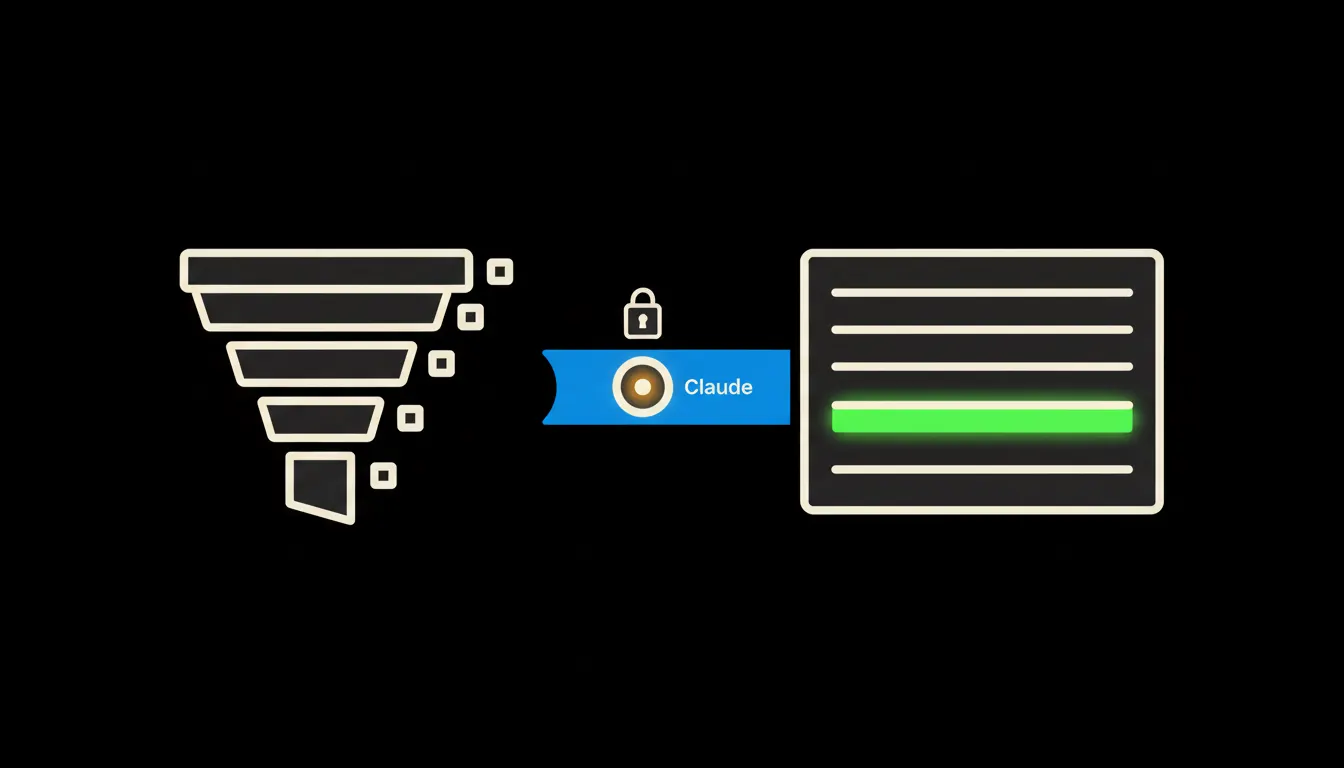
Most companies have no real CRM reports on lost deals, even though the data has been sitting in the system for years. Every time a deal is lost, the salesperson records a reason and the stage where it ended. Read those records together and you see where the company is losing money. Usually nobody does.
The work nobody wants
Once a quarter, someone in the leadership meeting asks why we lost more bids this year than last. Then somebody opens the CRM, exports the lost deals to a spreadsheet and starts sorting. The loss reason field has five preset options and a free-text box underneath. Half the records say “price”, a quarter are blank, and the rest are notes along the lines of “customer went quiet”.
You can read something out of that spreadsheet, but it costs an afternoon, and the result is stale before it reaches the meeting. What is really missing is context. You can see that deals die after the quote goes out. You cannot see that they die mostly with one type of customer, on one product, or since the price list changed. That lives in notes, emails and call summaries, and nobody pastes those into the export.
“Price” is the reason people write down when they would rather not write anything else.
— The quarterly sales meeting, abridged
What a CRM-connected Claude actually means
Instead of an export, Claude gets direct, narrow access to your CRM through a small MCP server. Think of it as a bridge with one job: reading deals, their stages, loss reasons, notes and linked activities. It copies nothing into someone else's database and indexes nothing in advance. When you ask, it reads what it needs and answers.
The important part is that the bridge carries your identity. The sales director asks and sees the whole team. A salesperson asks the same question and sees only their own deals, because those are the rights the CRM already gives them. You do not build a new permission system for AI. You use the one you have.
Concretely: the Raynet, Pipedrive or HubSpot you already run
The CRM stays where it is. Salespeople keep logging deals the way they always have, whether in Raynet, Pipedrive, HubSpot or Salesforce. The bridge sits alongside. For a company with ten salespeople and a few hundred closed deals a year, that typically means one MCP server and a few days of tuning, not a year-long project (an illustrative estimate).
- Groups lost deals by the stage where they ended and shows where the biggest drop is.
- Reads the free-text notes and emails on lost deals and separates what hides under a generic “price”: budget, a competing offer, a slow reply.
- Compares loss reasons by salesperson, segment, product or lead source, always within the rights of the person asking.
- Flags deals with no loss reason recorded, so the gap in the data gets closed at the source.
- Prepares a meeting brief in a structure the team saves once as a shared skill.
Take an illustrative example: a Brno company with eight salespeople selling industrial equipment. On Monday morning the owner asks why they lost more bids in the third quarter. A minute later the answer is there. Most losses happen after the technical site visit, on deals above half a million crowns, and the notes keep mentioning long delivery times. It is not price. It is the warehouse. That is something you can fix.
What lost-deal analysis will not do, and why that is good
Claude does not decide who is to blame for a loss, and it does not grade salespeople. It works with what is written in the CRM. When a loss reason is blank, it says so instead of guessing. When the notes are too thin to support a conclusion, the answer admits it.
What to do with the result stays with people. Changing the price list, reworking how quotes go out, or sitting down with a specific salesperson is management's job. The report only shortens the path from question to data, from an afternoon to a few minutes. Because it decides nothing on its own, you can trust it.
What it would take
It starts with a short call about which CRM you run and what leadership asks most often. Then we build an MCP server for your CRM, deploy it on your own cloud and connect it to the sign-in you already use. The data stays with you, and so does the audit trail. No year-long project, and no new system your salespeople have to learn.
What's left
The model is not the bottleneck. Claude can read hundreds of notes and find the pattern in them. The bottleneck is the gap between Claude and the data already sitting in your CRM. We close that gap.
If the question of why deals fall through keeps coming back in your meetings, and every answer costs an afternoon in spreadsheets, write to us. A short call is enough to find out whether connecting your CRM makes sense.