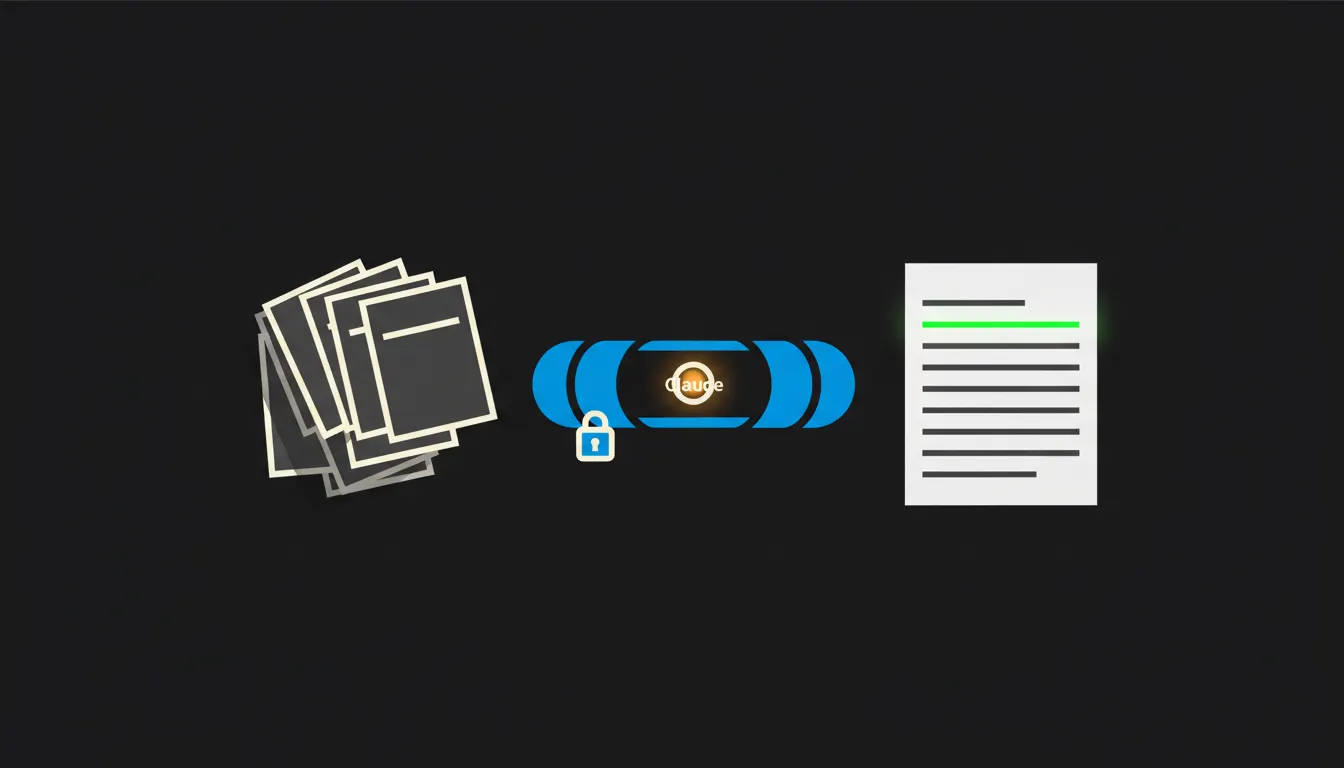
CRM task reports usually tell you how many deals sit in the pipeline. They leave out the part that matters: which follow-ups were due last week and never happened. Claude, connected to your CRM through MCP, lists them on Monday morning by salesperson and by customer. Everyone sees only what they can already see in the CRM today.
The work nobody wants
Every CRM has a tasks tab. Call back, send the quote, follow up after the trade fair. Each task has a due date, the date passes, and the task turns red. It hangs there for a week. Then people stop opening the tab, because there is too much red and nobody knows which of it still means anything.
The sales lead knows this and deals with it now and then. Export the tasks, filter by due date, sort by person, check against the customer list. Some of those customers have ordered in the meantime. Some have gone elsewhere. It takes an afternoon. Two weeks later the spreadsheet is stale and nobody opens it again.
Call Mr Novák about the quote. Due: three weeks ago. Status: open.
— A CRM task, one of many
What a report wired straight into the CRM means
Instead of an export, you ask a question. “Which overdue follow-ups do I have this week?” or “Which customers have been waiting more than five days for a reply?” Claude asks your CRM directly and answers with a list: who, for whom, what, and since when.
Between Claude and the CRM sits a small MCP server. It is a narrow bridge with one job: read tasks, activities and contacts exactly as the person asking is allowed to read them. Nothing is copied and no new database appears. The bridge runs on your infrastructure, and every query lands in an audit trail.
Concretely: Raynet, Pipedrive or HubSpot
Your CRM stays as it is. Whether it is the Czech Raynet, Pipedrive or HubSpot, your salespeople keep working in it the way they do now. The only addition is the bridge. For a company with five to fifteen salespeople, that typically means tens to a few hundred open tasks a week (an illustrative estimate), which is exactly the volume nobody can review by hand.
- At 7:00 on Monday it pulls every task past its due date and sorts them by age.
- It groups them by salesperson and separately by customer, so a client waiting on three people at once becomes visible.
- Next to each task it adds the latest activity: the last call, the last email, whether an order came in meanwhile.
- It flags tasks that probably no longer make sense, so the salesperson can close them on purpose.
- Each person receives only their own slice, and management gets the team summary.
Picture a small company in Brno selling industrial filters. Four salespeople and one lead. Tasks used to get reviewed only after someone noticed a customer had moved on. With the Monday report, each salesperson sees five to ten things that slipped over their morning coffee, and the lead sees which customers they are piling up around. This is an illustrative example, not a specific client.
What the report will not do, and why that is good
Claude does not close tasks, does not write to customers and does not grade anyone. It cannot know that Mr Novák said “call me after the summer” at the trade fair unless someone wrote it down. Even if it did know, the choice to wait or to call belongs to the salesperson. The report is a list, not a verdict.
That limit is the reason to trust it. Salespeople do not feel watched by a machine, because they get their own list before the boss sees the summary. The lead stops chasing people through spreadsheets. And nobody reaches data through Claude that they could not open without it. An older study published in Harvard Business Review showed that response speed on inbound leads matters more than companies assume. A forgotten follow-up is the same problem, only slower.
What it would take
No year-long project. We connect one MCP server to your CRM, set it up to carry the identity of whoever is signed in, and build one skill: the Monday report of overdue tasks. It runs on your cloud, in your tenant, with one audit trail. The skill then sits in the library, and anyone on the team can run it with their own permissions, Thursday afternoon included.
What's left
The model is not the bottleneck here. Claude can sort tasks, spot a pattern and write a clear summary. What it lacks is access to the data your company already has, and access with rules. That gap is what we close.
If your CRM is full of red tasks and you are not sure which of them still matter, write to us. A short call is enough to see what your CRM looks like and what the first Monday report would show.