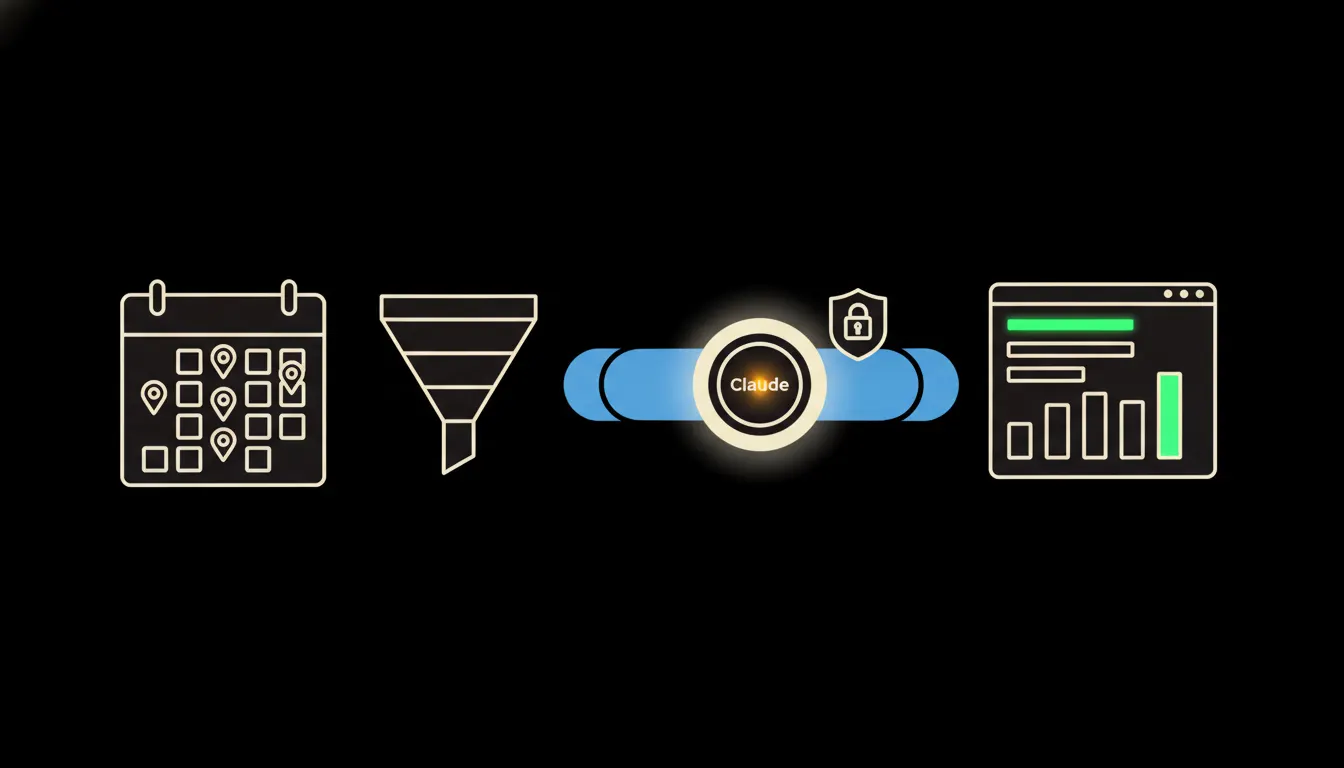
CRM reports on sales meetings usually give you a count: how many visits, how many calls, how many demos. They do not tell you which of those led to a signature. The answer exists. It just sits in two systems that never talk to each other: the calendar and the CRM.
The work nobody wants
At the end of the quarter, the sales director opens a CRM export and, next to it, the calendars of three salespeople. Line by line, they try to work out which meeting belongs to which deal. In the calendar the client is three letters; in the CRM it has its full legal name. Half the visits never made it into the CRM at all, because nobody had a minute between the motorway and the next appointment.
The result is a spreadsheet that takes two days to build and is out of date a week later. And the question that started it stays half answered: is it worth driving to Brno for a first meeting, or would a video call do, with the visit saved for the proposal?
“Forty visits a month, and nobody knows which ones paid for themselves.”
— A quarterly sales review, abridged
What connecting the calendar and the CRM actually means
The calendar knows when and where a meeting happened, how long it ran, and whether it was in person or over a video link. The CRM knows who it was with, what stage the deal was in, and how it ended. Claude can read both and put them together, as long as it has a way in.
That way in is an MCP server. It is a small, narrowly focused bridge: the calendar and the CRM on one side, Claude on the other. Nothing gets copied into yet another database. Claude asks at the moment someone asks it a question, and it gets back only what that person would be allowed to see.
Concretely: Raynet and the company calendar
Take a company that tracks its deals in Raynet and its meetings in Google Calendar or Outlook. Both stay exactly as they are, nobody retypes anything. The only new piece is the bridge between them. For a team of five salespeople that is, illustratively, several hundred meetings a quarter that nobody matches today, simply because there is no time to.
- Matches each calendar meeting to a company and a deal in the CRM, even when the names differ by an abbreviation or a typo.
- Tells an in-person visit from a video call or a phone call, based on the address or link in the invite.
- Looks up what stage each deal was in at the time of the meeting and how it eventually ended.
- Adds up time on the road, including trips to meetings that went nowhere.
- Answers “which first meetings in Prague led to a signature?” with a sentence and a short list, not a pivot table.
An illustrative example: a salesperson selling industrial machinery out of Olomouc asks Claude whether first meetings are worth doing in person. The answer shows that with smaller customers, an opening video call leads to a deal about as often as a visit, while for larger orders, seeing the machine in person is what decides it. Where he drives next week is still his call.
What an AI meeting report will not do, and why that is good
It will not tell a salesperson they are bad at their job. The report shows patterns across types of meetings, not a league table of people. Whether it becomes a tool for performance reviews is a management decision, and good management knows that one quarter of data is thin and that every region sells a little differently.
And it will not see anything it has no key for. If a salesperson has a doctor's appointment or a personal errand in their calendar, the manager cannot see it under their own identity, so neither can Claude. That boundary is not a brake. It is the reason the team accepts the report instead of working around it, for instance by quietly logging fewer meetings.
What it would take
Not a year-long project. One MCP server that reads the calendar and the CRM, running on your infrastructure and under your accounts. Access follows what you already have configured, so nothing new has to be invented. Once the bridge is up, the team can save its own skill, say a “monthly meeting review”, and everyone runs it with their own permissions.
What is left
The model is not the bottleneck. Claude can read a calendar and a CRM and answer in plain language. The bottleneck is the gap between Claude and the data your company already has. We close that gap.
Write to us. A short call is enough to see where your meetings and deals live and how long a bridge would take. Online is fine. It saves you the drive.