CRM sales cycle reports usually tell you how many deals you closed and for how much. They do not tell you where deals sit the longest. That information is already in the CRM, tucked away in the history of when each deal moved to the next stage. You only need a way to ask for it.
The work nobody wants
In most smaller companies it goes the same way. Before the management meeting, someone exports deals from the CRM to Excel, builds a pivot table by stage and adds up the pipeline value. The result is a tidy number. It answers how much is in play. It does not answer why things are taking longer this year.
You cannot get stage durations out of a standard export. You need the transition dates, and those usually live in a separate table, an audit log, or inside each deal one at a time. Whoever wants to know spends an afternoon matching dates. Often that is the owner, because nobody else volunteers.
We know we closed a bit more this year. We do not know why it took longer.
— A management meeting, abridged
What it actually means
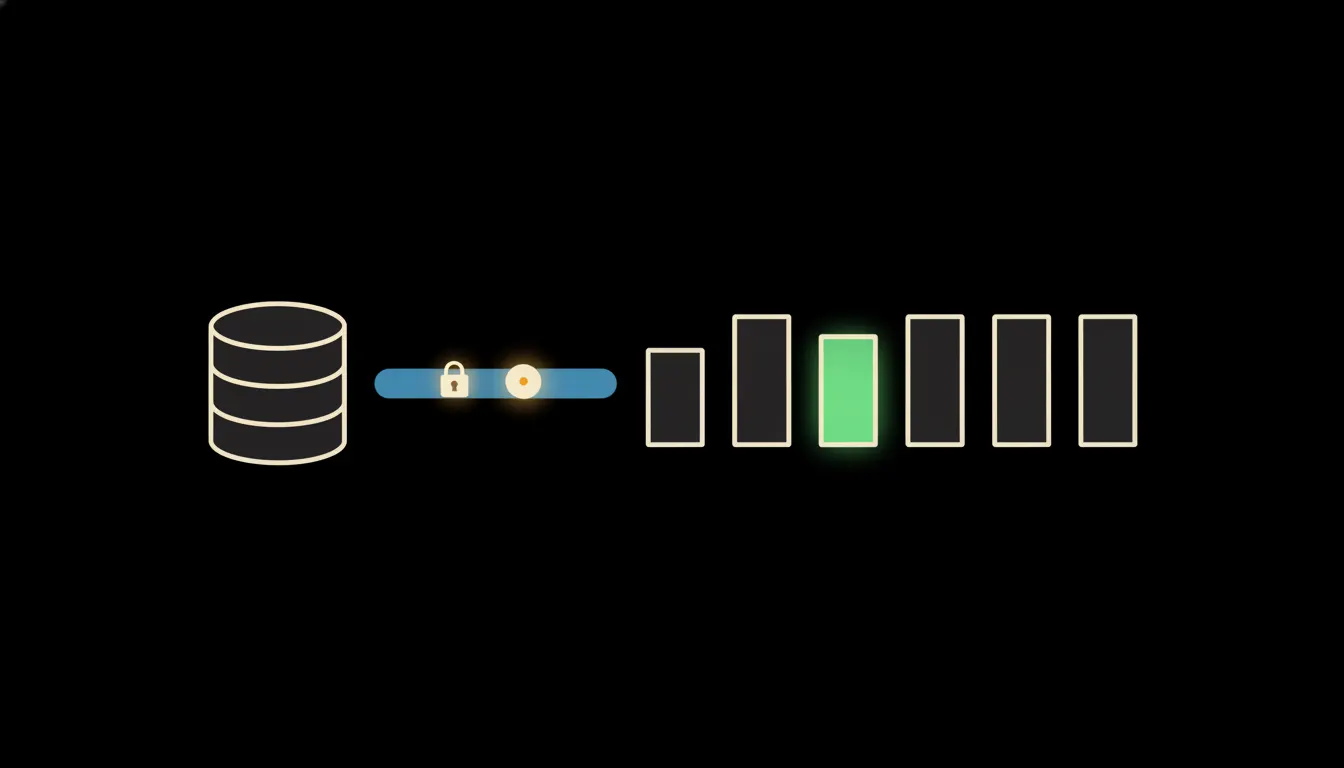
We put a small MCP server between Claude and your CRM. Think of it as a narrow, clearly fenced bridge: it can read the list of deals, the pipeline stages and the dates each deal entered and left each stage. Nothing more. From that, Claude works out how many days deals spend in each stage and can compare, say, this year with last.
The bridge carries the identity of the person asking. A sales rep sees only their own deals, the sales director sees the team, the owner sees the company. Exactly as your CRM is already set up. No export, no copy of your data sitting with a third party. The server runs on your cloud, and every query ends up in one audit trail.
Concretely: Raynet, Pipedrive or HubSpot
Your CRM stays where it is, and people keep working in it the way they do now. We only add the bridge. In our example, the team has five sales reps, a few hundred open deals and five stages: first contact, qualification, quote sent, negotiation, closed. Picking that pipeline apart by hand takes hours. Asking Claude takes a moment.
- Loads the deals and their stage transition history for the period you choose.
- Works out the median days in each stage and shows where the wait is longest.
- Compares periods, reps or customer segments, depending on what you ask.
- Lists the specific deals that have sat in one stage much longer than usual.
- Saves a repeatable review as a skill, so every manager runs it the same way.
Picture a manufacturer in Brno that sells components to other businesses. On Monday morning the owner asks: “Which stage are our deals stuck in longest this year?” Claude replies that it is the quote sent stage, at a little over five weeks on average, up from roughly three last year. It adds the twelve deals that have been waiting there the longest. The meeting then discusses reasons, not spreadsheets.
What AI reporting will not do, and why that is good
Claude can tell you where deals wait. It cannot tell you why. A long quote stage might mean slow internal price approval, a customer who only buys in January, or a rep who stopped calling after the quote went out. Only someone who knows the customers can tell those apart. And if reps do not move deals between stages on time, the numbers will be off. Claude can point that out. It cannot fix it for you.
The bridge writes nothing to the CRM. It does not move deals, change amounts or email customers. That is exactly why you can give it to the whole team without worrying: nothing in the CRM changes, and nobody sees more than they already could.
What it would take
Not a year-long project. We connect one MCP server to the CRM you already run, read-only, with sign-in through your own accounts. It runs on your infrastructure, takes its permissions from the CRM and logs every query to the audit trail. We usually start with one question management already asks, then grow from what proves useful.
What is left
The model is not the bottleneck. Claude computes a median in a second. The bottleneck is the path to the stage history your CRM has been collecting for years and nobody reads. We build that path safely, under your identity, on your infrastructure.
If you want to know where your deals sit the longest, write to us. A short call is enough for us to explain what a bridge to your CRM would look like and what it would cost.