Sales performance reports from the CRM share the same fate in most companies: the head of sales wants them on Monday morning, gets them on Wednesday, and by then they are out of date. The data is already in the CRM. What is missing is someone to pull it out calmly, add it up, and say where the deals are stuck.
The work nobody wants
Friday afternoon. Someone in sales, or an assistant, exports the deals from the CRM into a spreadsheet, filters them by rep, and works out how many meetings turned into offers and how many offers turned into signatures. Then comes the list of deals where nothing has happened for three weeks. The file goes out by email, regional leads tweak their copies, and on Monday two versions are circulating in the meeting.
The delay hurts more than the lost hours. In the meantime reps have logged new activity, one deal has moved a stage and another has fallen through. Half the meeting goes on whether the numbers are current, and only half on what to do about them.
The numbers live in the CRM. By the time they reach the meeting, they have become a spreadsheet we argue about.
— A Monday sales meeting, abridged
What it actually means
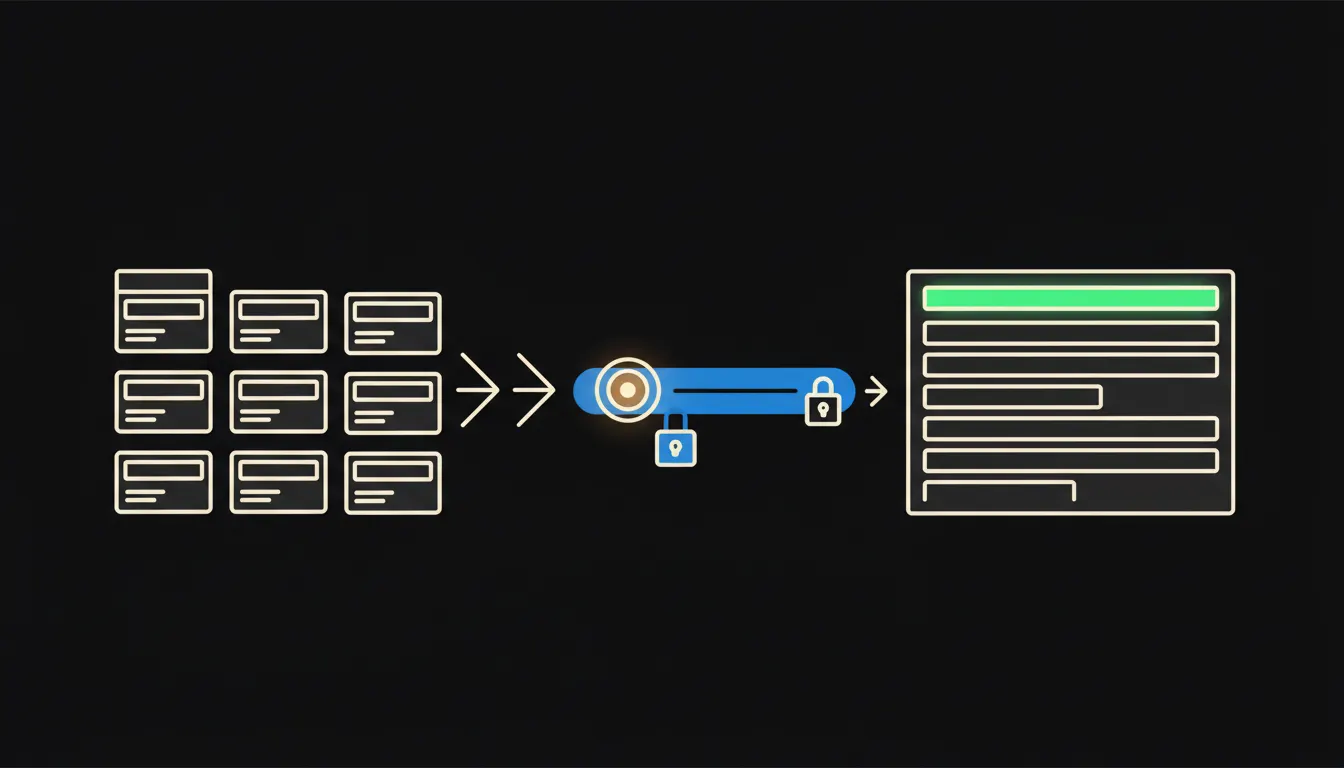
Claude connects to the CRM directly, through a small MCP server. Think of it as a socket with a fuse: it lets through exactly what the answer needs and nothing more. The lead types a plain question, say "who on the Brno team signed the most this month, and which offers are still waiting for a reply", and Claude looks at the live data and answers with an overview.
The bridge carries the identity of whoever is asking. The Brno lead sees Brno, the head of sales sees every region, a rep sees their own deals. We do not invent new rules; we use the ones your CRM already has. Nothing gets copied into spreadsheets, and nothing lands in someone else's cache.
Concretely: Raynet, Pipedrive or HubSpot
The CRM stays where it is, and reps keep working in it as they do today. We only add a bridge between the CRM and Claude. For a team of around ten reps, that is roughly a few hours a week that currently go into exporting, filtering and reconciling versions. The exact figure depends on how detailed your reports are now.
- Totals meetings, offers sent and signatures for any period, per rep and per team.
- Finds deals with no activity past a set threshold and says whose desk they are on.
- Compares this month with the last one and points out sharp swings in conversion.
- Prepares the Monday meeting brief in the format your team is used to.
- Always limits the query to the team the asker can access in the CRM.
Picture a distributor in Olomouc with six reps and one sales lead. At eight on Monday the lead types one sentence, and a minute later sees who had how many meetings, which offers are more than two weeks old, and which deal has moved since Friday. Nobody had to stay late on Friday to make it happen.
What AI reporting will not do, and why that's good
Claude does not know that the rep with three weeks of empty activity spent that time negotiating a large contract that is not in the CRM yet. It does not know that a key customer froze purchasing until the end of the quarter. It counts the numbers precisely, but it cannot judge what sits behind them.
So evaluating reps, talking with them and deciding bonuses stay with the lead. The permission boundary is just as firm: the overview never shows more than the asker is allowed to see. Those two limits are exactly why an owner can switch this on without worrying that personal performance data will drift around the company.
What it would take
One MCP server connected to your CRM, running on your own infrastructure and signed in with the user's identity. No year-long project, no CRM migration. Once the team agrees on what the weekly overview should look like, we save it as a shared skill in the library, and the next morning every lead can use it, always with their own permissions.
What's left
The model is not the bottleneck here. Claude can already add up deals and write a clear overview. The bottleneck is the gap between Claude and the data that has been sitting in your CRM all along. That gap is what we close: one bridge, your identity, your infrastructure.
If you would like to see how this would look on your CRM, write to us. A short call is enough: we walk through how your reports get made today and tell you what the bridge would take.