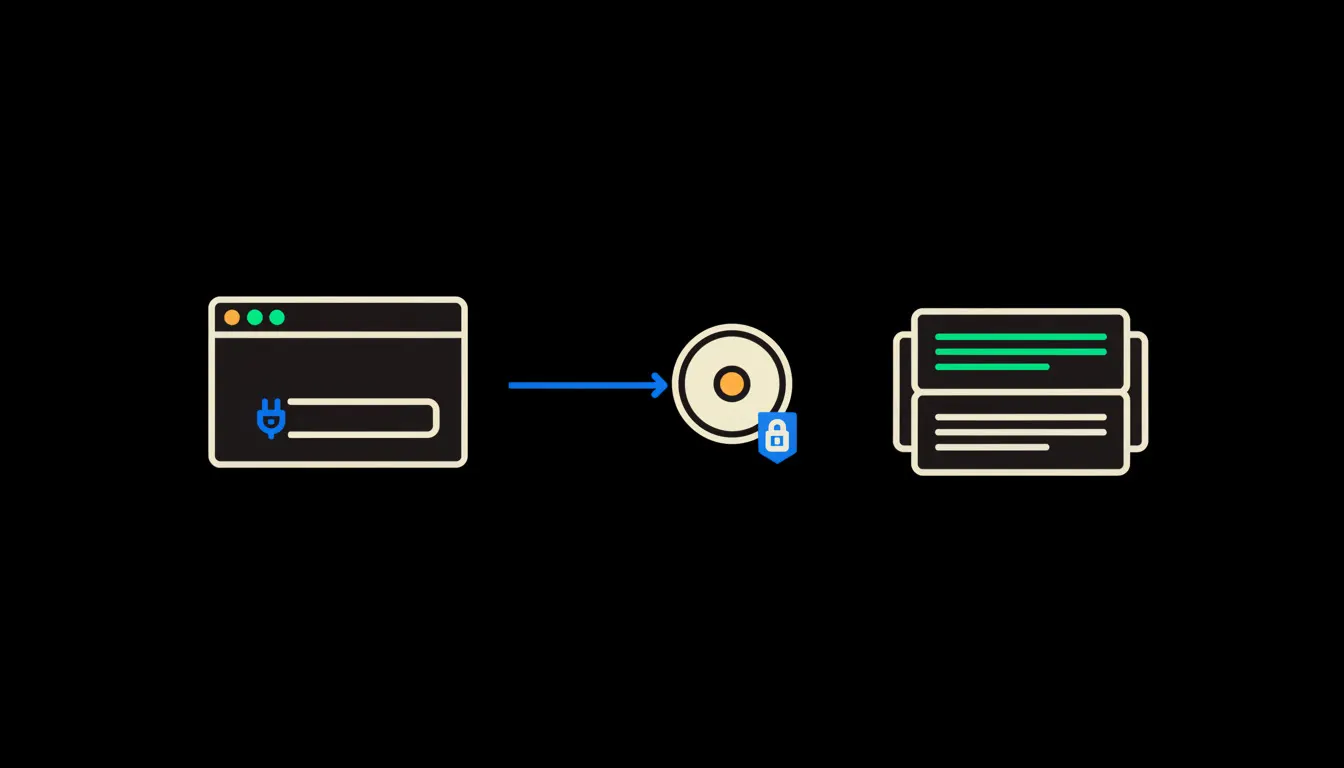
If you have spotted a small icon next to the message box in Claude and wondered what it is: it is your way into MCP servers, the connectors Claude uses to reach into other systems. When they are on, Claude can look things up in your accounting, your shared drive or your CRM. When they are off, it answers only from what you type and what it already learned. Either way, it reaches in with your permissions, never with a set of its own. The icon has looked different across app versions (it started as a small hammer, today it lives in a tools and connectors menu), but it still means the same thing.
Two modes, one window
Claude without connectors is like a capable colleague sitting in a meeting room with no laptop. It can write, calculate and reason, but it knows only what you tell it about your company. Ask about unpaid April invoices and it can only guess, or ask you to paste them in.
With connectors, that colleague has been handed keys to specific drawers. The icon by the message box tells you which ones. Click it and you see a list of connected MCP servers and, for each, the tools it offers, such as “find invoice” or “search documents”. When Claude uses one while answering, a line with the tool name appears in the conversation. Expand it and you see what Claude asked for and what came back.
The icon does not say Claude got smarter. It says where Claude is allowed to look.
— What to remember from your first week with MCP
What an MCP server is, in plain words
MCP stands for Model Context Protocol. It is an open standard Anthropic published at the end of 2024 so that AI assistants can connect to data and tools in one consistent way. An MCP server is a small program that sits between Claude and one specific system, say your accounting, and translates the questions of one into the language of the other.
Think of a counter at a public office. Claude arrives with a request, the clerk behind the counter (the MCP server) checks who is asking, and hands over only what that person is entitled to. The part that matters is “who is asking”. A well-built MCP server has no all-powerful access of its own. It carries the identity of the person typing in Claude, and the system behind it answers according to that person's rights. Nothing is copied into a stockpile. The server asks at the moment the answer is needed.
Concretely: the icon, Pohoda and a shared drive
Picture the accountant of a small company who runs the books in Pohoda and keeps contracts on Google Drive. Both stay exactly as they are. The only addition is a bridge: two small MCP servers, one for Pohoda and one for the drive. Both then appear under the icon in Claude, and the accountant can type an ordinary sentence: “Which customer invoices are more than 30 days overdue and have a late-payment penalty in the contract?” Here is how reading the icon fits into that:
- Before asking, she opens the icon and sees that Pohoda and the drive are both on. If one were missing, she would know up front that the answer will be incomplete.
- While Claude answers, a line appears saying it used the invoice search tool. Expanding it shows the exact query that went to Pohoda.
- For more sensitive steps, Claude asks whether it may use the tool. She allows it once, allows it always, or declines.
- Afterwards, the expanded steps show what came from Pohoda and what came from the contracts on the drive, and she can look anything up in the original system.
As an illustration: a three-person e-shop studio in Brno might have three connectors on, for shop orders, invoicing and a shared calendar. The owner asks in the morning what needs attention today, and the answer shows three small tool lines. There is no need to understand protocols. It is enough to know that each line means one look into one system, under the owner's own name.
What the icon will not do, and why that is good
The icon does not guarantee the answer is right. It shows where Claude drew from, not that it concluded exactly what you would have concluded. That is why it pays to expand the steps and, for anything important, check the source. Claude shrinks the work down to a review. It does not do the review for you.
Nor does the icon hand out permissions. It will not switch on access you do not have, and it will not route around your company's rules. If Claude should see more, a person has to be granted that first. It looks like a limitation. In practice it is the reason connectors can be trusted: they behave as predictably as the access rights your company already runs on.
What it would take
For most companies, no big project. You pick one or two systems your people use most. We build small MCP servers for them that run on your infrastructure, sign in with each user's own identity and write every access into a single audit trail. Your people then see exactly the connectors that belong to them under the icon, and nothing else. Routines you repeat, such as a morning receivables overview, we save as a skill in a shared library so the team can run them with one instruction.
What is left
The model is not the bottleneck. Claude already reads, summarises and calculates well. The bottleneck is the gap between Claude and the data your company already has. The small icon by the message box is where you can see whether that gap is closed, and under whose name.
If you would like your own systems to show up under that icon, write to us. On a short call we will work out which connector would save you the most time and tell you what building it would take.