Owners want one thing from the sales system: where do we stand. In most companies that means somebody exports the CRM, rebuilds the pipeline in a spreadsheet and sends it on Friday evening. By Monday the numbers have already moved.
The work nobody wants
The data is in the CRM. Getting it out in a shape the owner can read is the problem. The sales lead opens a filter, picks a period, switches the stage, exports a CSV, pastes it into a sheet, weights the pipeline, types in the three deals nobody updated, and mails the result.
It takes an hour, sometimes three. Because it takes that long, it happens once a week instead of when it is needed. Then the owner asks a follow-up (why did that one deal slip by two months?) and the answer arrives tomorrow, because it means another round of filtering.
The numbers are correct. They are also from last Friday.
— A management meeting, abridged
What a connected CRM actually means
Connected does not mean another dashboard. It means the owner asks in plain language and Claude looks straight into the CRM. Not a copy, not yesterday's export. The system the sales team works in every day.
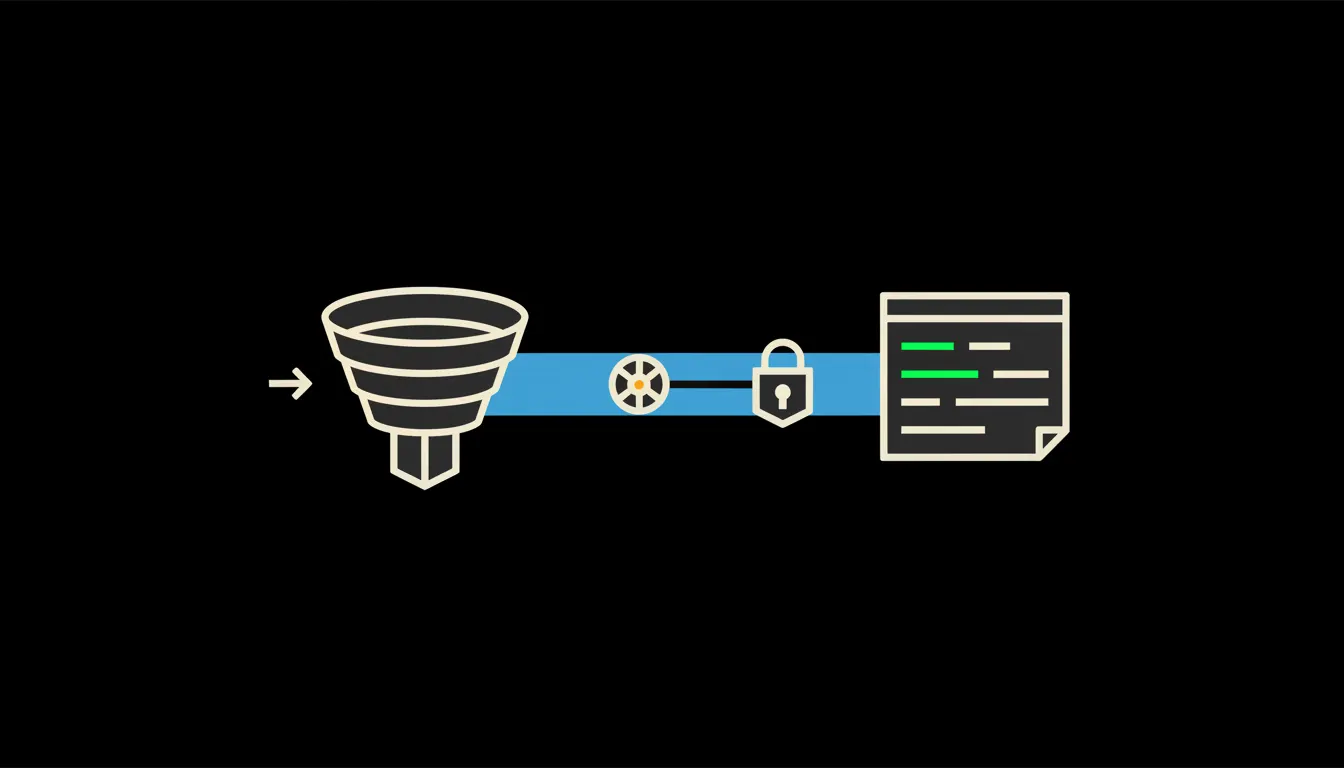
Between Claude and the CRM sits one small MCP server. MCP is the open standard Anthropic published for connecting models to the systems where data actually lives. That server does a handful of specific things: read deals, stages, owners, dates and change history. Nothing else. And it does them under the identity of whoever is asking.
Concretely: the CRM you already run
You do not change systems. Raynet, Anabix, Pipedrive, HubSpot: they all have an API and they all already hold what the owner is asking about. The bridge is added beside the CRM, the CRM stays where it is, and the sales team notices nothing. A company with twelve reps and a few hundred open deals fits inside one MCP server.
- Pipeline by stage, owner and expected close month.
- Deals that have not moved in a month, including when anyone last touched them.
- The gap between what was planned for this quarter and what is actually in it.
- New enquiries by source, so it is visible what marketing actually closes.
- Clients whose contract is ending and whom nobody has contacted yet.
Picture a fifteen-person B2B firm where the owner still sells. Monday morning, the question is: what moved above a hundred thousand last week, and where are we the blocker? The answer arrives in under a minute, with links to the individual CRM records. That is an illustrative example rather than a client case study, but it is what this kind of question looks like.
What CRM reporting will not do, and why that is good
Claude will not fill in what is not in the CRM. If a rep has not moved a stage in three weeks, the report shows the old state and says out loud that it is old. That is a feature. It is exactly where you find out that the record keeping stopped, and a spreadsheet usually hides that.
The bridge also changes nothing. It reads. It will not rewrite a stage, delete a deal or send a client an email. If you want write access later, that is a second step, approved separately. The boundary is narrow on purpose, because that is the only reason it makes sense to point this at live sales data at all.
What it would take
Access to your CRM API, a decision about who may see what, and a few days of work. The bridge runs on your infrastructure, in your tenant, with your audit log. It is not a year-long project and it does not start with a migration.
What is left
The model is not the bottleneck. The bottleneck is the distance between it and the data your company already has. The CRM has been holding that data for years. What is missing is a route from a plainly worded question to the records themselves.
The judgement stays with the owner. Which deal gets attention this week, who needs help, what to stop: the report will not decide that. It only stops those decisions from waiting for a Friday spreadsheet. Write to us. A short call is enough to check whether your CRM has the API for this and what the bridge could answer in the first week.