CRM reports for a vehicle service shop almost never come out of the CRM. They come out of a spreadsheet on a Friday afternoon, where somebody retypes jobs from the workshop system, vehicle records from a second database and invoices from the accounting package. The question behind all that work is simple: who has not been back this year, and whose service interval is coming up.
The work nobody wants
A workshop holds three truths about one customer and each one lives somewhere else. The CRM has the contact and the last quote. The job book has what was actually done to the car, when, how many hours it took and what the odometer read. The accounting system knows whether it was paid. A rental fleet adds a fourth truth: when the car was out, how far it went and how it came back.
Until those truths meet on one line, nobody can answer an ordinary commercial question quickly. The customer is filed in the CRM as a company, the car is registered to the director, the service history hangs off a plate that has since changed. The result is an hour of digging for a single phone call, or more often no phone call at all.
Ten years of history on the server, and nobody knows who to ring on Tuesday.
— A Friday afternoon in the service office, abridged
What connected actually means
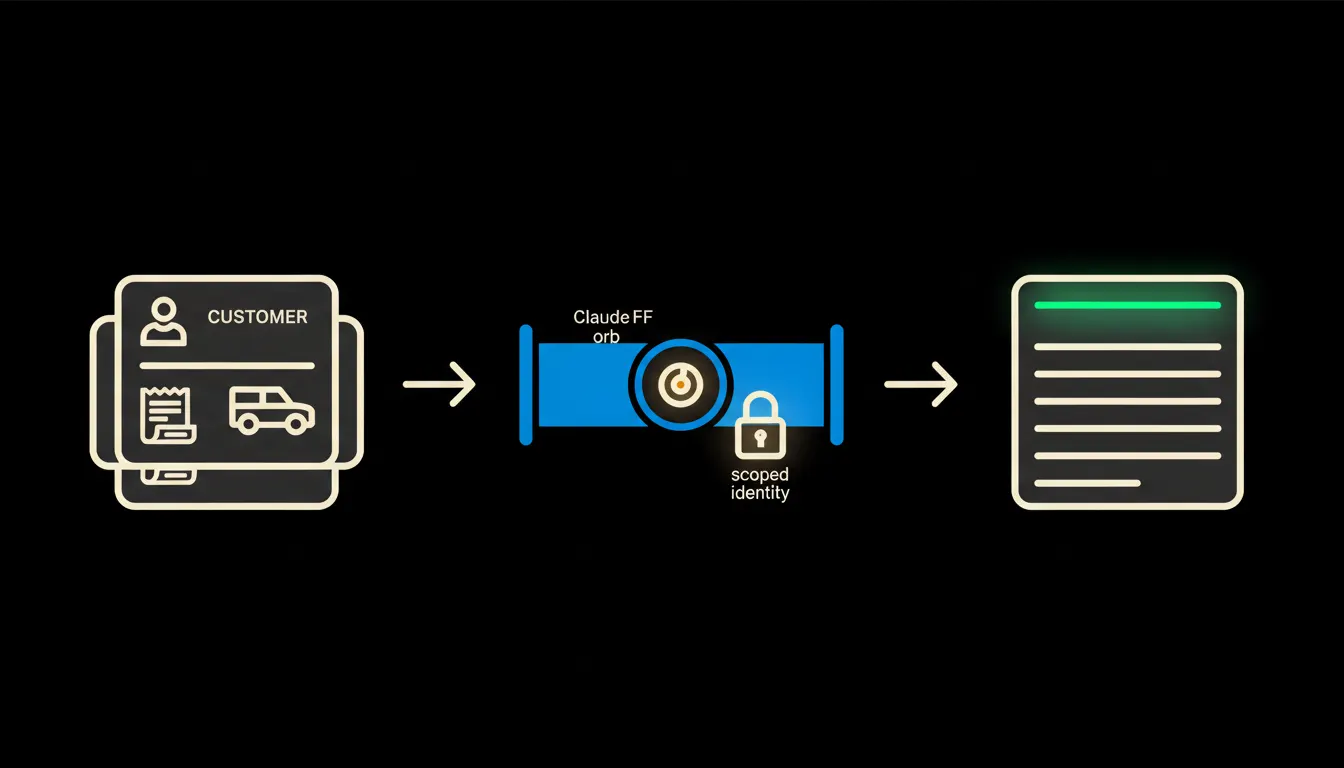
Claude knows nothing about your workshop on its own. It knows language, not your jobs. Connecting means we put a small bridge between Claude and each system, an MCP server. One over the CRM, one over the job book, one over invoicing. Each one does a few precisely defined things: find a vehicle by VIN, return jobs for a period, return invoice status for a customer.
Nothing is copied and nothing is migrated. The bridge reads at the moment somebody asks, then lets go. The systems stay where they are, along with the habits built around them. What is added is a path between them, and one question in plain language instead of three exports into a sheet.
Concretely: jobs, vehicles, invoices
Take a workshop with one bay line, five mechanics and a rental fleet of six cars. The CRM stays, the workshop system stays, Pohoda stays. What arrives is a bridge and one question asked on Monday morning instead of retyping on Friday. The list below is illustrative, not a price sheet.
- Matches plates and VINs from the vehicle record to jobs, even when the customer sits in the CRM under a company and the car under its director.
- Takes the odometer difference between the last two visits and the time between them, and estimates when the next service interval falls due.
- Pulls jobs where work was quoted and deferred, usually a timing belt or brakes, and never came back.
- Compares paid and unpaid invoices for the same customer, so the call list does not go out to somebody who has owed money since autumn.
- Lists rental cars approaching a statutory technical inspection date or a service interval based on mileage.
An owner running two workshops would ask it in one sentence: give me customers who came in during 2024 but not this year, whose car is more than four years old, whose last job was over ten thousand crowns. The answer is a list with a phone number, the last item of work and a link to the job. That is an illustrative example, not a case study.
What the report will not do, and why that is good
It does not ring anyone. It does not send offers. It does not write a single word into a job card. And it does not claim a car needs a timing belt: an interval estimated from the odometer and the calendar is an estimate, not a technician's decision. If a customer made a warranty complaint last year, the service advisor knows that, the report does not.
That boundary is the reason the pattern can be trusted. The bridge reads and assembles; writing and deciding stay in the original system and with the person accountable for them. Every line carries a link back to the job or invoice it came from, so it can be checked at the source in under a minute.
What it would take
This is not a year-long project and it is not a software replacement. You start with one system, usually the one holding the jobs, and one question somebody does by hand today. The first bridge is a matter of days rather than months. It runs on your cloud, under your access rules, and once a question proves useful it is saved as a skill anyone on the team can run next Monday with their own permissions.
What's left
The model is not the bottleneck. The bottleneck is the distance between Claude and the data you have been filling for ten years in job cards and vehicle records. That distance can be bridged, and it is less work than it looks.
Write to us. A short call is enough to work out where your data sits, and which single question is worth connecting first.