CRM reports on new customers usually stop at one number: how many you added. The more useful question is which of them came back for a second purchase and which ones quietly left. The answer sits half in the CRM and half in invoicing, which is why most companies never put it together on a regular basis.
The work nobody wants
Here is how it goes. The head of sales wants to know how last year's new customers are holding up. Someone exports the list of companies won in 2025 from the CRM, pulls the issued invoices out of accounting and matches the two in a spreadsheet by company ID. Then they chase the companies entered once as "Ltd" and once with the full legal form. Finally they count who has one invoice and who has two or more.
It takes half a day, the result is stale the moment it is finished, and in three months it has to be done again. Or it never gets done, and the company learns a customer has left only when someone notices there has been nothing to invoice for a while. In 2014 Harvard Business Review cited estimates that acquiring a new customer costs five to 25 times more than keeping an existing one. Even if your ratio is lower, the second purchase is where you find out whether the acquisition paid off.
We know exactly how many new customers we won last year. How many of them stayed, I have to ask accounting.
— A Thursday management meeting, abridged
What connecting the CRM to invoicing actually means
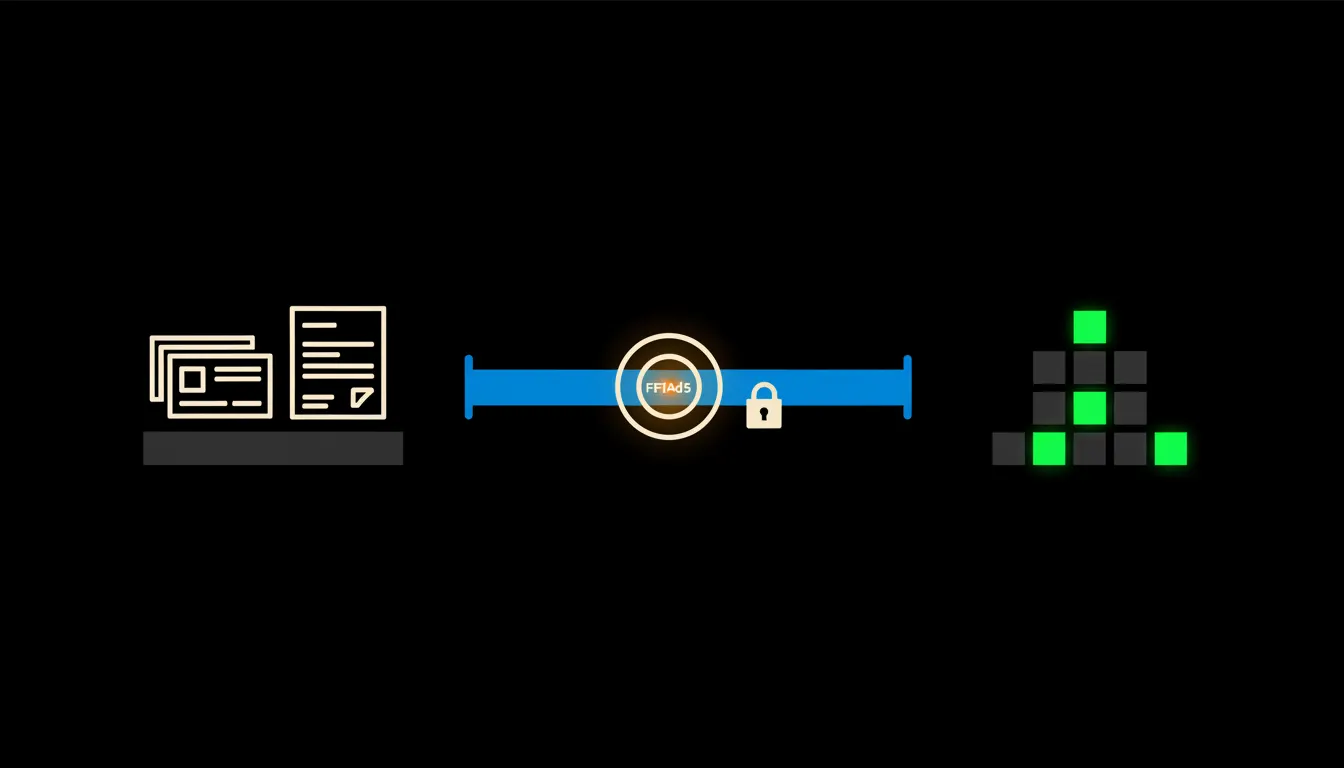
On its own, Claude does not know your customers. It can read and count, though, once it has access to the right data. That access comes from a small MCP server, a bridge between Claude and the system where the data already lives. One bridge goes to the CRM, another to invoicing. Nothing is copied anywhere and no new database appears.
The bridge carries your identity. When you ask, Claude sees what you would see in the CRM and in accounting. When a salesperson who covers only Moravia asks, they see only their Moravian customers. You ask in a plain sentence: "Which customers we won last spring have not bought from us again since?"
Concretely: Raynet and Pohoda
Take a company that runs sales in Raynet CRM and invoices in Pohoda. Both systems stay exactly as they are, two bridges are added. For a business winning a few hundred new customers a year, that means thousands of rows someone would otherwise match by hand (figures are indicative). The bridge handles this:
- Matches CRM companies to Pohoda invoice recipients by company ID. Where the ID is missing, it proposes a match by name and asks for confirmation.
- Groups new customers into cohorts by the month they arrived and works out what share of each cohort made a second purchase.
- Finds new customers who have been silent after their first order for longer than is normal for your business, and ranks them by the value of that first order.
- Adds the latest CRM activity to each one: who spoke to them, when and about what.
- Saves the whole routine as a skill, so next Monday anyone on the team can run the same report with one sentence.
Picture an office-supply wholesaler in Brno with three salespeople. As an illustration: on Monday morning the sales manager asks Claude one question and a minute later has a list of twelve companies that first ordered last September and have bought nothing since. For each one she sees who won it and when anyone last spoke to them. She splits the list between the salespeople and moves on to something else.
What this report will not do, and why that is good
Claude does not call the customer, does not send an automatic discount and does not decide that someone is no longer worth the effort. It shows the pattern and explains how it got there. The salesperson knows things the CRM does not: that the company is changing owners, that the buyer is on parental leave, that the second order always arrives in summer.
That boundary is the reason the report can be trusted. Every number traces back to a specific invoice and a specific CRM record. When something looks off, you ask: "Why is this company on the list?" And you get an answer that points to the data, not a guess.
What it would take
No year-long project and no new CRM. We start by sitting down with how a customer looks in your business and what counts as a second purchase. Then we build two bridges, deploy them on your infrastructure under your accounts and permissions, and set up the first report as a shared skill. Everything runs in your cloud, with one audit trail of who asked what.
What is left
The model is not the bottleneck. Claude can already work out cohorts and write a clear summary. The bottleneck is the gap between Claude and the data your company already has, split across two systems that do not talk to each other. That gap is what we close.
If you want to know how many of last year's new customers came back, write to us. On a short call we will go through which CRM and invoicing you use and what the first report would need.