CRM reports usually mean one of two things: a standard view somebody configured a year ago, or an export into a spreadsheet where two hours go into answering something you wanted to know in two minutes. The questions change every week. The reports do not.
The work nobody wants
On Tuesday someone asks why win rate on larger deals dropped in one region. The CRM has a report for it, but it uses a different definition of win rate than the sales director does. So somebody exports six months of opportunities, drops them into a spreadsheet, maps regions by postcode and removes the duplicates by hand.
By the evening it reads well. By the morning it is stale, because five deals moved overnight. And because the export travelled by email, a copy of the company pipeline now sits in five inboxes and on one private drive. Nobody is quite sure who still has it, or what was in it.
“Export it, send it over, I will recalculate it myself.” Three sentences, two hours of work, one more copy of the pipeline.
— A Monday sales meeting, abridged
What on demand actually means
On demand does not mean a faster report. It means you ask in your own words and the answer is computed from the live CRM at the moment you ask. “Which deals above two hundred thousand have not moved in three weeks, and who owns them?” is a normal question from a sales lead, not a ticket for IT.
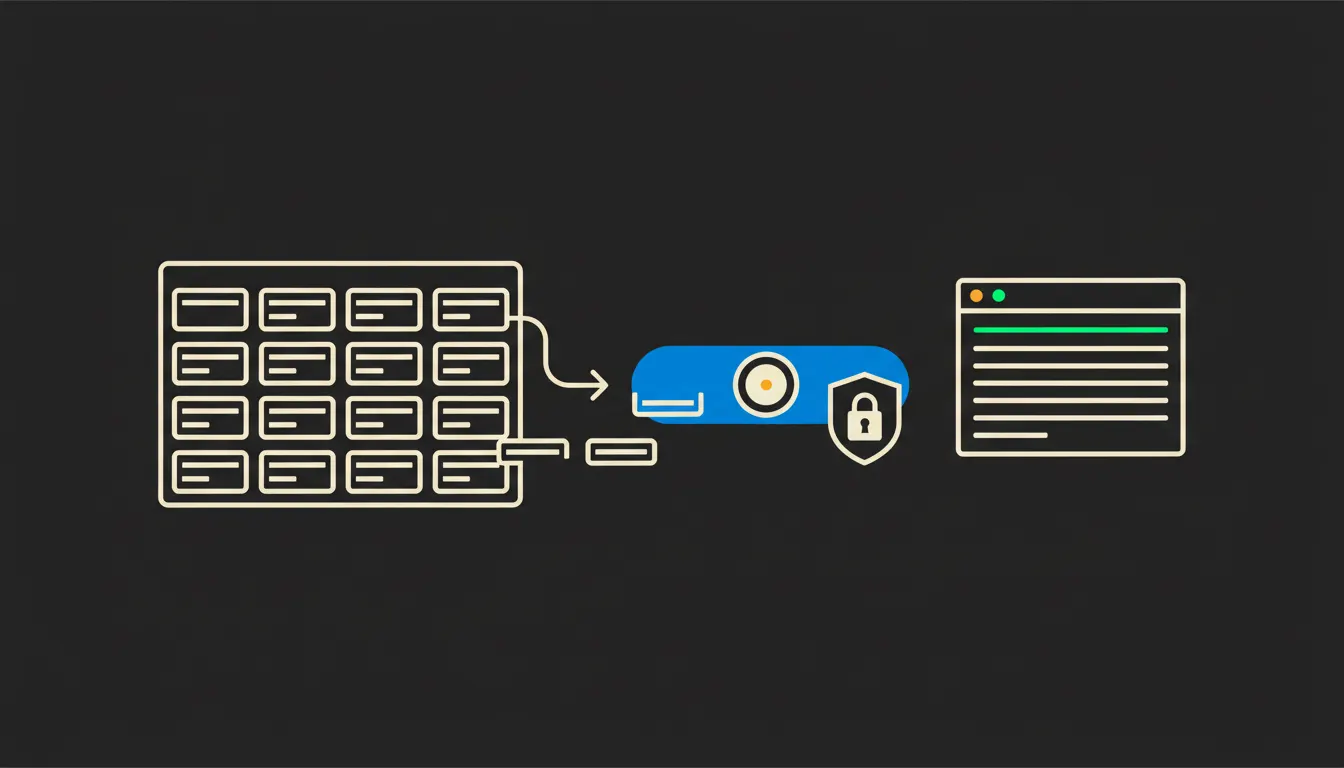
Underneath runs one small MCP server. MCP is an open protocol from Anthropic that lets Claude reach into a specific system. The server does not hand over the database. It offers a few precise operations: find opportunities by filter, load activity for a contact, sum a period. The data stays in the CRM. Nothing is copied out and nothing is indexed elsewhere.
Concretely: the CRM you already run
You do not change systems. Whether you run Raynet, eWay-CRM, Pipedrive or HubSpot, the principle is the same: a bridge is built over their API and it speaks the language of your fields and your stages. The scope tends to be smaller than expected, because in practice a company keeps asking variations of roughly fifteen questions. The rest are one-offs nobody built a report for anyway.
- Filters the pipeline by stage, amount, owner and date of last activity.
- Joins a deal to invoicing, so “won” means an invoice issued and paid in Pohoda or Fakturoid, not a column that moved.
- Enforces permissions at row and field level: someone without margin access gets revenue without margin.
- Writes back only what you allow, a note on a deal for instance, never a change of amount or owner.
- Logs every question: who asked, when, about what, and which data came back.
A small team with five reps might use it like this: on Monday morning the lead asks for deals with no activity for more than ten days, gets a list with owner names, and for the three largest a short summary of the conversation so far. An hour of meeting prep becomes ten minutes and a decision about who gets a call today. The figures are illustrative; the real saving depends on how long one export takes you now.
What reporting with Claude will not do, and why that is good
It will not guess what you meant. If the company holds three definitions of an active customer, the bridge does not invent a fourth. It forces you to pick one and write it into a shared skill that everyone then uses the same way. That is twenty uncomfortable minutes, after which nobody argues about the definition again.
More importantly, it will not decide. It will tell you that win rate on deals above half a million fell in one region, and show the records the conclusion came from. Whether the cause is pricing, a competitor, or the rep who left in March is your call. That limit is exactly why the output can be trusted: it has no way to flatter itself, and every figure traces back to rows the person asking was already entitled to see.
What it would take
API access to your CRM, half an hour to settle roles (who sees margin, who sees the whole company, who sees one region only) and a few days for the first bridge. It runs on your infrastructure, in your tenant, with your audit trail. This is not a year-long programme. It is one connector, followed by a list of questions the team keeps extending on its own.
What is left
The model is not the bottleneck. The bottleneck is the distance between Claude and the data your company has paid for and maintained for years. The CRM holds those numbers. It just releases them in a shape you have to wait for, and in copies you cannot call back.
Write to us. On a short call we can walk through your CRM, your roles and the three questions you currently wait longest for. Half an hour is usually enough to see whether to start with the pipeline or with invoicing.