Almost every Czech company selling more than a handful of deals a month runs some CRM. Raynet, eWay-CRM, Anabix, Pipedrive, HubSpot, and in the smallest teams a shared spreadsheet everyone calls the CRM. Recording works. Answering does not: the data is in there, but getting something usable out of it before a meeting costs half an hour of clicking.
The work nobody wants to do
A rep has three meetings on Tuesday. Before the first one he opens the CRM and reads the last activities. Then he switches to mail, because the sentence that mattered was in an email nobody logged. Then he digs on the shared drive for last year’s proposal, to see where the price ended up. Three systems, one meeting.
On Monday the same thing happens at scale. Management wants to know what moved in the pipeline, which deals are stuck and why. So somebody exports to a spreadsheet, recalculates, adds comments. The report is finished on Wednesday and out of date by Friday.
Half an hour of searching, ten minutes of talking.
— Meeting prep, abridged
What a connected CRM actually means
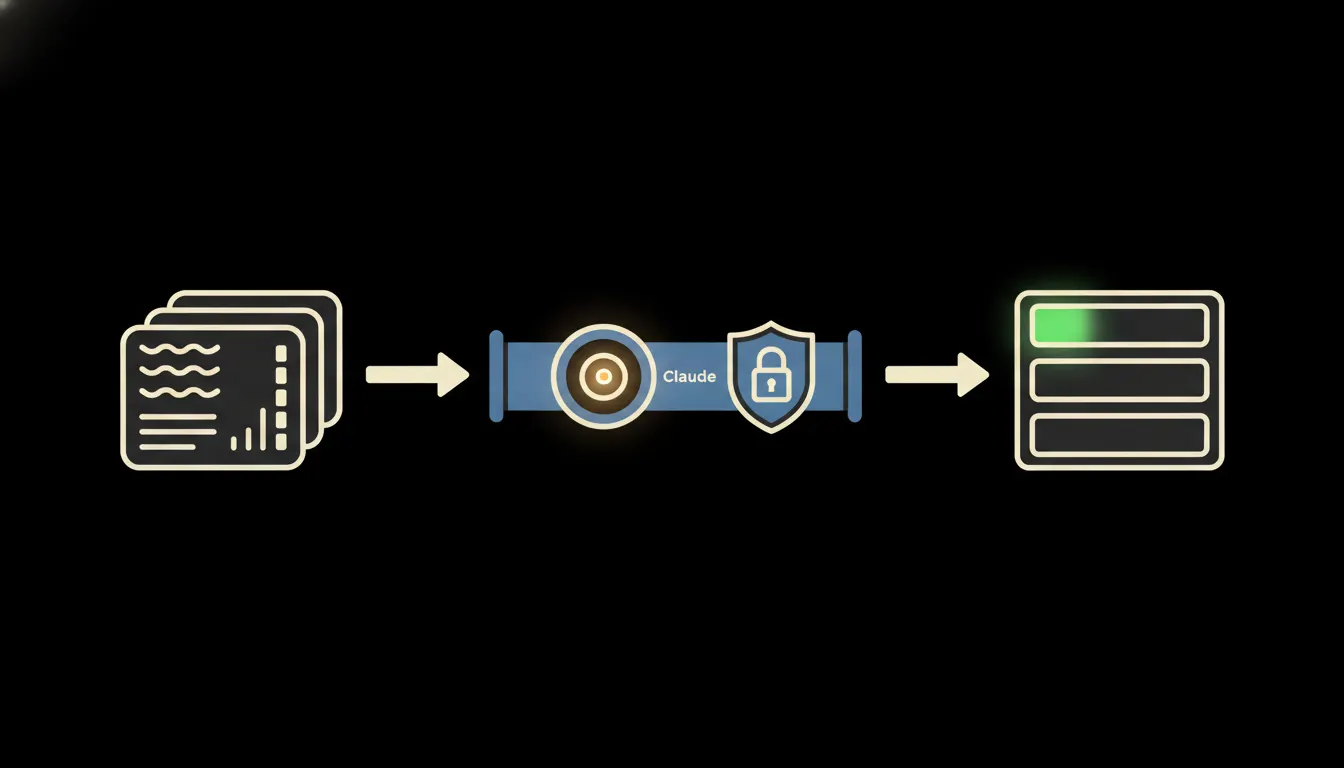
Connecting does not mean uploading the database somewhere. It means opening a narrow window onto the CRM through which Claude can ask a specific question: show me deals above one hundred thousand that have not moved in two weeks. The data stays where it is. Nothing is copied, nothing is indexed into someone else’s cache. Claude asks and gets an answer.
That window is an MCP server. It is deliberately small: one system, one clearly defined set of operations. And it carries the identity of the person asking. A rep who owns two regions in the CRM gets answers about those two regions. A director sees the whole company. Permissions are not reinvented in the AI layer, they come straight from the CRM.
Concretely: CRM, mail and invoicing side by side
Nothing on the company side has to change. Raynet, eWay-CRM, Anabix, Pipedrive or HubSpot stay exactly where they are and the sales team keeps working in them. Only the bridge is new. For a normal CRM with an open API that is days of work, not quarters, because nobody is building a new system, only opening a narrow window onto the existing one.
- Summarises the whole relationship across CRM, mail and calendar into five sentences before a meeting.
- Finds deals that have not moved for a while and ranks them by value and last activity.
- Prepares the Monday pipeline brief, including what changed during the week.
- After a meeting, drafts the note and the next step against the right contact in the CRM.
- Checks accounting for overdue invoices before the rep sends the client another proposal.
Take a four-person sales team that currently spends roughly half a day a week each on prep and reporting. Some of that time comes back to selling. This is an illustrative example, not a measurement at a named client. The order of magnitude holds though: selling does not disappear, searching does.
What a connected CRM will not do, and why that is good
It will not close the deal. It does not decide a discount, does not call the client and does not send a proposal nobody read. It prepares the brief and drafts the text. Confirmation stays with a person.
That boundary is not extra caution, it is the reason the pattern can be trusted. A system that sends proposals on its own has to be watched. A system that drafts and waits for one click watches itself: a bad brief is caught while reading it, not at the client. On top of that, every question and every write into the CRM stays in the audit log, so it is always clear afterwards who asked what.
What it would take
You start with the single question somebody answers by hand most often. One MCP server gets built on top of your CRM. It runs on your own cloud, under your sign-in, with your audit log. When it makes sense, a second system joins: mail, the shared drive, accounting. This is not a year-long programme, it is a series of small bridges, each with its own clear boundary.
What is left
The model is not the bottleneck. Claude can summarise a client relationship today. The bottleneck is the distance between it and the database your company has been filling for years. That distance is what we close.
If you want to see what this would look like on your CRM, write to us. A short call is enough to work out which question costs you the most, and whether it is worth building the first bridge for it.