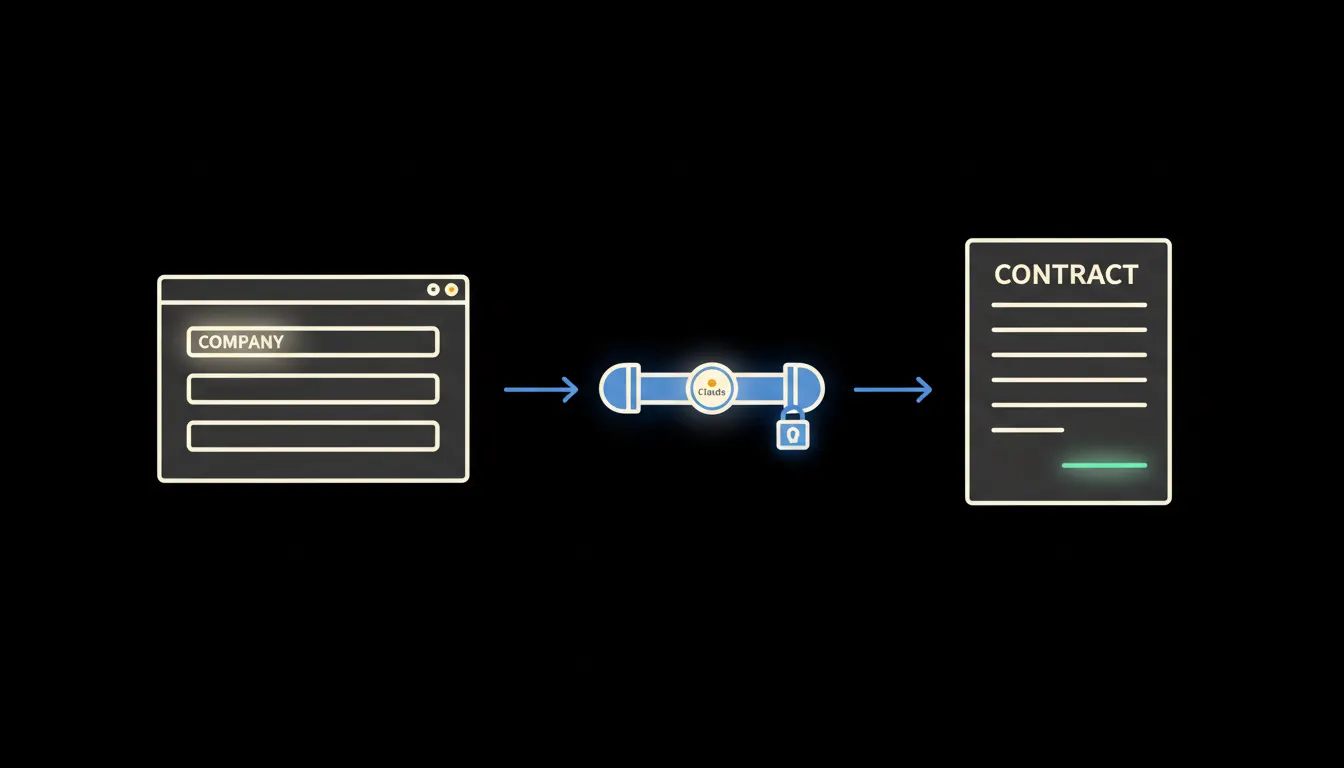
The customer says yes on the call. The rep hangs up feeling good. Then they start searching for the right contract template, retyping the company name, registration number, price, delivery timeline — and forwarding a draft to legal for review. By the time it arrives, the customer has cooled. This delay does not just cost companies time. It costs them deals.
The work nobody wants to do
Preparing a standard B2B contract looks simple on paper. In practice it is a sequence of small, tedious steps: open the Word template, find the customer record in the CRM, copy the name, address, registration number. Check that the price in the proposal matches what was agreed verbally. Fill in the start date, payment terms, save as a new file, name it with a convention that lives only in your head.
For a straightforward service contract this easily takes an hour. For a more complex engagement with a specification annex, longer still. And that assumes the rep finds the right template on the first try — not last year's version that no longer applies.
The customer said they would sign straight away. We sent them a draft two days later. By then they had changed their mind.
— Real situation from a sales team, anonymised
What it means to have Claude in your CRM
AI stack places a single small MCP server between Claude and your CRM. That server knows who is asking — it carries the identity of the specific sales rep, their permissions, their view of the customer. Claude does not need access to the full database. It sees only what that rep would see if they logged in manually.
The rep ends the call and types: "Prepare a contract draft for Novak s.r.o., monthly service, price as per the proposal." Claude reads the CRM record, pulls the commercial terms from the skills library, fills in the correct data, and returns a finished draft — in the format the company uses, with clauses pre-approved by legal. The rep reviews it, adds any exception if needed, and the contract goes to the customer that same day.
Concretely: Raynet, HubSpot, or Pipedrive
Your CRM stays unchanged. The MCP server connects to its API and makes the customer record, communication history, current proposal, and contract templates stored in the skills library available to Claude. The rep does not need a new tool — they work in the interface they already know. Claude is an added layer, not a replacement.
- Reads contact and company data directly from the CRM record
- Pulls price and scope from the current proposal or the latest deal entry
- Applies the legal-approved contract template stored in the skills library, versioned
- Checks data consistency (registration number, address, currency) before generating the draft
- Returns a document ready for the rep's final review — not for retyping
A sales team closing dozens of contracts a month eliminates routine retyping as a daily task. The rep's time moves to where it matters: reviewing terms and talking to the customer — not toggling between Word and CRM tabs.
What Claude will not do when drafting a contract — and why that is good
Claude does not negotiate terms on the rep's behalf. It does not decide on discounts, does not assess a non-standard clause from the customer, does not sign. Every draft it generates passes through human hands. This boundary is not a technical limitation — it is intentional design.
Contract terms are where every word matters and where a mistake can have legal consequences. Claude handles precisely the part of the work that is repetitive and already documented. What is non-standard, exceptional, or legally sensitive stays with a person. That is how it should be.
What it would take at your company
No year-long project. The MCP server for your CRM — Raynet, HubSpot, or Pipedrive — is configured once. The skills library receives your contract templates in the form your legal team has already approved. The entire infrastructure runs on your own cloud instance: one environment, one audit trail, no data at an external vendor.
What remains
The model is not the bottleneck. Claude can assemble a contract faster than a rep opens Word. The bottleneck is the distance between Claude and the data your company already has — CRM records, approved templates, customer history. That distance is what we close.
If you want to know how long it would take to connect your CRM and how many contracts that would affect, write to us. A short call is enough to estimate the scope — and for you to decide whether it makes sense.