A CRM report on inactive customers should answer two questions: who stopped buying from you, and who to call first. Almost every company already has the data. The CRM knows who you talked to, invoicing knows who paid. Nobody puts the two together, because it takes an afternoon and nobody has that afternoon spare.
The work nobody wants
It usually goes like this. Someone in sales or marketing exports contacts from the CRM into a spreadsheet. Then they pull two years of invoices out of accounting into a second one. Then comes the matching, by company ID (written with a space in one system and without in the other) and by company names that have changed since.
Three hours later there is a list. It is already a week older than the data behind it, and within a month it is stale. So it gets done once a quarter, and in a busy quarter not at all. Customers who quietly moved elsewhere in the meantime don't call to tell you. They just stop coming.
The most expensive customer is the one whose departure you learn about from the annual revenue report.
— A quarterly meeting, abridged
What a connected CRM actually means
Connected does not mean another system or a new dashboard. It means Claude can look into the CRM and the invoicing the way you would, and answer a question asked in a plain sentence: which customers who ordered regularly last year have had no invoice since February?
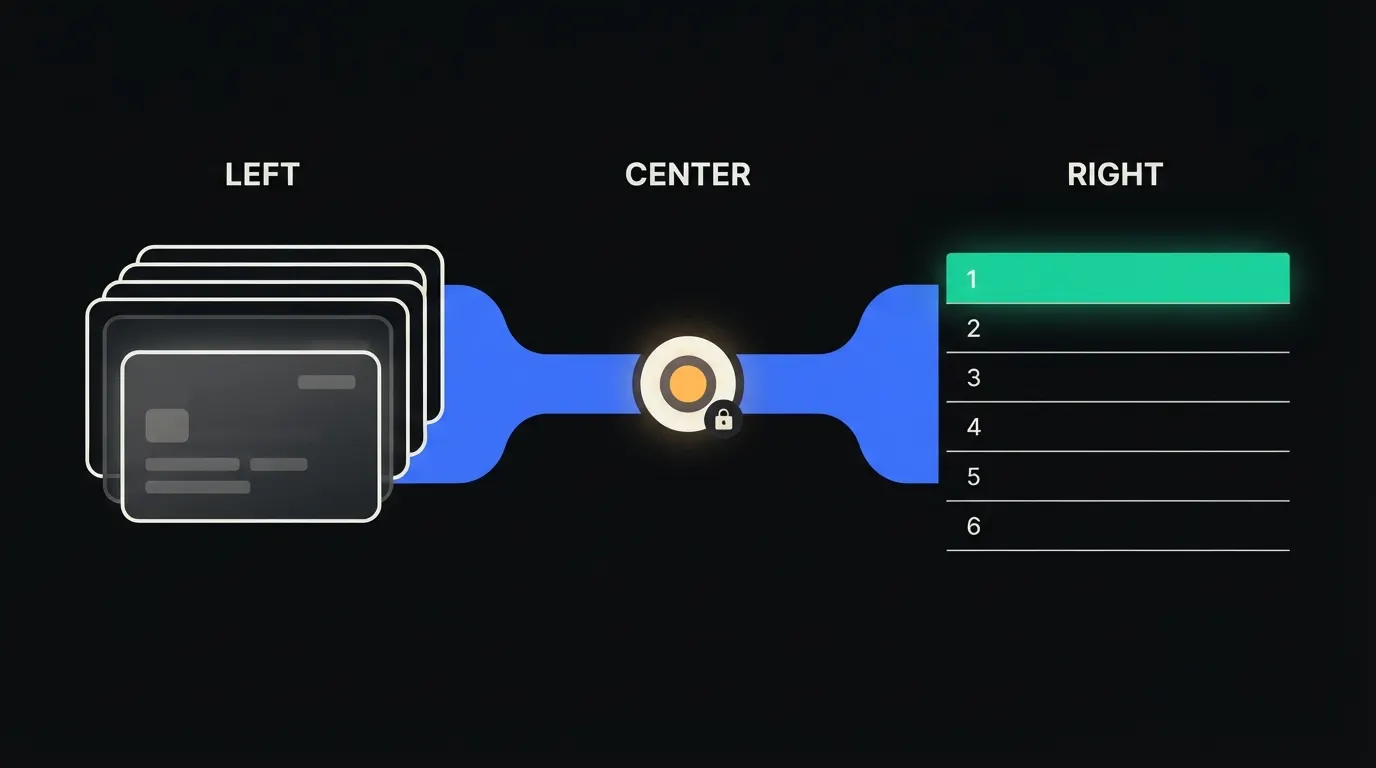
Between Claude and each system sits a small MCP server. Think of it as a receptionist holding your badge: it lets Claude in only where you are allowed, and carries nothing out. The data stays in the CRM and in accounting, where it already lives. No copy, no export lying around in someone's folder.
Concretely: Raynet and Pohoda
Take a company that runs sales in Raynet and invoices in Pohoda. Both systems stay as they are and nobody has to learn anything new. Two small MCP servers are added, one per system. For a company with a few hundred active customers, purely as a rough illustration, that is a few weeks of work, not months.
- Finds each customer's last invoice in Pohoda and matches it to the account in Raynet by company ID.
- Compares how often the customer used to buy with how long it has been quiet. Someone who ordered monthly and has gone three months without an order moves to the top.
- Adds context from the CRM: who owns the account, when the last call happened, whether a complaint is still open.
- Suggests a reason to get in touch based on what the customer bought last, and leaves it for the salesperson to approve.
Say a small coffee wholesaler in Brno has four salespeople and around three hundred cafés as customers. Instead of a quarterly spreadsheet, the owner types on Monday morning: which cafés in the South Moravian region haven't ordered since January, and why might that be? A minute later there are twelve names, each with the last order and a note from the last call. An illustrative example, not a customer case.
What the report won't do, and why that's good
Claude does not email or call anyone on its own. It doesn't know that the owner of the café on the corner left over a dispute about one delivery and now needs an apology, not a discount. The salesperson knows that. The report saves the searching, not the conversation.
It also does not post to accounting or change anything in the CRM without approval. It reads, ranks and suggests. That is exactly why it can be trusted with the data the company runs on: the boundary is clear, and every query shows up in the audit trail.
What it would take
No year-long project. On a first call we go through where your customers live and where your invoices live. Then we build MCP servers for those two systems and deploy them on your infrastructure, under your identities, with a single audit trail. If the report earns its keep, we save it as a skill in your library, so every salesperson can run the same question with their own permissions.
What's left
The model is not the bottleneck here. Claude can rank three hundred customers by who has gone quiet and write a sensible reason to get in touch with each one. The bottleneck is the gap between Claude and the data you already have, split across two systems that don't talk to each other. That gap is what we close.
If you suspect some customers are quietly drifting away and you can't say exactly which ones, write to us. A short call: we look at where your data lives and tell you what connecting it would take.